How to Secure a Server Room in Ontario, and Who Should Install It
How to secure a server room in Ontario: the layers that matter, what regulators and procurement rules say, and who should install the security.
Key points
- A secure server room needs walls to the slab, a card-controlled door that logs entries, a door alarm, cameras and a short access list.
- RCMP guidance for federal departments says server room walls that stop at a suspended ceiling do not meet the requirements of a server room.
- OSFI Guideline B-13 expects banks to define and implement physical access controls that protect network infrastructure from unauthorized access.
- Ontario hospitals, school boards, colleges and universities must run an open competitive process for purchases of $139,000 or more.
- Below $139,000, those institutions must give preference to Ontario businesses, which can mean a 10 per cent evaluation advantage.
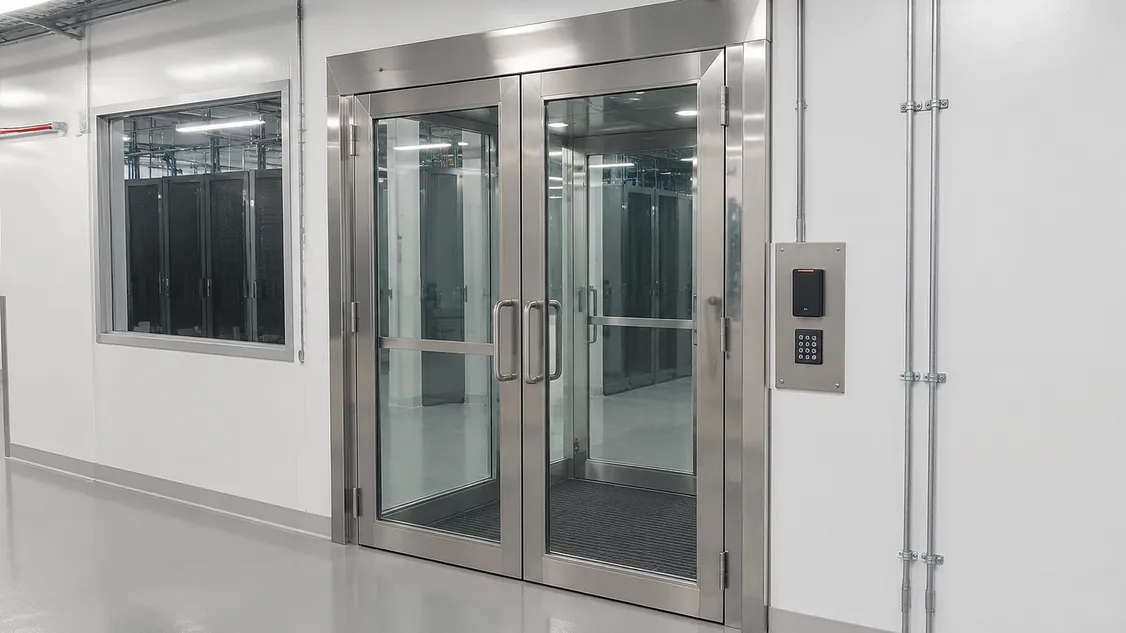
Your server room probably started as a spare room with a keyed lock. Now it holds the systems your school, clinic, town office or branch can’t run without. To secure a server room properly you need a few layers: walls that run to the slab above, one controlled door with a card reader that logs every entry, an alarm on that door, cameras on the door and racks, and a short list of people allowed in. Have one security installer put in the access control, cameras, alarm and cabling as a single scope. That installer works with your IT team on the network side and with your fire alarm company on any door release.
Below you’ll find what each layer does, what the rules say, who carries which piece, and how to hire the installer.
What does a secure server room need?
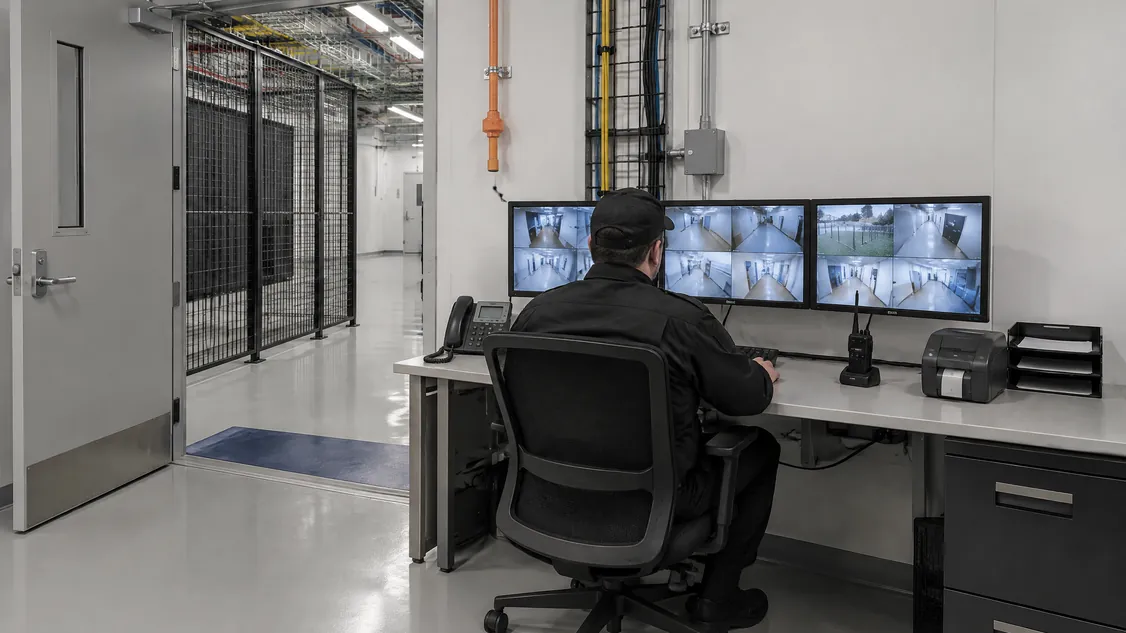
A secure server room needs a boundary nobody can get around, one controlled entrance, a record of who went in, an alert when the door is forced or left open, and video of the door and racks. Each layer covers a gap in the others. The card reader stops casual entry, the alarm catches what the reader misses, and the camera shows who was actually there.
The clearest Canadian benchmark comes from the RCMP’s Lead Security Agency. Its Guide to the Application of Physical Security Zones (GCPSG-015, 2024) says federal government servers “must be located in a separate room with access control measures such as a mechanical lock or electronic card reader.” It adds that rooms with walls that stop at a suspended ceiling “would not meet the requirements of a server room,” since the ceiling space can be a way in from next door. The guide is written for federal departments, but the logic carries over. It also notes that the more people who are granted access, the higher the chance of compromise.
| Layer | What it does | What you decide |
|---|---|---|
| Room boundary | Walls to the slab, solid door and frame | Whether the ceiling space is open to the next room |
| Card access | Electrified lock, reader, a log of every entry | Who is on the list, how keys are controlled |
| Door alarm | Door contact, forced and held-open alerts, motion sensor | Who gets the alert after hours |
| Cameras | Door approach and the racks | How long video is kept, who can view it |
| Panels and cable | Controller and recorder kept in secured space | Which network ports and circuits the system uses |
What do Ontario rules expect for a server room?
The expectations come from three places: your sector’s regulator, the building code if the door uses a magnetic lock, and your purchasing rules if you are a public body. Banks have the most explicit wording. For hospitals, school boards and universities, the rules mostly apply when they buy the work, which the procurement section below covers.
For federally regulated banks, OSFI’s Guideline B-13 on Technology and Cyber Risk Management says institutions “should define and implement physical access management controls and processes to protect network infrastructure and other technology assets from unauthorized access and environmental hazards.” When anyone asks how you meet that, a logged card reader and recorded video give you records to show them.
Your choice of lock can also bring in other trades. The City of London’s maglock permit guide, based on the 2024 Ontario Building Code, says fire alarm drawings “must be prepared and sealed by a P.Eng. licensed in Ontario,” and that installation and verification must follow CAN/ULC-S524 and CAN/ULC-S537. Choose the lock type early, so permit time and fire alarm work show up in the plan and not as surprises.
Who should install server room security?
Server room security should go to one commercial security installer that carries access control, cameras, intrusion alarms and low-voltage cabling as a single scope. You then have one firm accountable for how the parts work together, one set of as-built drawings and one number to call for service. Your IT team keeps the network and the access list, and your fire alarm company handles any release connection.
Splitting the work between a locksmith, IT staff and a camera vendor tends to leave gaps: a reader nobody watches, a camera on a separate recorder, a door alarm that reports to no one.
| Task | Usually carried by |
|---|---|
| Readers, lock wiring, door controller, programming | Security installer |
| Cameras and recorder or video software | Security installer |
| Door contact, motion sensor, alarm panel, monitoring link | Security installer |
| Cable from devices to panels and the network cabinet | Security installer |
| Network ports and firewall rules for security devices | Your IT team, with the installer |
| Fire alarm release and verification for mag locks | Fire alarm contractor, coordinated by the installer |
| Who is on the access list | Your IT and facilities leads |
In an occupied building, ask how the installer will keep the room locked during the changeover. The old lock can often stay in place until the new reader has been tested. Our access control page covers the system side.
How do Ontario public institutions hire a security installer?
Hospitals, school boards, colleges and universities follow Ontario’s Broader Public Sector Procurement Directive. Under the version in effect since April 13, 2026, purchases of $139,000 or more must go through an open competitive process. From $10,000 up to that amount, the directive recommends an invitational process with at least three suppliers. Municipalities, banks and private clinics follow their own purchasing policies.
The BPS Procurement Directive also requires bid documents to “clearly outline mandatory, rated, and other criteria that will be used to evaluate submissions, including weight of each criterion.” That lets you score what matters for a server room as well as price: service response, as-built drawings, training and a changeover plan.
Ontario also expects public bodies to buy local. Supply Ontario’s Building Ontario Businesses guide for buyers says that for goods and services below $139,000, these institutions “must give preference to Ontario businesses,” either by limiting the process to Ontario businesses or by applying “a 10 per cent evaluation advantage.” A single server room upgrade can fall under that threshold, so inviting Ontario installers fits the rule. Our RFP checklist for Ontario property teams helps with writing the scope.
What should you ask before awarding the work?
Before you award the work, ask how the installer will handle your room once the job is done. You need to know how they change over without leaving the room exposed, what records you get at handover, who owns the passwords and licences, and how fast they respond to a failed door. The answers decide whether the system can still be audited in year three.
- Will you survey the room, ceiling and door before quoting?
- How will the room stay locked during the changeover?
- Do we get as-built drawings, a device list and admin credentials?
- Who owns the software licences, and what do renewals cost?
- How long are entry logs and video kept, and can we export them?
- What is your response time for a door or camera fault?
How do we bring Securitron in on our server room?
Book a site walk-through with Securitron. We’ll look at the room, door, ceiling and network cabinet, then give you a written scope you can use for approval or a tender. If you’re tendering, add Securitron to your invited bidders list. If you can hire directly, we’ll quote and plan the work around your operating hours.
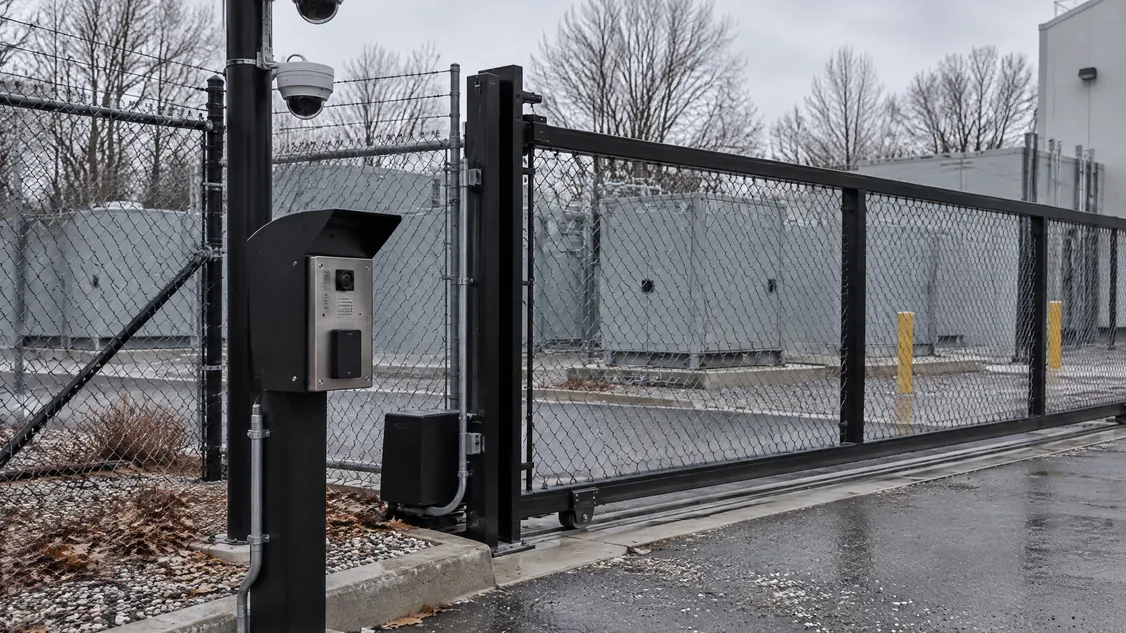
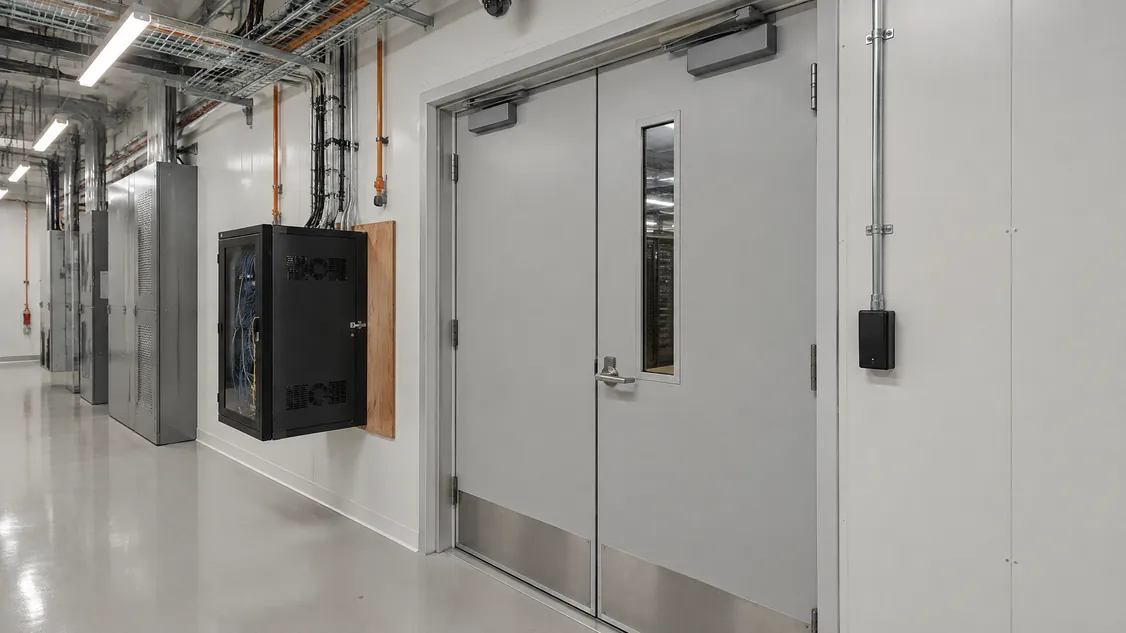
Securitron has installed and serviced cameras, access control, intrusion alarms, intercom and structured cabling across the GTA since 2008. In 2026 we installed the security on a newly built Toronto data centre, including the cameras, cabling and a wall-mounted network cabinet. Our data centre page shows the kind of work involved.
Frequently Asked Questions
A camera at the door shows who went in. A camera inside shows what they did at the racks. Many institutions use both. Aim the inside camera at the racks and aisle, not at screens or keyboards, and check the placement with your privacy office before installing.
Review the list on a fixed schedule, and also whenever someone leaves or changes roles. The RCMP's physical security zones guide says organizations should revoke access when it is no longer required. A card system makes this quick, because removing one card takes effect at once and the change is logged.
There is no reliable public per-door figure for Ontario. The price depends on the door and frame, the lock type, cable distance to the controller, any fire alarm interface and software licensing. Ask for an itemized quote that lists each door, camera and alarm device so you can compare bids line by line.
If nobody is on site after hours, a forced-door or motion alert has to reach someone who can act on it. That can be a monitoring station, on-call staff, or both. The RCMP guide treats electronic intrusion detection as one way to monitor a sensitive space continuously.
Securitron installs and services cameras, access control and alarms across the Greater Toronto Area and Hamilton, from our head office in Hamilton. That includes Toronto; Mississauga and Brampton in Peel; Vaughan, Markham and Richmond Hill in York Region; Oakville, Burlington and Milton in Halton; Pickering, Ajax, Whitby and Oshawa in Durham; and Hamilton, Guelph and Kitchener. For a job elsewhere in Ontario, call (905) 730-2425 to check.