Contractor badges that never expire
A badge issued for a two-day generator repair can stay active for months unless someone owns the end date.
Cameras, access control and alarms for the equipment yard, the dock, the data hall and every room in between. Installed and tested with your operations team.
Or call (905) 730-2425

Before adding equipment, we look for the places where the system and the procedure disagree. These four come up most.
A badge issued for a two-day generator repair can stay active for months unless someone owns the end date.
A door alarm at 2 a.m. needs a person who receives it, decides what it means and records how it closed.
If camera and access clocks drift, matching a badge swipe to the right footage turns into guesswork.
Hardware that leaves the dock without a recorded hand-off is hard to trace once it reaches the hall.
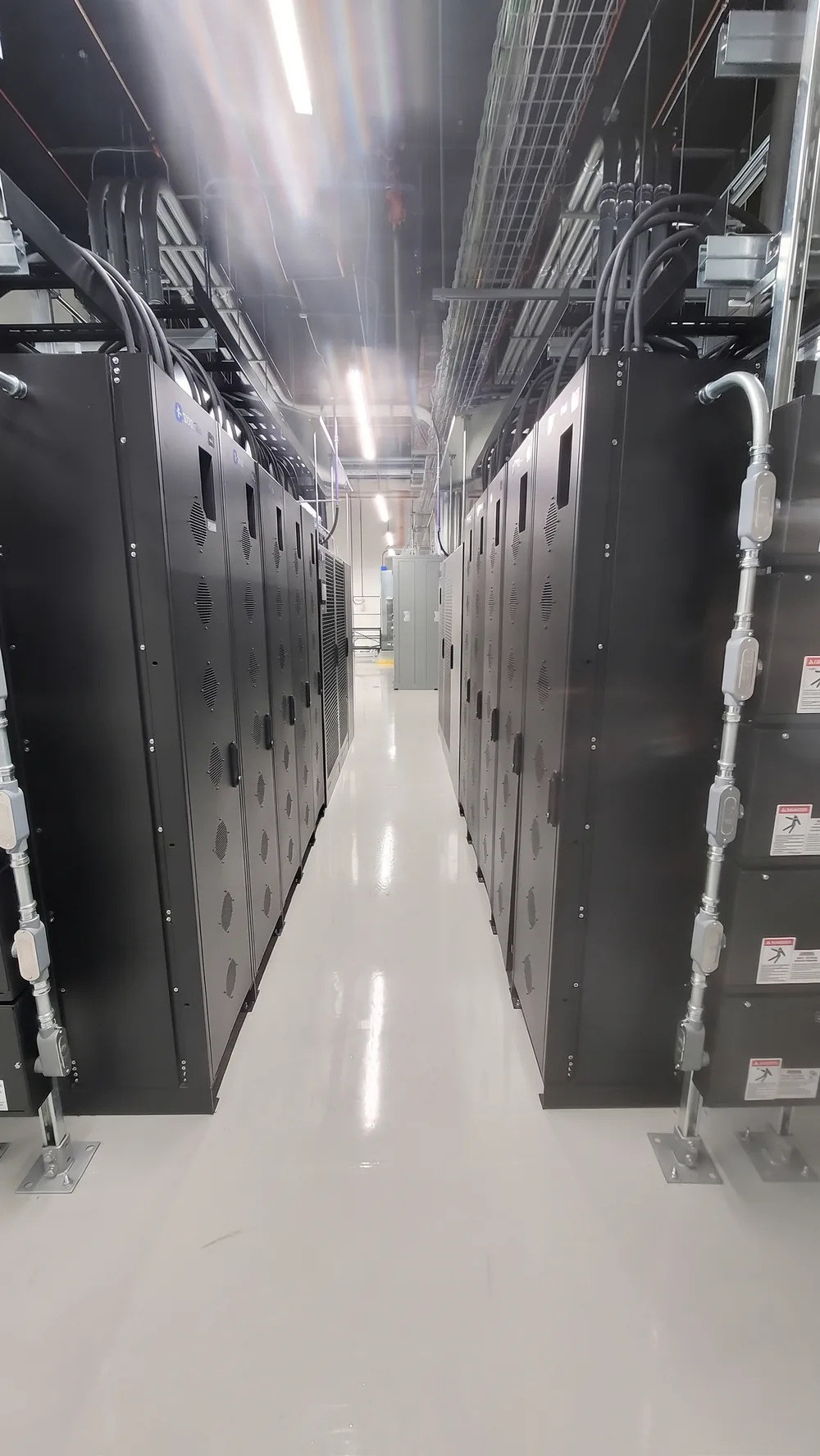
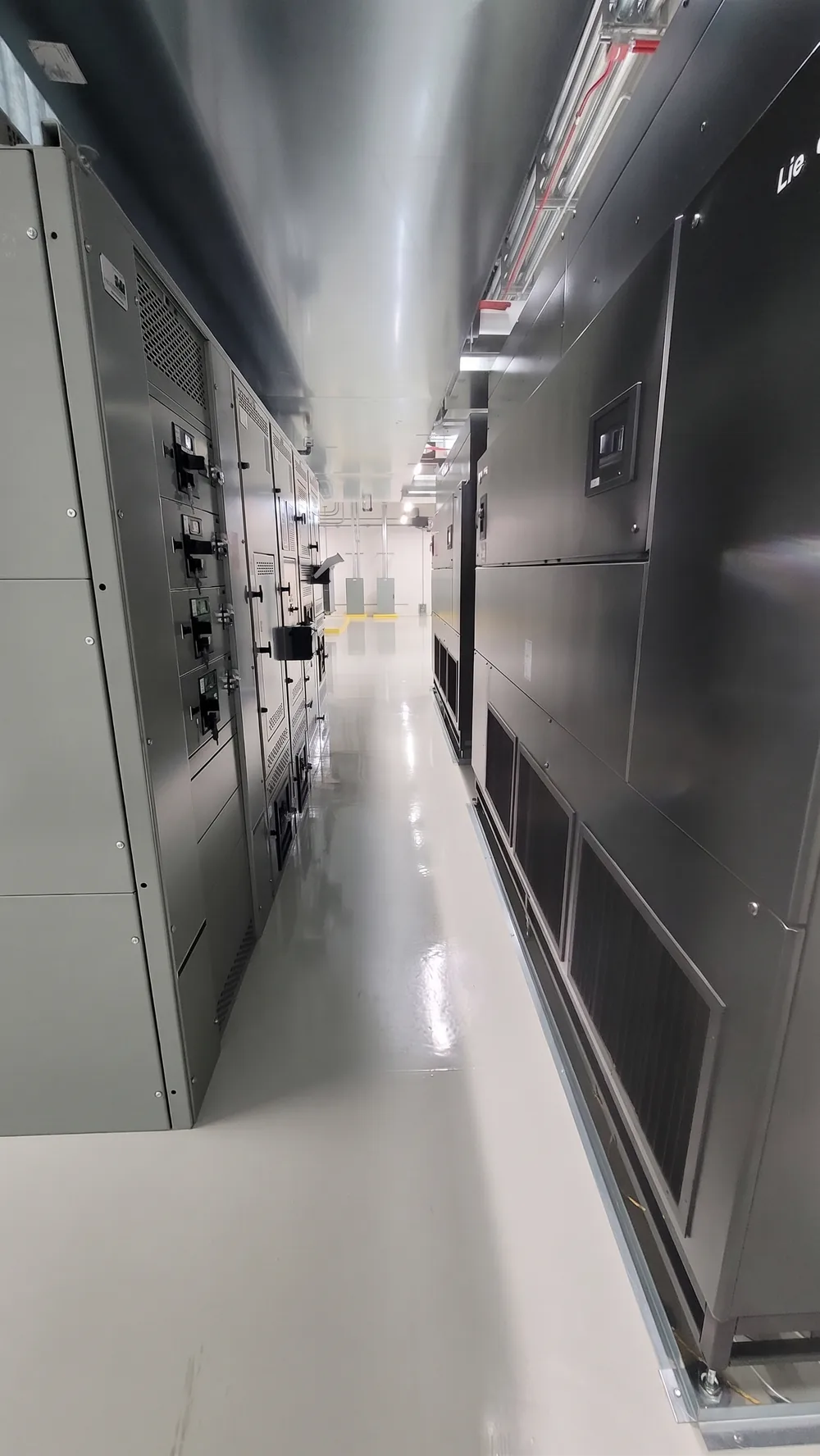
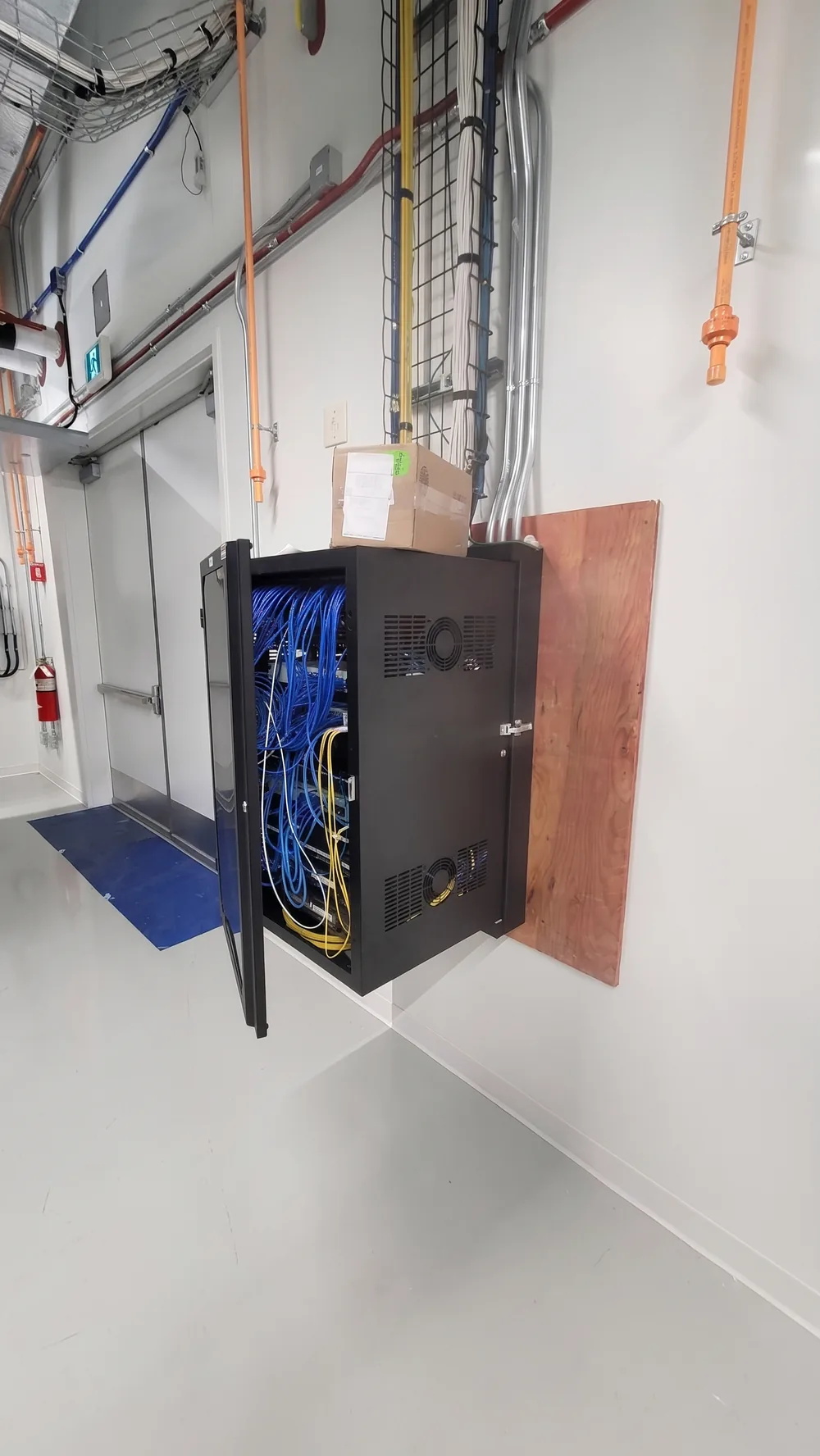
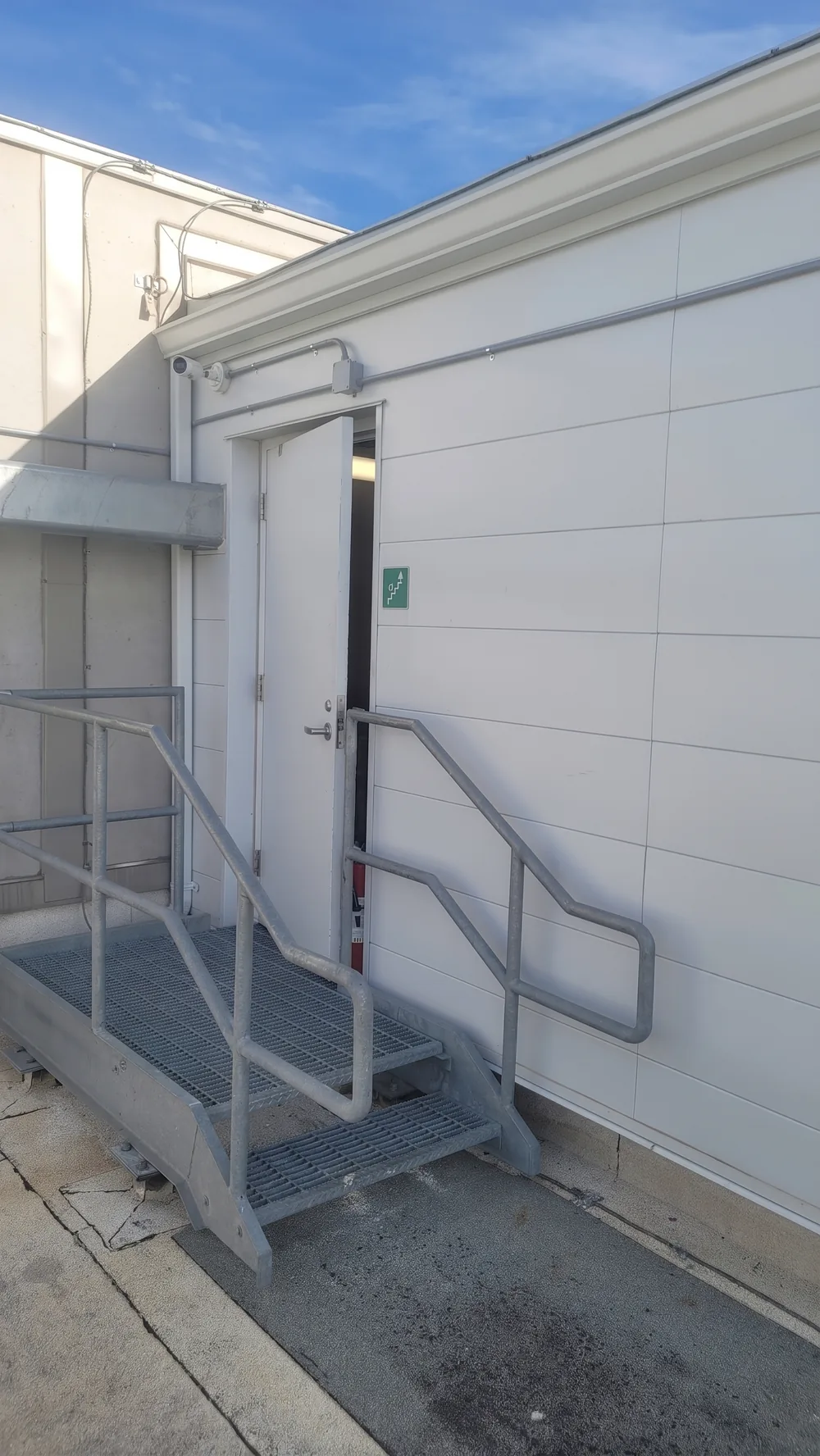
Photos from our own crew on an Ontario data centre project. The client is not named.
7 photos
1 / 7
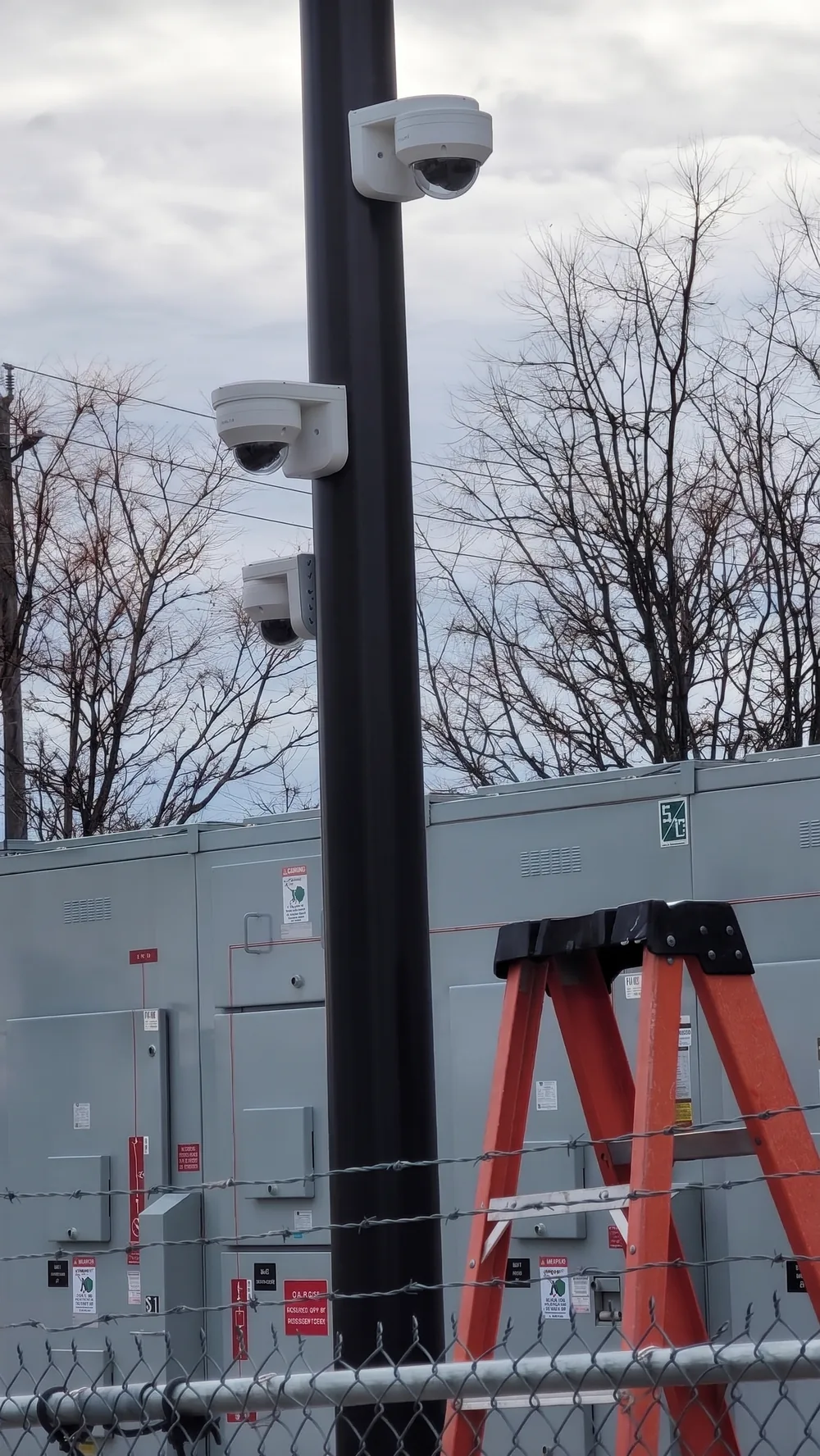
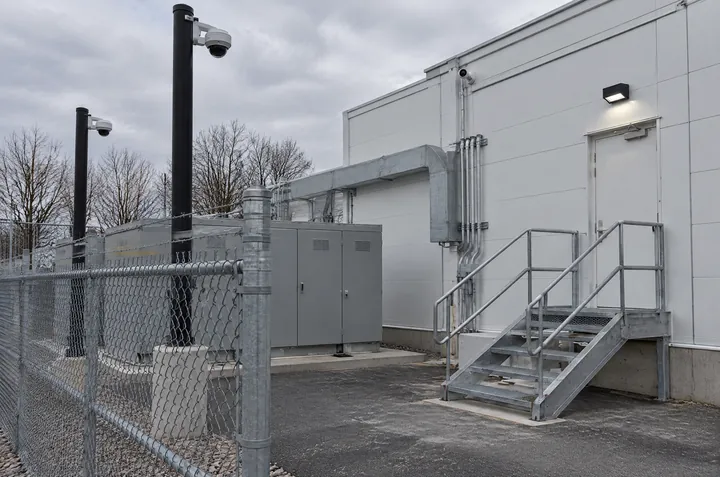
Pole-mounted domes covering the fenced switchgear yard from three directions.
Securitron installation, Ontario. Photos retouched for light and sharpness only.
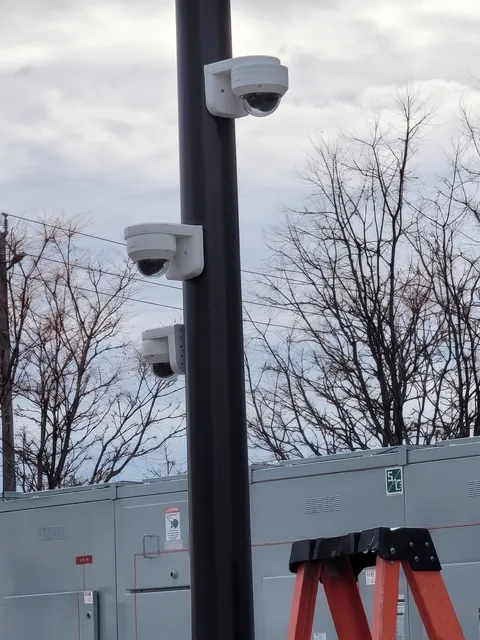
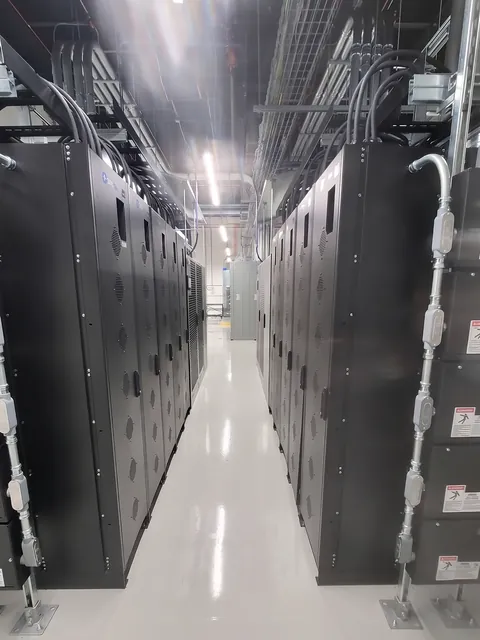
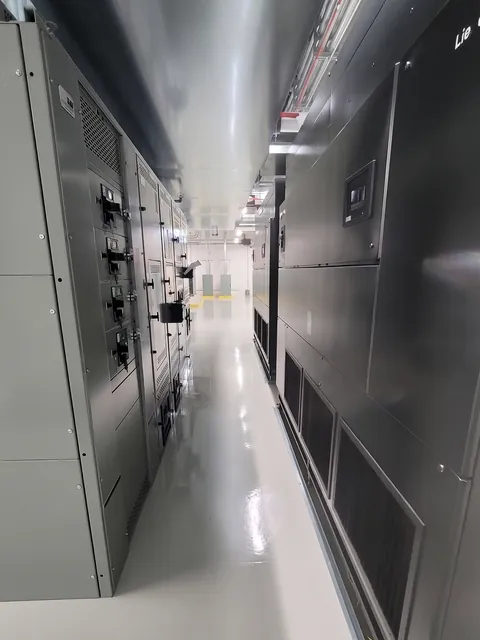
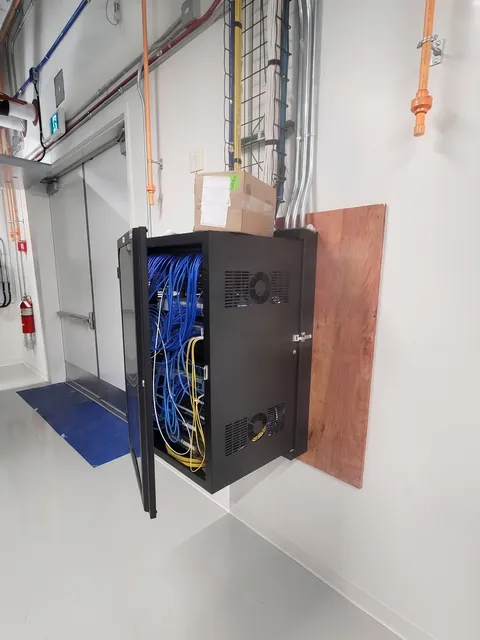
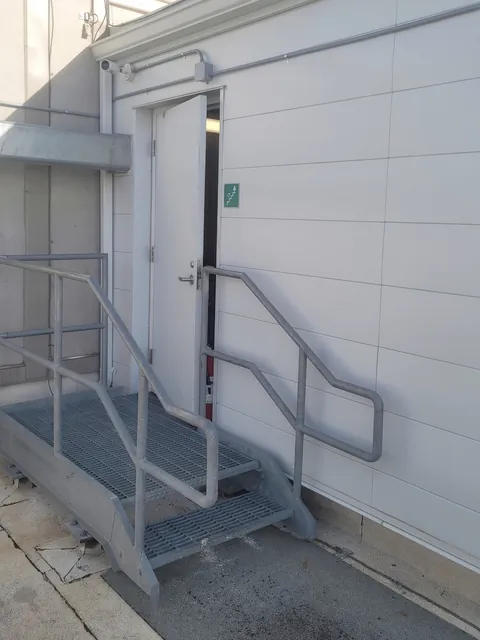
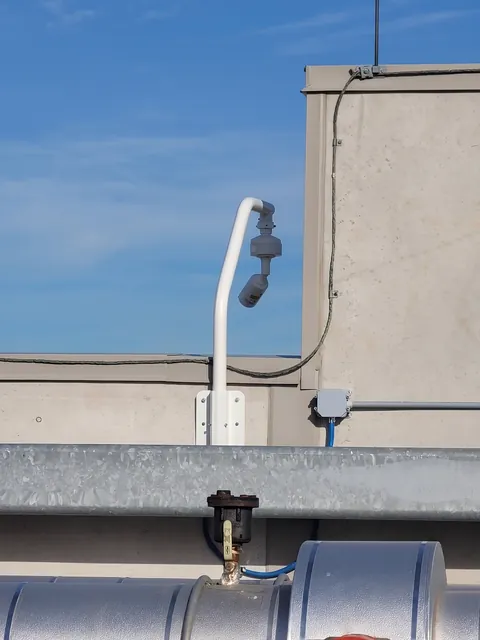
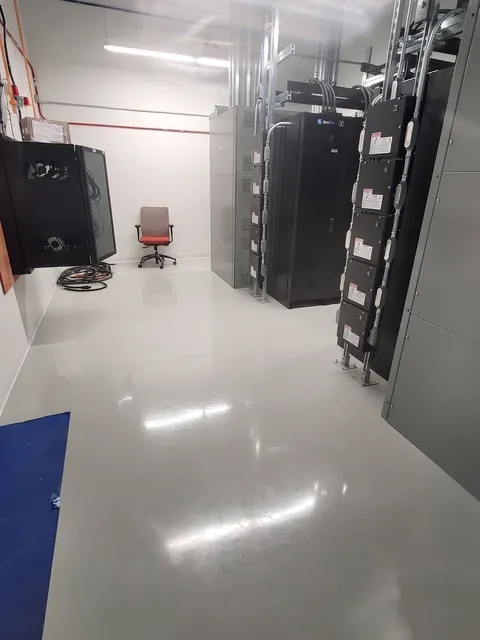
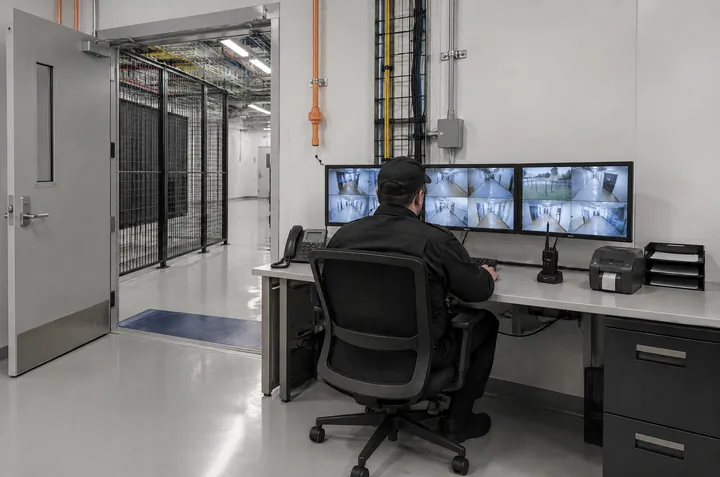
Scenes in this section are illustrations of typical installations. Our own project photos are in the gallery above.
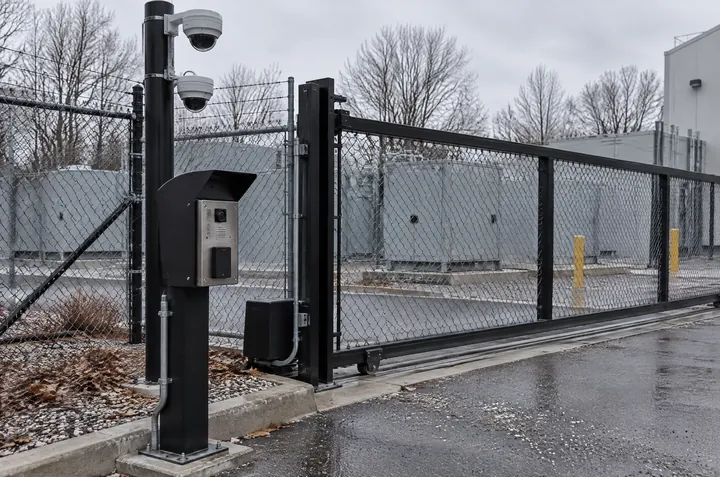
Switchgear, generators and fuel sit outdoors, often behind a fence that nobody watches at night.
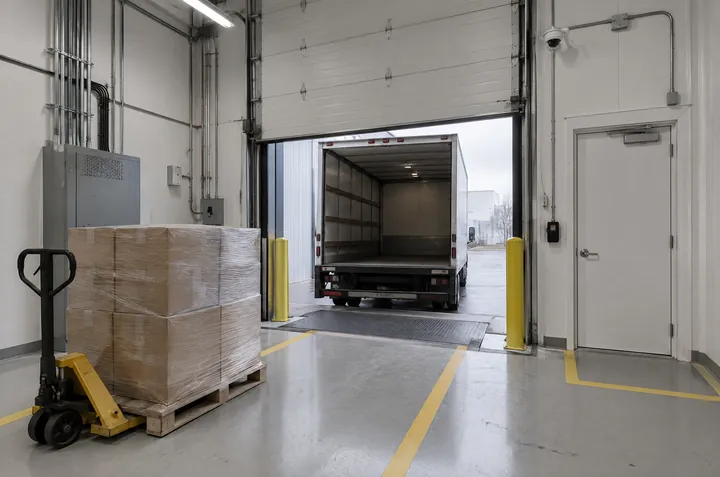
Staff, customers, couriers and contractors share a few doors, and new hardware arrives by the pallet.
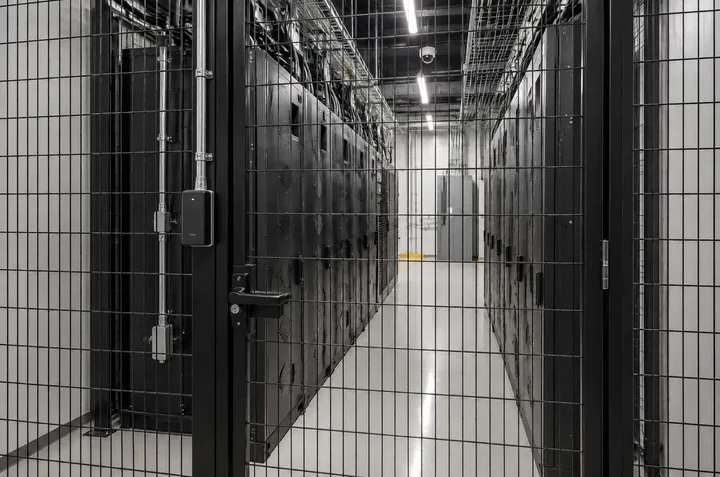
Each customer or team should reach only their own space, and the record has to prove it.
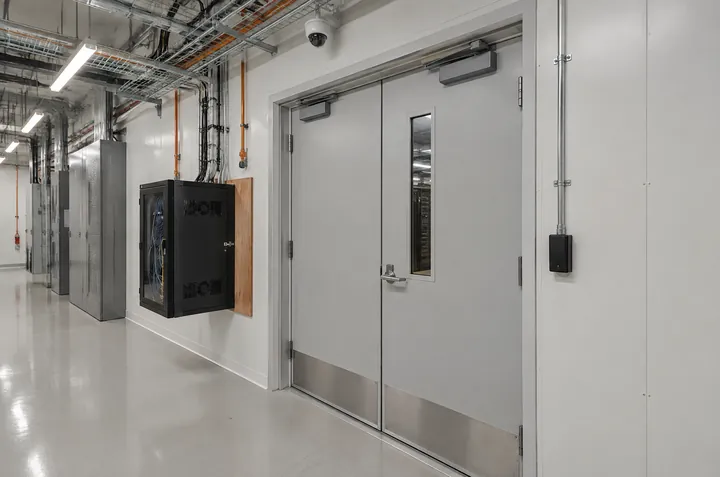
The rooms that keep the site running are often protected by the same badge as the lunchroom.
Roof hatches and rooftop units are easy to forget until someone is up there unannounced.
We tour the yard, doors, dock, halls and plant rooms with operations and security, and note how people and equipment actually move.
Access groups by person, space and time. An owner for every alarm. Camera views with a stated purpose.
On new builds we coordinate with the general contractor and electrical trades. On live sites, work follows your change windows and escort rules.
Badge in, hold the door, force the door. Confirm the alarm reaches its owner and the footage lines up with the event.
Device list, naming, as-built drawings and admin training, so your team is not dependent on us for every change.
Yes. Work in live areas is scheduled into the site’s approved change windows, follows its escort and method-of-procedure rules, and each door is tested before the change is closed.
Yes. On new builds we coordinate cabling, device locations and door hardware with the general contractor and electrical trades, then commission and test the system before turnover.
Not necessarily. We first review what is installed and how it is used. Adding readers, fixing camera views, re-grouping permissions or syncing clocks is often enough, and replacement is only recommended when the existing platform cannot do the job.
Each camera gets a written purpose. Views are set to show doors, aisles and who opened a cage, and avoid recording screens or customer equipment details. Access to footage is limited to named roles.
Securitron works across the Greater Toronto Area and Ontario, including Toronto, Mississauga, Brampton, Vaughan and Hamilton.
Security is often one of the last trades to finish on a data centre. Here is what its closeout package should contain, who owns the items that usually stall, and why Ontario's 2026 holdback changes make a clean finish worth planning from award.
Read the guideA generator technician, a cabling crew and a customer engineer all need in this week. Here is how to tie each visit to an approver, a zone and a time window, staff the escort, handle changes at the door and switch access off when the job ends.
Read the guideA practical guide for HR, IT and facilities teams: end building access at the agreed time, arrange a respectful handover and verify nothing was missed.
Read the guideA practical workflow and acceptance-test guide for connecting visitor management with commercial access control.
Read the guideA practical framework for connecting loading-dock video, access control and alarms to the events operators need to verify, investigate and improve.
Read the guideA customer-first guide to time-source choices, drift monitoring, vendor requirements and cross-system tests for reliable security timelines.
Read the guideTell us about the facility, what is installed today and what worries your team. We will come out, look at the doors and the yard, and tell you plainly what is worth changing.