How to Protect a Data Centre During Construction: Cameras and Access
How to protect a data centre during construction: where temporary cameras go, how gate access control works, and who owns each piece on a GTA build.
Key points
- Set up construction security in three steps that follow the build: gate and perimeter at mobilization, the switchgear yard before deliveries, then rooms as doors are hung.
- Switchgear lead times in the US have held close to one year, so a unit lost from your yard means waiting again.
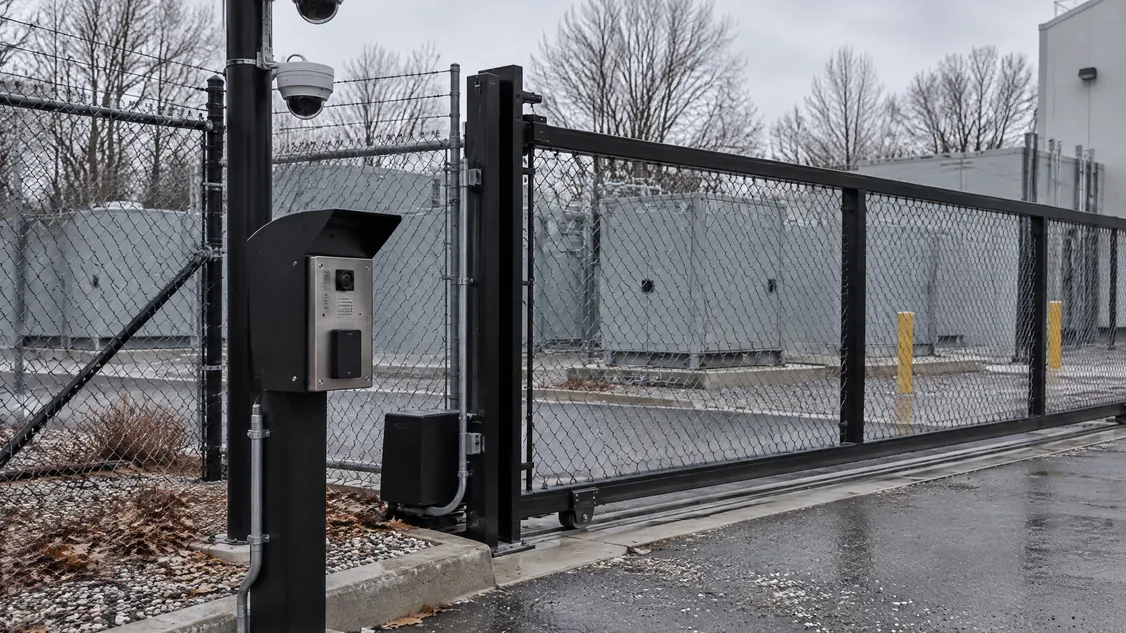
- Use one vehicle gate with a card reader and intercom, badges tied to each employer, and a key box for the fire department.
- If permanent yard cameras go live early, agree the warranty start, retesting and who owns the footage with the owner in writing first.
- Write who owns site security, temporary power, cameras, badges and footage into the subcontract before the first delivery.
Your switchgear can land on site months before the building can be locked. Then it sits in a fenced yard while the rest of the job catches up.
A Wood Mackenzie research director told Data Center Knowledge in May 2026 that US switchgear lead times have held close to one year. Substation transformers now run past 160 weeks, so a stolen or damaged unit means the wait starts again.
So the way to protect a data centre during construction is to set up cameras and access control in three steps that follow the build. Put a controlled gate and perimeter cameras in at mobilization. Cover the laydown and switchgear yard before the first electrical delivery.
Then add card access to electrical and network rooms as their doors are hung. Price it as its own line, give the whole scope to one security sub, and decide early which permanent devices go live before turnover.
What does a data centre construction site need to protect?
A data centre construction site has more to protect than most commercial jobs, and the risk changes as the work moves. You’re guarding switchgear, generators and transformers, reels of copper cable, and network gear that could be tampered with before it goes live. Each arrives at a different stage, so the cameras and access control should arrive with it.
In an October 2026 article, Data Center Knowledge names “copper, cabling, generators, and networking gear” as attractive targets on lightly controlled sites. It also warns that someone could plant a rogue wireless access point or small network switch during construction, opening a back door into the finished facility.
Équité Association, which tracks insurance crime for Canadian insurers, counted over $531 million in stolen trucks, trailers and cargo between 2019 and 2023. Its 2024 report named Mississauga, Brampton, Vaughan and Toronto among Canada’s top five cargo theft hotspots, which are the same corridors your equipment travels before it reaches the gate.
Yards get hit for copper too, and not only on big jobs. In July 2025, Global News reported an Ontario Provincial Police investigation into copper theft from a construction yard in Temiskaming Shores.
More than $40,000 in copper wire was stripped from heavy machinery stored at the back of the yard. Police said the full loss would be higher once repairs and downtime were counted.
Where should cameras go on a data centre construction site?
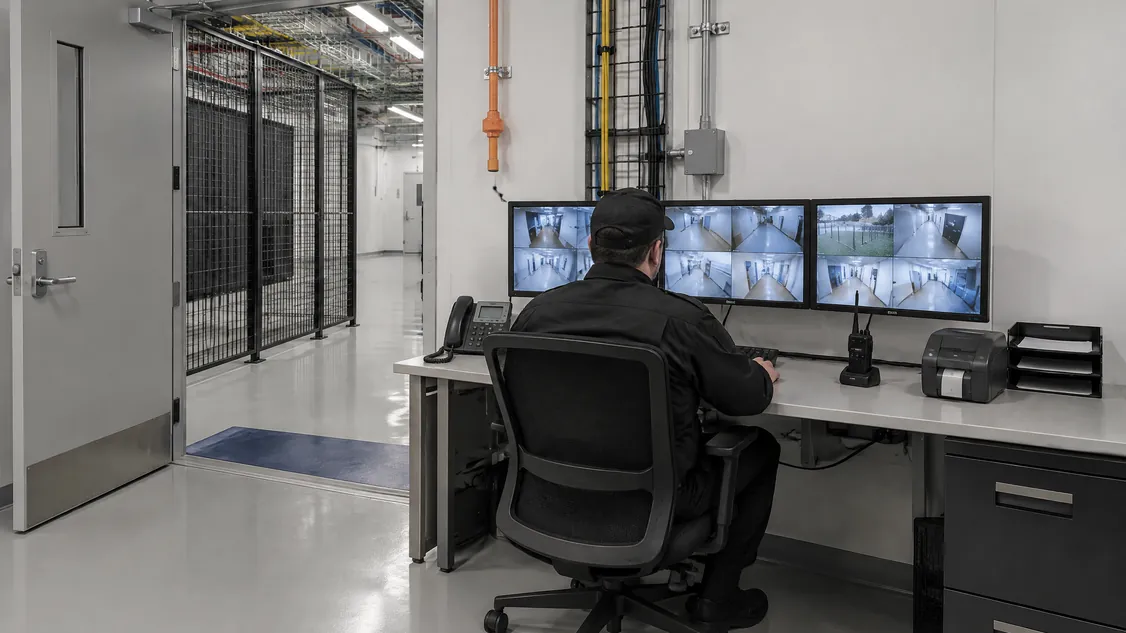
Cameras on a data centre construction site should cover the vehicle gate first, then the laydown area and the switchgear or generator yard. Add the fence lines between them, and later the doors into electrical and network rooms. Record on site, send after-hours motion alerts to someone who will answer, and light what the cameras watch so night footage shows a face or a plate.
Ontario’s 2016 guideline on fire safety during construction gives a useful baseline here. Three provincial ministries issued it jointly for mid-rise wood buildings. It calls for a perimeter fence at least 1.8 metres high, with gates locked whenever the site is unattended.
For cameras, it suggests linking them to site lighting. It also suggests keeping footage for a reasonable period, giving at least 30 days as the example.
Temporary cameras need power and a network path long before permanent services exist. Agree early with the electrical contractor on which temporary panel feeds them, and test any cellular link from the actual mounting spot, not from the site trailer.
Walk the views again whenever the yard is regraded or a crane moves, because a camera that watched the switchgear last month can be looking at cable reels today.
How should access control work on a data centre construction site?
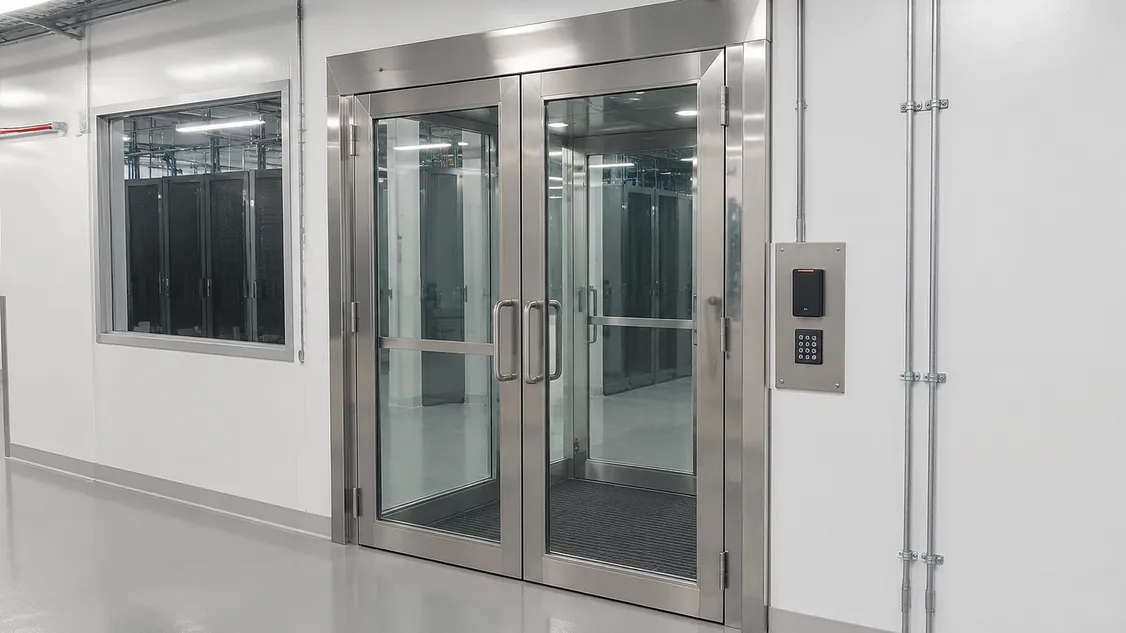
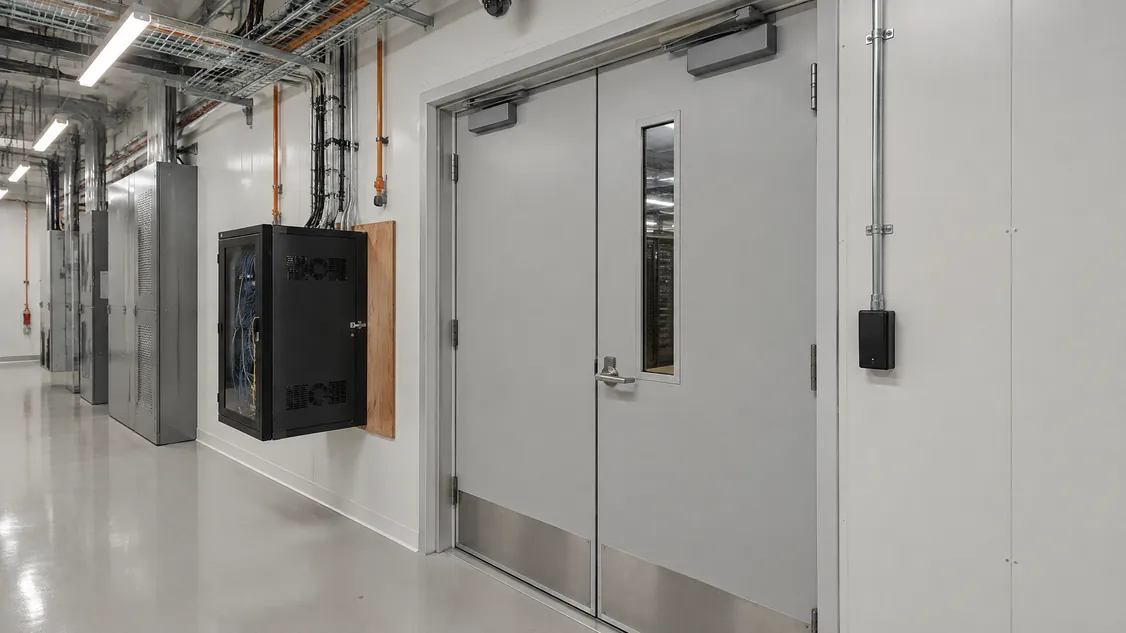
Access control on a data centre construction site works best with one vehicle gate and one pedestrian gate. Each gets a card reader and an intercom to the site office, and every worker gets a badge tied to their employer. As rooms close in, add readers or locks to electrical rooms, network rooms and storage cages, so each trade reaches only the areas its work needs.
Data Center Knowledge gives the same advice: “Require visible badges and use zoned access so workers can enter only the areas relevant to their tasks.” For you as the contractor, the payoff comes when a breaker goes missing or a switch appears that nobody ordered, because the card log shows which company was in the room.
Keep the fire department in the plan as well. The same Ontario guideline says fencing shouldn’t restrict access for firefighting. Where locked gates restrict access, it says the fire department should have a key box or another way in.
Show the key box on the gate drawing and confirm it with the local fire department before the gate goes up.
Every construction badge also needs an end date. At turnover the owner will typically want construction credentials removed and a record that proves it. That record belongs in the package our closeout guide describes.
Should permanent security cameras go live before turnover?
Permanent cameras can go live before turnover when the owner agrees in writing, and on the yard it’s worth planning for. If the pole bases, conduit and power for the permanent yard cameras go in early, those cameras can watch the switchgear for months. Agree the warranty start date, cleaning, retesting and who owns the early footage before anyone switches them on.
On the Toronto data centre where Securitron installed security in 2026, the permanent system included pole-mounted dome cameras over the electrical switchgear yard. It also had a rooftop mast camera. Those are the same positions a construction camera wants.
Pole bases and conduit across a yard typically need to be in before final grading. That is one reason our guide on when the security subcontractor should join a data centre project puts security at preconstruction.
Who owns construction security on a data centre job?
Typically the general contractor runs site security and the electrical contractor feeds temporary power. The security subcontractor installs and maintains the cameras, gate readers and alarms, and the owner decides on early use of permanent devices and how footage is kept. Write each line into the subcontract before the first delivery, so the gap doesn’t turn up the morning after a theft.
| Item | Usually owned by |
|---|---|
| Site security plan, fence, guards and gate hours | General contractor |
| Temporary power to cameras, gate and readers | Electrical contractor |
| Temporary cameras, gate readers, intercom and alarm monitoring | Security subcontractor |
| Badges by company and trade, removed at turnover | Security subcontractor, from the GC’s worker list |
| Early use of permanent devices and footage retention | Owner, in writing |
| Fire department key box at the gate | General contractor, confirmed with the fire department |
How do I bring Securitron in for construction security?
Add Securitron to your bid list for the construction-phase cameras and gate access together with the permanent security scope. That way the crew that sets up your yard is the one that hands over the building. If you’re the electrical contractor carrying Division 28, bring Securitron in as your security sub.
Securitron has installed and serviced cameras, access control, intrusion alarms, intercom, structured cabling and monitoring across the GTA since 2008.
Send us the site plan, the logistics plan and the dates your electrical gear lands. We’ll mark where the gate readers, cameras and pole bases should go before mobilization. Our data centre page shows the kind of work involved.
Frequently Asked Questions
Recording alone shows you what happened after the loss, while monitored alerts give someone a chance to respond during it. Ontario's 2016 guideline on fire safety during construction suggests that, where cameras are used, they be linked to a designated station where they can be continuously monitored. Decide before mobilization who answers after-hours alerts, who they call and who can open the gate for police.
Usually it sits in the general contractor's general conditions, though some owners carry it as an allowance or a separate line item. Settle it at bid, because temporary security that nobody priced tends to come back as a change order after the first incident.
It can if badges are issued late or drivers have no way to call in. Issue badges at site orientation, put an intercom to the site office at the vehicle gate, and share the delivery schedule with whoever answers it. Test the gate with the first few deliveries and adjust the routine before the busy weeks.
Securitron installs and services cameras, access control and alarms across the Greater Toronto Area and Hamilton, from our head office in Hamilton. That includes Toronto; Mississauga and Brampton in Peel; Vaughan, Markham and Richmond Hill in York Region; Oakville, Burlington and Milton in Halton; Pickering, Ajax, Whitby and Oshawa in Durham; and Hamilton, Guelph and Kitchener. For a job elsewhere in Ontario, call (905) 730-2425 to check.