What Security Will a Data Centre Tenant Expect You to Prove?
Data centre tenant security requirements: the access logs, video and visitor records tenants audit, and what an owner should decide before design.
Key points
- Tenants typically judge a data centre by its records: access logs for each door, visitor records and retained video, plus signs that someone reviews them.
- Those requests come from tenant audits such as SOC 2, ISO 27001 and PCI DSS, and from OSFI Guideline B-13 for banks and insurers.
- Decide tenant model, cage access, retention and reporting before design, because each changes conduit, power, storage or licences.
- At commissioning, test access reports for each tenant and video exports as well as door hardware, so the first audit request becomes a routine export.
If you are building or converting your first data centre, expect a tenant’s security team to ask for more than a walkthrough. They want the building to prove, with records, who went through each door, when and on whose authority. They also want video of the entries and a visitor log they can audit. Data centre tenant security requirements mostly come from the tenant’s own auditors and regulators. So plan the security systems around the evidence they produce, and settle the big decisions before design, while changes are still lines on a drawing.
What security will a data centre tenant expect the building to prove?
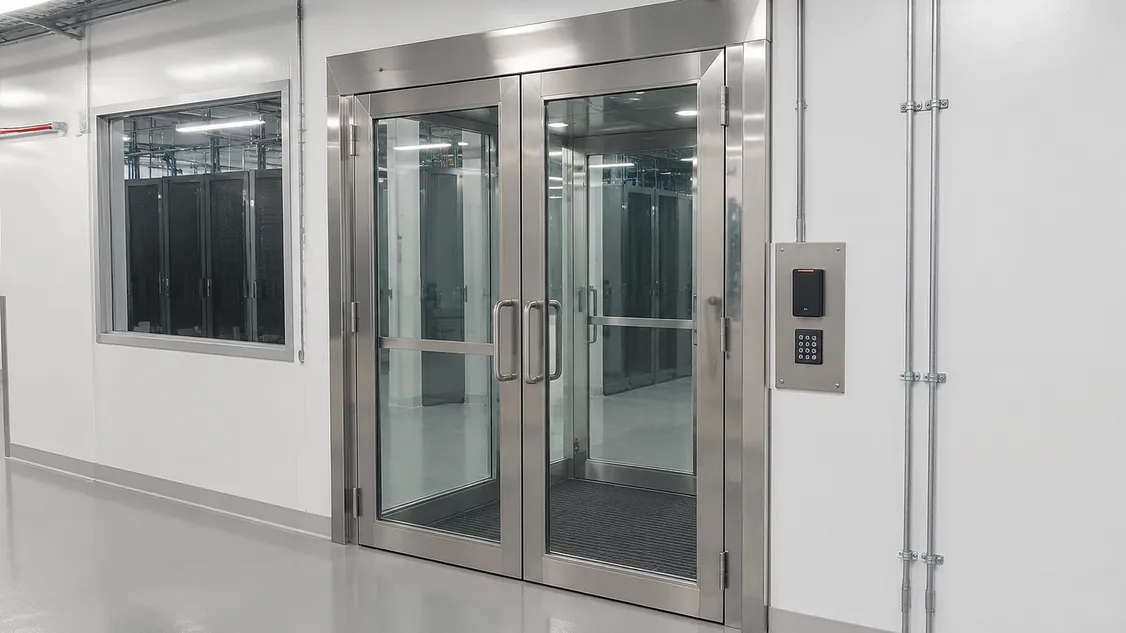
A tenant will typically expect layered physical security it can verify. That means controlled entry to the site and building, an interlocked or mantrap entry to the data hall, card plus biometric or PIN access, cameras on entries and aisles, logged visitors and a locked cage or suite. The proof is the record behind each layer: access logs for each door, visitor records, retained video and signs that someone reviews them.
That is the standard a Toronto tenant will compare you against. On its Toronto TOR3 page, Cologix lists “2 dual interlocking doors and tailgate-proof mantrap”, “S2 keycard and biometric access”, a CCTV system and “customized security available for dedicated pods or cages.” A first-time owner leasing to the same tenants will be measured the same way.
Why do tenants want records as well as a site tour?
The tenant’s own audits depend on your controls. A tenant that holds a SOC 2 report, ISO 27001 certification or PCI DSS validation, or that answers to a regulator, has to show its servers sit behind physical controls that work. Its auditor will often ask how those controls work and for evidence that they operated during the audit period. That evidence lives in your access control and video systems.
Established operators advertise this openly. On its compliance page, Cologix says it has “third-party assessments for SOC 1, SOC 2, HIPAA and PCI-DSS at all our facilities.” You may not pursue those reports in year one, but tenants will ask questions shaped by them.
Banks and insurers also answer to a regulator. OSFI’s Guideline B-13 says federally regulated financial institutions “should define and implement physical access management controls and processes to protect network infrastructure and other technology assets from unauthorized access” (section 3.2.10). Their asset inventory can include “third-party assets that store or process FRFI information”, and that can mean servers in your building.
The federal government’s control catalogue shows the kind of evidence auditors look for. The Canadian Centre for Cyber Security’s ITSP.10.033 physical controls (March 2026) call for organisations to “maintain physical access audit logs”, review those logs on a set schedule and “maintain visitor access records.” Your systems should be able to produce each of those as a report.
Which security layers will tenants check, and what proof goes with each?
Tenants typically walk the building from the fence inward and ask two questions at every layer: how is entry controlled, and what record does it leave? The table below is a practical way to brief your design team. Go through it with your owner’s rep before the security drawings start, and mark which items each lease will promise.
| Layer | What tenants typically look for | Proof they may ask to see |
|---|---|---|
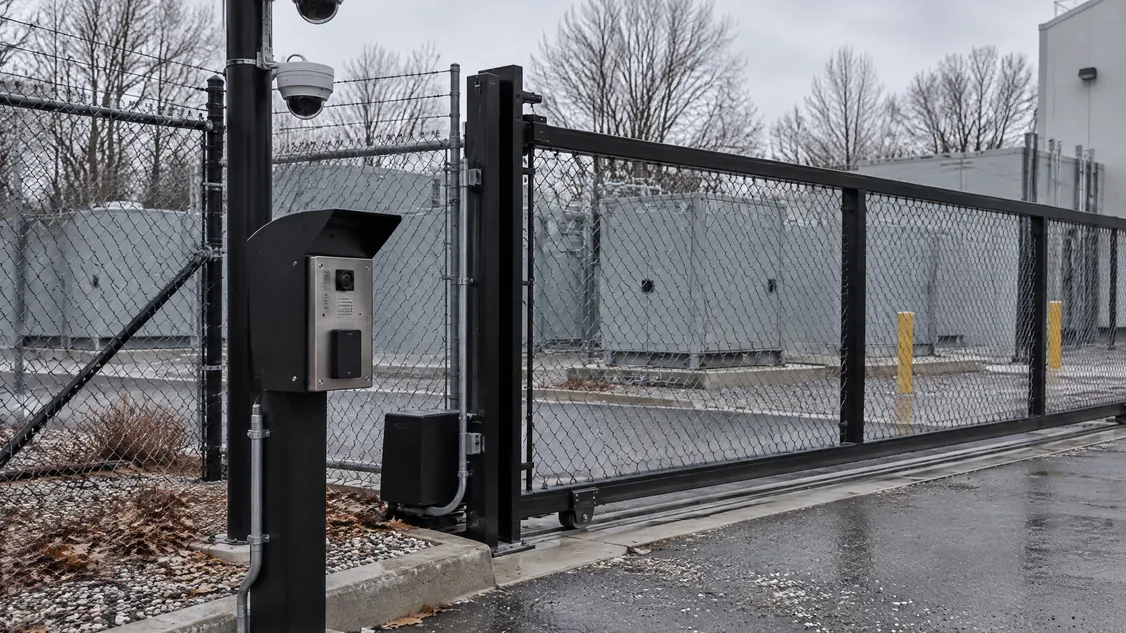
| Site perimeter and power yard | Fencing, a controlled vehicle gate, cameras over the yard and generators | Gate events and retained video |
| Building entry and lobby | Staffed or monitored entry, card access, visitor sign-in with ID check | Visitor records and door logs |
| Data hall entry | Mantrap or interlocked doors, card plus biometric or PIN | Entry logs for each person and tailgating alarms |
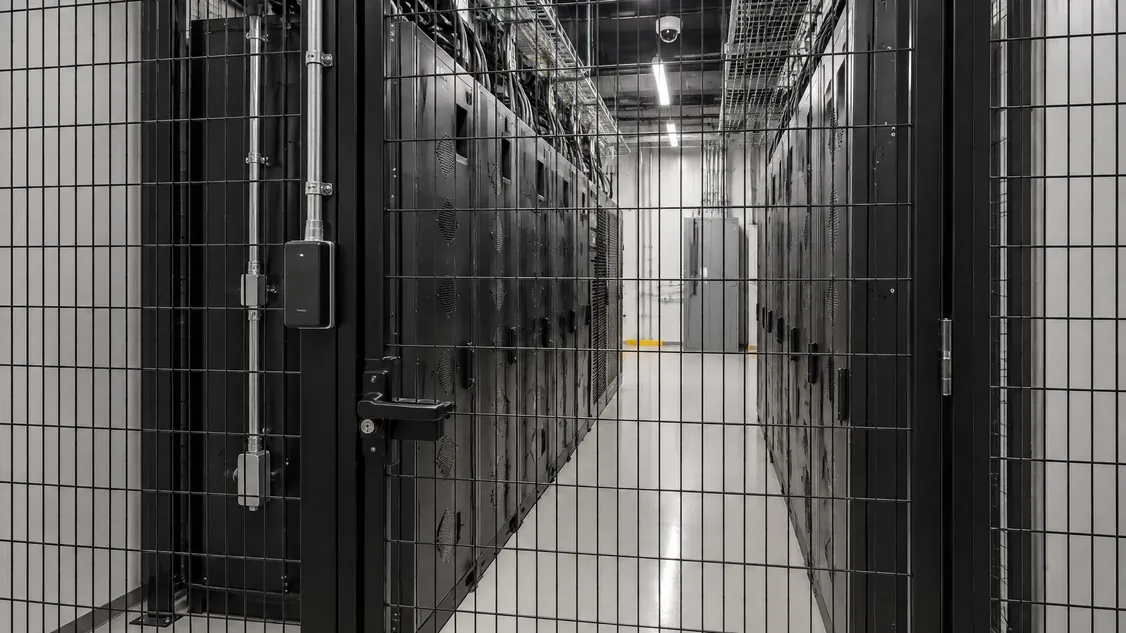
| Cage or suite | Locked cage door with its own reader, a camera on the row | A log of who opened that cage, video of the aisle |
| Loading dock and storage | Controlled dock door, camera on deliveries | Dock door events and video matched to deliveries |
What should an owner decide before security design starts?
Settle the decisions that change drawings: what kind of tenants you are leasing to, how cages get secured, how long you keep records, and who produces reports when a tenant asks. Each one changes conduit, power, storage or software licence counts. Made early, these decisions are lines on a drawing. Made after cages and ceilings are in, they become change orders.
- Tenant model. One anchor tenant, wholesale halls or retail cages. Retail cages mean many small access groups and many more readers.
- Cage access. You have three options: an owner-provided reader on every cage door, provision only (back box, conduit and power at each cage door post), or a reader the tenant supplies. Write the answer into the lease.
- Hall entry. Mantrap or interlocked doors, and whether the second factor is biometric or PIN.
- Retention. The longest period you will promise any tenant for video and access logs. Storage is sized to that number.
- Reporting. Who pulls access reports and video for each tenant, how fast, and in what format. For this to work, the access control system has to keep each tenant’s records cleanly separate.
- One clock. Access control, video and alarms set to the same time source, so a log entry and a video clip line up.
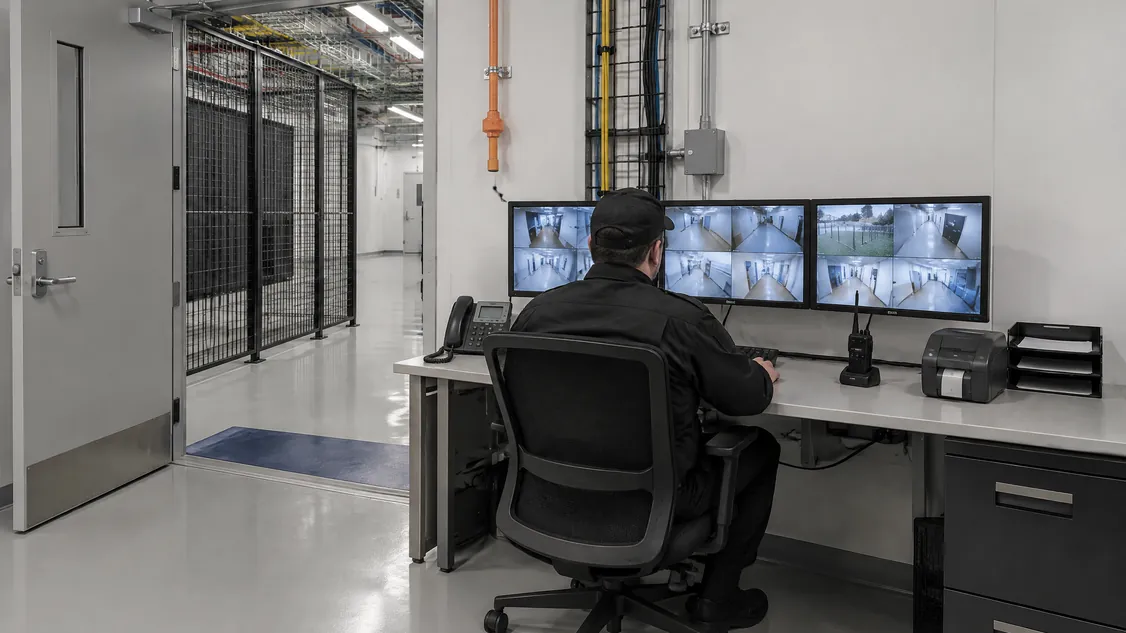
- Review after turnover. Who watches alarms and reviews logs: your operator, a guard desk or a monitoring centre.
How does planning for tenant proof affect cost and schedule?
It typically adds devices, storage and commissioning time up front, and it avoids the most expensive kind of rework. That rework happens when you learn a tenant’s requirements after fit-out. You then pay for new conduit to cage doors, swapped door hardware, a larger video server, reprogrammed access groups and a second round of testing, all while the tenant’s move-in date waits.
The main cost drivers are the number of cage doors with readers, biometric readers at the hall, video storage sized to your retention promise, and the time to test reports for each tenant. For how those add up, see what data centre security costs and why per square foot misleads.
At commissioning, test the evidence as well as the hardware. Before turnover, pull a sample access report for a test tenant, export a clip from each camera with its timestamp, and confirm that storage is set to the agreed retention. A tenant’s first audit request then becomes a routine export.
How do you bring Securitron in on your data centre?
Hire Securitron directly, or name Securitron as the security installer when you award the general contract. That way, the team planning your tenant evidence is the team that installs it. Securitron has installed and serviced cameras, access control, intrusion alarms, intercom, monitoring and structured cabling across the GTA since 2008.
In 2026, Securitron installed the security on a newly built data centre in Toronto. The work included pole-mounted dome cameras over the electrical switchgear yard, a rooftop mast camera, cameras and cabling inside, and a wall-mounted network cabinet. You can read more about our data centre work. If a GC is running your job, Hiring a Data Centre Security Installer: Get the One You Want explains how to keep your chosen installer on it.
The simplest next step: send us your drawings and any draft lease security schedule. We will review the scope and flag what tenants are likely to ask about. You can also book a site walk-through.
Frequently Asked Questions
It depends on the tenant. Many tenants ask for third-party reports such as SOC 2 Type 2 because their own auditors rely on them, and Toronto operators such as Cologix list those assessments publicly. Whichever reports you pursue, the access logs, visitor records and video from your security systems are part of the physical evidence an auditor reviews.
Either can work, as long as the lease says which. An owner-provided reader on the building system keeps every log in one place and makes reports for each tenant simpler. If tenants may bring their own, plan at least a back box, conduit and power at each cage door post so nobody has to cut into a finished cage later.
No single number fits every tenant. The federal ITSP.10.033 control catalogue leaves retention periods for each organisation to define, so the practical answer is the longest period you promise in any lease, with storage sized to match. Recorded video can be personal information, so protect it and put the retention period in a written policy.
Expect questions about who can reach their equipment, how access is approved and removed, and what logs you keep. OSFI Guideline B-13 expects federally regulated financial institutions to apply physical access controls to their technology assets, and their inventory can include third-party assets that store or process their information. A due diligence questionnaire and a site visit often come before signing.
Securitron installs and services cameras, access control and alarms across the Greater Toronto Area and Hamilton, from our head office in Hamilton. That includes Toronto; Mississauga and Brampton in Peel; Vaughan, Markham and Richmond Hill in York Region; Oakville, Burlington and Milton in Halton; Pickering, Ajax, Whitby and Oshawa in Durham; and Hamilton, Guelph and Kitchener. For a job elsewhere in Ontario, call (905) 730-2425 to check.