What Does Data Centre Security Cost? Why Per Square Foot Misleads
What drives data centre security cost (doors, cameras, cable, licences) and why per square foot pricing misleads owners budgeting a build.
Key points
- Data centre security is priced by counting doors, cameras, cable runs and licences, so a cost per square foot is a placeholder and not a budget.
- Two halls of the same size can need very different security, because customer cages, yards and perimeter add devices that floor area does not show.
- Mag locks on Ontario exit doors can bring fire alarm interface work, sealed engineer drawings and verification, which add cost beyond the lock itself.
- Video software is commonly licensed per camera, so the device count also sets running costs after turnover.
- Ask bidders for a device count and unit prices so you can price changes before they become change orders.
If you’re budgeting your first data centre and someone gives you a security number per square foot, treat it as a placeholder. Data centre security cost is set by what gets counted: controlled doors and cage doors, cameras, cable distance, the yard and perimeter, and software licences. Floor area drives very little of that. Two halls of the same size can carry very different security prices, so the number you can rely on comes from a device count off your drawings, priced item by item.
Here is what moves the price, why area-based figures go wrong, what you keep paying after turnover, and how to get a number you can carry into your budget.
Why does data centre security cost per square foot mislead?
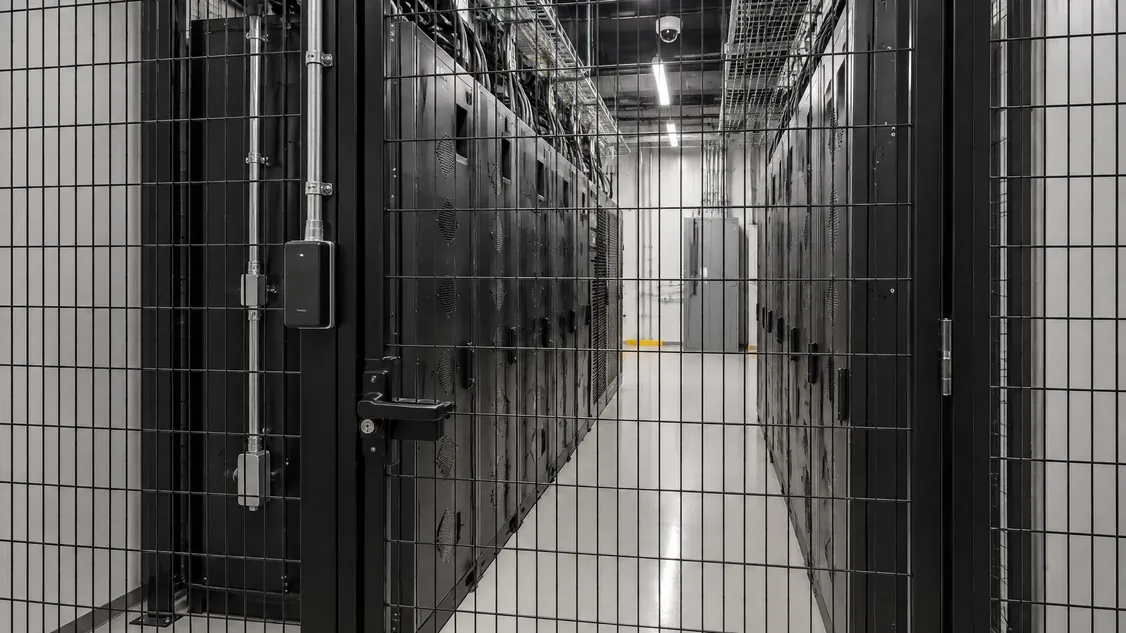
Cost per square foot assumes the work spreads evenly across the floor. Security follows doors, cages, cameras and cable runs instead. A hall split into twenty customer cages needs a controlled door on every cage, while the same hall leased to one tenant may need a handful. A compact building on a large lot with a switchgear yard needs more exterior cameras than its floor area suggests.
The industry doesn’t benchmark data centres by area either. Turner & Townsend’s data centre construction cost index 2026-27 ranks markets by “cost per watt,” based on “a typical 60MW design.” It also found that in the United States, data centres built for AI workloads “cost around 10% more than traditional facilities,” driven by rack density, liquid cooling and faster schedules. A denser hall raises the total budget without adding a single door, so any security rate tied to area or to the build total carries the other project’s density with it.
General cost guides give the same warning. Altus Group’s 2026 Canadian Cost Guide says its square foot data, “if improperly applied,” can “result in a budget and forecast that is off by hundreds of thousands, and in some cases, millions of dollars.”
What drives the price of data centre security?
The price follows counts and site conditions: how many controlled doors there are and what lock each uses, how many cameras you need and how long you keep video, how far cable runs to each device, how much fence line and yard you cover, which software platform you choose, and when those decisions are made. All of these show on drawings, which is why a counted takeoff beats a rate.
| Cost driver | What moves the price | What to have ready |
|---|---|---|
| Controlled doors and cages | Doors with readers, cage doors, interlocked entries | Door schedule and cage layout |
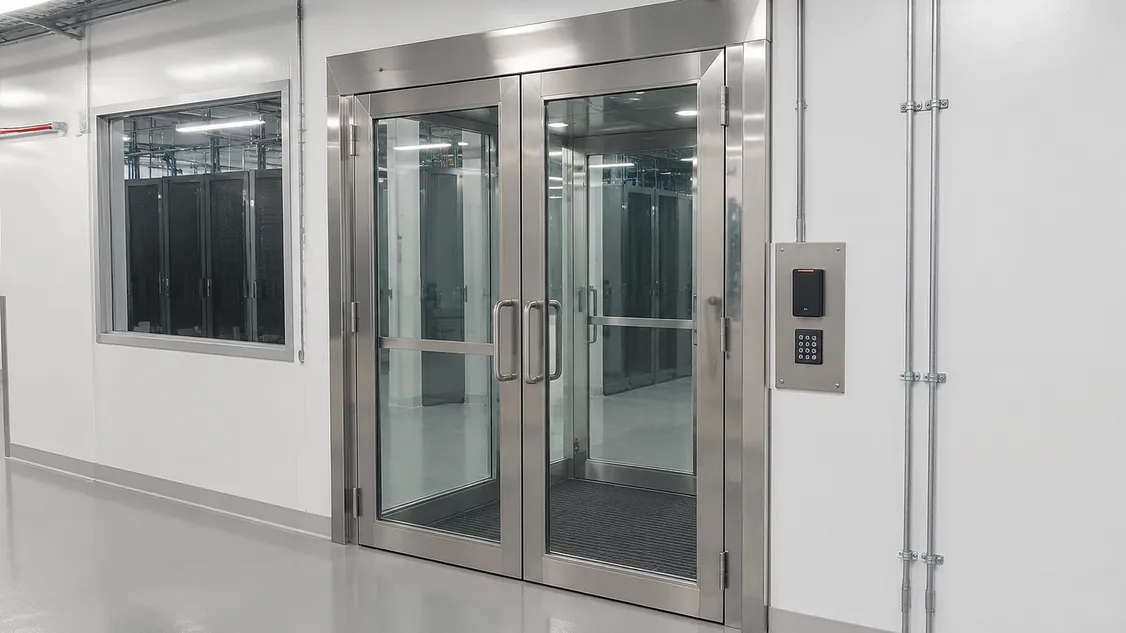
| Locking hardware | Mag locks on exit doors bring fire alarm interface and verification | Door hardware schedule |
| Cameras and storage | Camera count, recording quality, days of video kept | Coverage goals and retention period |
| Cable and pathways | Distance to telecom rooms, ceiling heights, conduit or open cable | Pathway plan and who carries conduit |
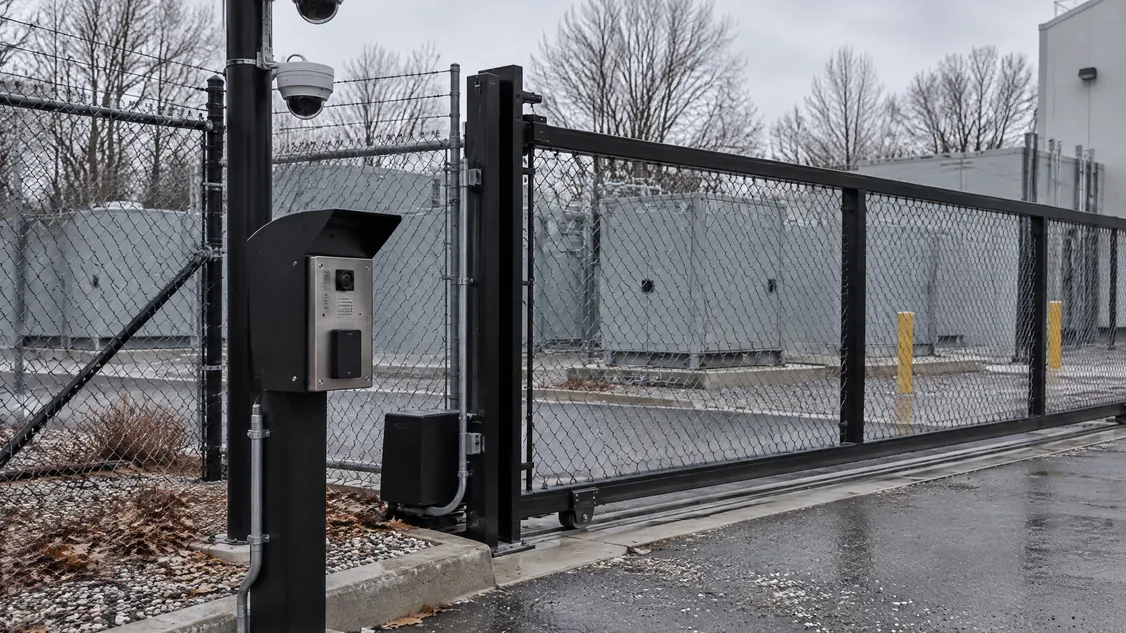
| Site and yard | Fence line, gates, switchgear and generator yards, poles, trenching | Site plan |
| Software | Licences per camera or door, support renewals | Preferred platform, if any |
| Timing | Late changes, re-pulled cable, reprogramming, escalation | Decision dates |
Locks deserve a closer look because one choice pulls in other trades. The City of London’s maglock permit submission guide, based on the 2024 Ontario Building Code, says fire alarm system drawings “must be prepared and sealed by a P.Eng. licensed in Ontario,” and that installation and verification must conform to CAN/ULC-S524 and CAN/ULC-S537. It also asks for integrated systems testing and specific door signage. Your municipality’s process may differ, but the engineer, fire alarm work and testing time belong in the budget conversation from the start.
How do labour and timing change the security budget?
Labour and timing can move the price as much as hardware does. A late change to a door, cage or camera position can mean re-pulled cable, reprogramming and another visit after ceilings close. A design that waits on power approvals can also push security pricing into a later, more expensive market. Locking the device count and platform before tender keeps those costs under your control.
Current market data points to both risks. Turner & Townsend’s 2026-27 index reports that North American and European markets saw the sharpest rises, “with average cost per watt up 13% year on year,” and that “81% of respondents say skilled labour in their region is constrained.” Security installers draw on the same tight pool of electrical and low-voltage trades.
Most of the fix comes down to order. Bring the installer in early enough to count devices from the drawings, then put that scope in front of every bidder. Our guide to hiring a data centre security installer explains how to name your installer in the general contractor’s tender, or carry an allowance if the security design isn’t finished.
What will security cost after the data centre is handed over?
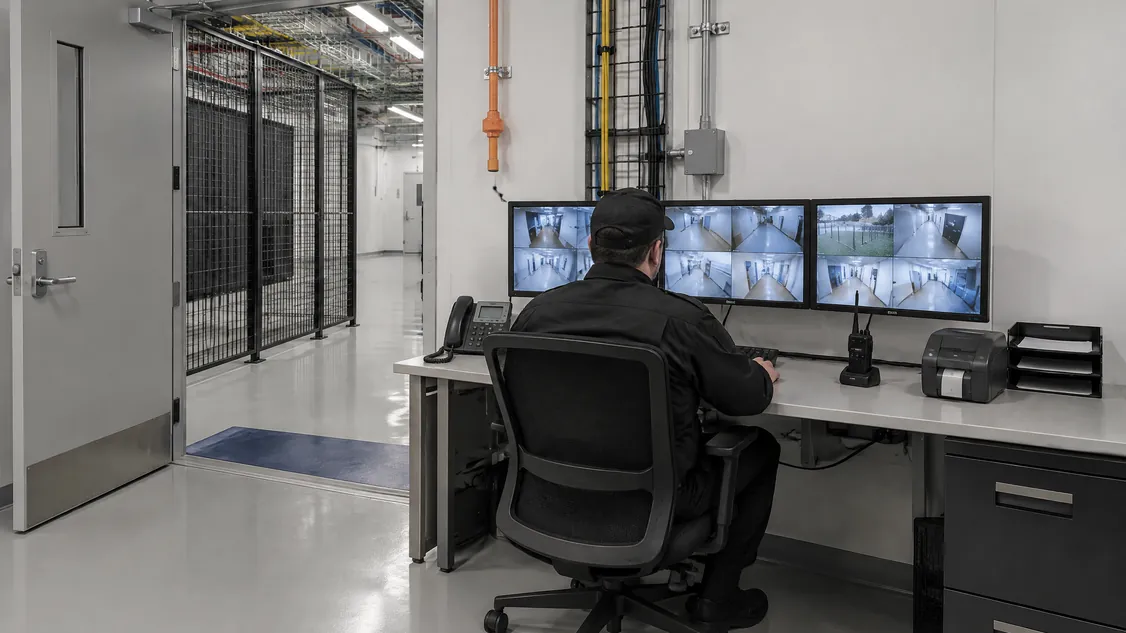
Running costs come from four places: software licences and support renewals, a service agreement for repairs and inspections, monitoring if you use it, and device replacement over the system’s life. Most of these scale with device count, so every camera and reader you add at design also adds a yearly cost. Ask bidders to price running costs separately from the install.
Software shows this most clearly. Milestone’s XProtect VMS getting started guide says “you need one device license per hardware device with a camera,” and lists “A Milestone Care coverage” as part of the purchase. Support coverage like this is typically renewed on a term, so ask what year two and year five cost before you settle on a platform. Our article on security total cost of ownership walks through the full calculation.
How can an owner get a reliable security budget early?
Ask for a counted, itemised price instead of a rate. A useful security bid lists every door, camera and panel by type, with a unit price for each and a written list of exclusions. That lets you check the scope against your drawings, compare bids line by line and price an added cage or camera before it turns into a change order.
Bring this list to your next design or budget meeting:
- Device count by type: doors with readers, cage doors, exterior and interior cameras, panels.
- Unit prices for adds and deletes, per device type.
- Exclusions in writing: door hardware, conduit, fire alarm interface, network switches, permits.
- Running costs for years one to five, priced apart from the install.
- A site walk for the yard, roof and perimeter, which floor plans rarely show well.
How do I get a data centre security price from Securitron?
Send Securitron your drawings and we’ll count the devices and price the security scope item by item, so you have a number your contractor can carry. You can name Securitron as the security installer in the general contractor’s tender, add us to the bid list, or hire us directly for a retrofit, expansion, tenant cages or service after turnover.
Securitron has installed and serviced cameras, access control, intrusion alarms, intercom and structured cabling across the GTA since 2008. In 2026 we installed the security on a newly built Toronto data centre: pole-mounted dome cameras over the electrical switchgear yard, a rooftop mast camera, interior cameras and cabling, and a wall-mounted network cabinet. Our data centre page shows the kind of work involved. If the yard and perimeter are still open questions, book a security assessment and we’ll walk the site with you.
Frequently Asked Questions
There is no reliable public per-door figure for Ontario data centres, because each door's price depends on its lock, reader, cable distance and any fire alarm interface. A cage door with a reader prices differently from an exit door with a mag lock that needs sealed drawings and verification. Ask for a unit price per door type so you can compare bids line by line.
Published percentages are rare and hard to compare. They also shift with power density: a high-density AI hall can cost much more to build without needing more doors or cameras, so the same security scope shows up as a smaller share. Budget security from a device count, then check it against the total.
Yes. Pricing both together lets you compare bidders on what the system costs to own, not only what it costs to install. The installer who built the system already holds the as-builts and programming, and you should confirm that licences and admin passwords transfer to you at handover.
Securitron installs and services cameras, access control and alarms across the Greater Toronto Area and Hamilton, from our head office in Hamilton. That includes Toronto; Mississauga and Brampton in Peel; Vaughan, Markham and Richmond Hill in York Region; Oakville, Burlington and Milton in Halton; Pickering, Ajax, Whitby and Oshawa in Durham; and Hamilton, Guelph and Kitchener. For a job elsewhere in Ontario, call (905) 730-2425 to check.