Building a Security System Asset Inventory
A practical commercial security asset inventory template covering devices, software, ownership, support, maintenance, dependencies and verification.
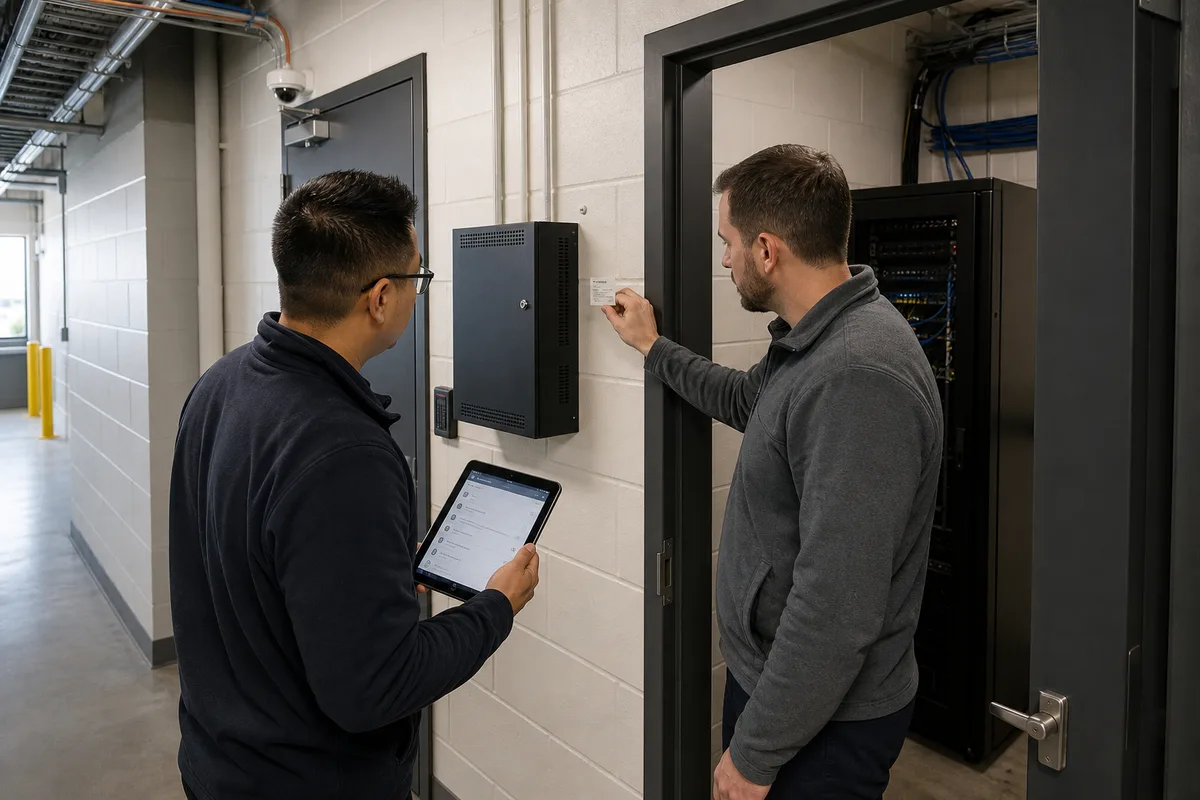
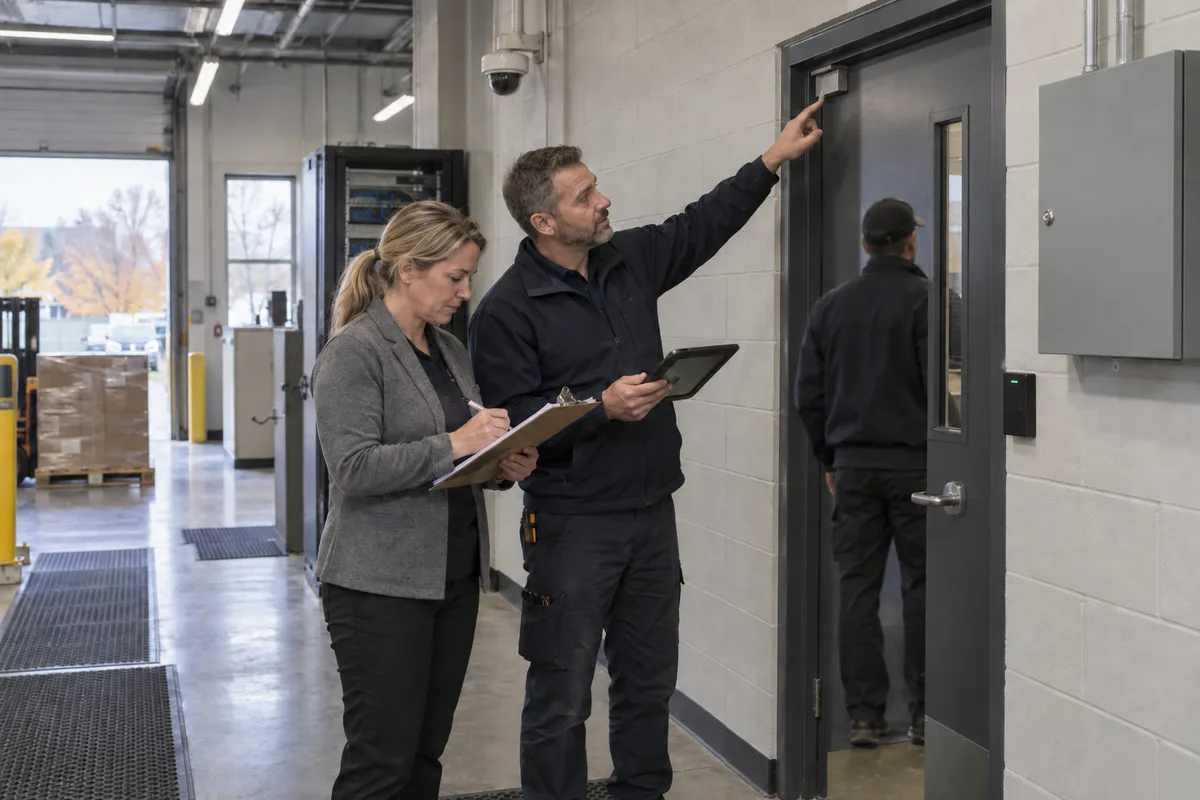
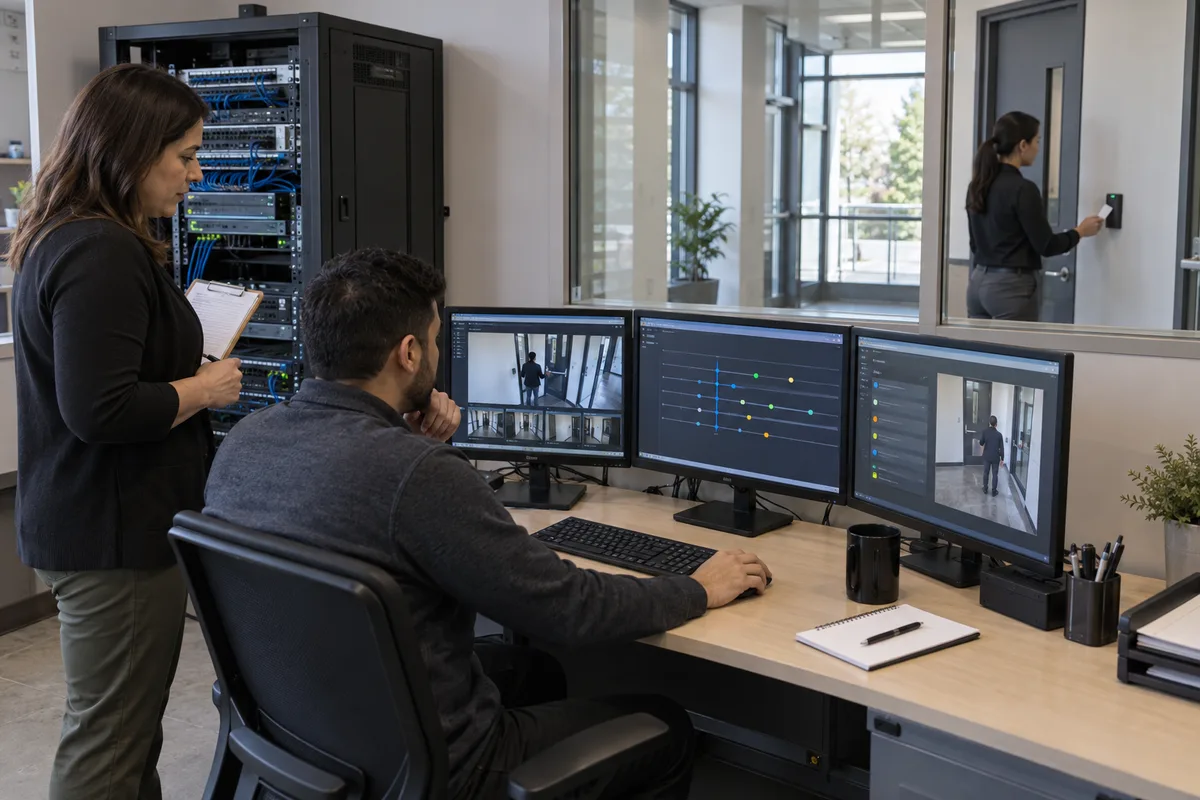
A failed camera, controller or alarm communicator becomes expensive when the service team first has to determine what is installed, where it is, who supports it and whether parts or updates are still available. Facilities, IT and service managers need a register that answers those questions before an outage.
Start with six verified facts for every in-scope asset: identity, location, operational function, ownership, technical state and support state. Label missing information as unknown, assign an owner and close the gap through evidence. This approach produces a usable inventory faster than collecting dozens of uncertain fields.
The template below covers cameras, access control, intrusion alarms, intercoms, recorders, servers, network dependencies, licences, cloud services and spares. It gives the inventory a distinct job within the broader security system lifecycle plan: support service, cybersecurity, maintenance and renewal decisions with current, traceable facts.
Define the boundary before counting devices
The inventory should represent the service that the business depends on and the components that deliver it. Begin with service groups such as video recording, controlled entry, intrusion reporting, visitor communication, remote monitoring and evidence export. Link each service to the installed assets, software, suppliers and infrastructure required for it to operate.
Include these asset classes where they are in scope:
- cameras, encoders, recorders, storage and viewing clients;
- access controllers, interface modules, readers, locks and door-position devices;
- intrusion panels, keypads, communicators, expanders and representative field devices;
- intercom stations, controllers, gateways and call-routing services;
- security servers, appliances, databases, management applications and cloud tenants;
- dedicated switches, wireless bridges, cellular routers, UPS units and networked power devices;
- licences, subscriptions, certificates, support entitlements and monitoring accounts;
- integrations with identity, elevator, fire, building, HR or incident systems; and
- configured spares that could return an older version or configuration to service.
Keep related records linked and separate. Drawings show placement and wiring. Configuration backups preserve settings. A password vault protects credentials. Maintenance tickets record work. The asset register connects these records through stable identifiers and references.
The Canadian Centre for Cyber Security’s IT asset-management guidance recommends an accurate inventory of hardware, software, data and licences that records location, responsibility and lifecycle status. Its scope covers IT assets broadly. Commercial security teams should add physical function, response consequence and site dependencies.
Use a minimum template that supports real decisions
Create one row per independently serviceable or governable asset. A camera, controller, recorder and software platform usually need separate records because each can have a different owner, version, support date and failure consequence. Simple field devices can be grouped only when the group has the same location, product, maintenance status and replacement decision.
Use the following field groups as a practical starting template:
| Field group | Minimum fields | Decision supported |
|---|---|---|
| Identity | Asset ID, asset class, parent system, manufacturer, model, hardware revision, serial number | Parts, advisories, support and reconciliation |
| Location and function | Site, building, floor or zone, room or door ID, installed position, operational purpose | Dispatch, outage response and physical verification |
| Ownership | Business owner role, technical owner role, service provider, contract or ticket route | Approval, escalation and accountability |
| Technical state | Hostname, managed IP and MAC where applicable, network zone, software or firmware version, licence and certificate references | Cybersecurity, compatibility and change planning |
| Service impact | Service supported, dependencies, criticality, outage consequence, recovery method, available spare | Maintenance priority and continuity planning |
| Lifecycle | Install or acceptance date, warranty terms and expiry, support stage, end-of-sale, end-of-software-support, end-of-hardware-support, planned renewal year | Budgeting, risk acceptance and replacement |
| Maintenance | Inspection interval, last inspection, last functional test, fault status, work-order link, last configuration backup | Preventive and corrective service |
| Verification | Evidence source, verified by role, verification date, confidence state, discrepancy and correction owner | Trust, auditability and cleanup |
For a spreadsheet or import file, a compact header can begin with:
Asset ID | System | Asset Class | Site | Exact Location | Function | Manufacturer | Model | Hardware Revision | Serial Number | Status | Business Owner Role | Technical Owner Role | Service Provider | Firmware or Software | Network Zone | Warranty Expiry | Support End | Criticality | Last Functional Test | Evidence Source | Verified Date | Open Gap
Add fields only when they drive a defined decision. Recording purchase cost may help finance. Recording lens model may help a camera maintenance team. Recording every transient IP address may create noise in a dynamically addressed environment. Document why each required field exists and which role maintains it.
The NIST Cybersecurity Framework 2.0 provides useful outcomes for this design. Its Asset Management category covers inventories of hardware, software, services and supplier services, representations of authorized network flows, prioritization by criticality and management across the lifecycle. NIST is voluntary, technology-neutral guidance rather than a Canadian legal requirement.
Collect evidence without guessing or disrupting service
Use several evidence sources because each reveals different facts:
- Approved design and as-built records: expected device, cable, panel and door relationships.
- Procurement and acceptance records: ordered model, serial, warranty, licence and acceptance date.
- Management-platform export: detected device, reported version, connectivity and platform assignment.
- Configuration and network records: hostname, address, zone, switch port, certificates and dependencies.
- Service history: replaced parts, repeated faults, temporary substitutions and open deficiencies.
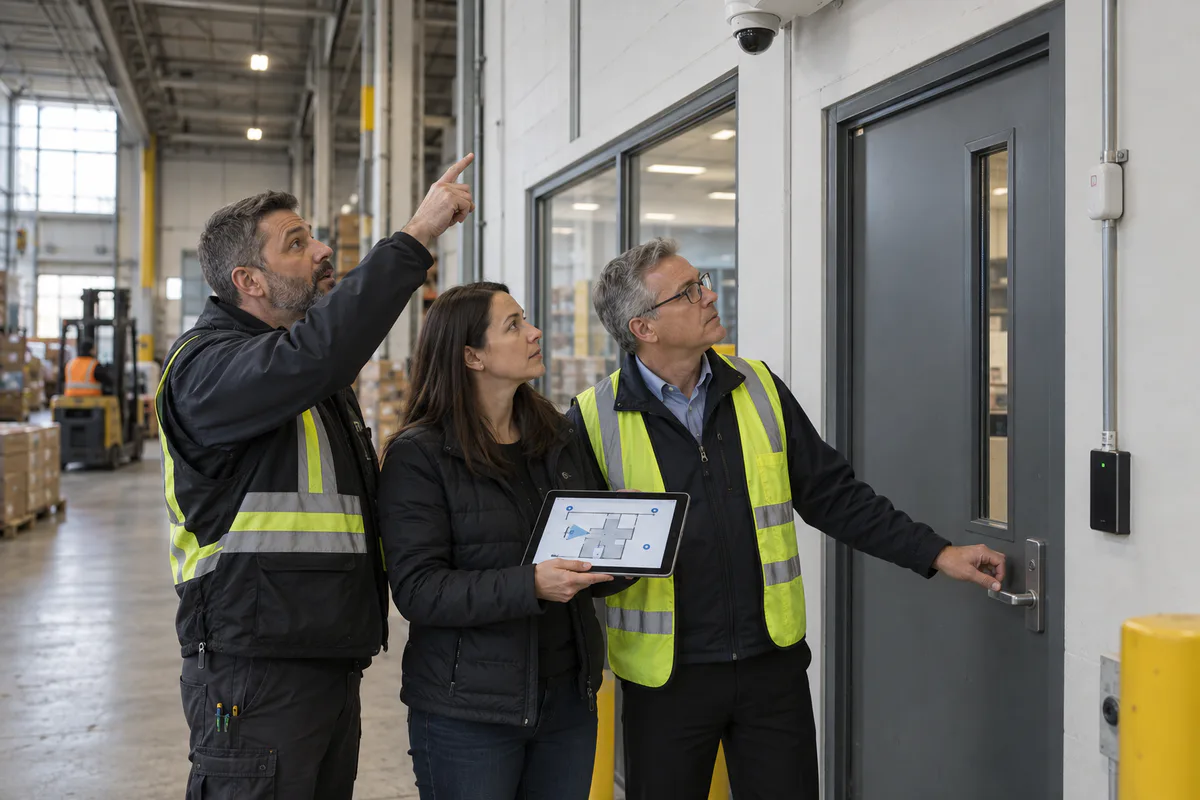
- Physical survey: installed label, exact position, condition, local wiring and undocumented equipment.
- Manufacturer evidence: current warranty, discontinuation and support information for the exact product or release.
Use confidence states such as verified, reported, discovered and unverified. A serial number read directly from an installed label and matched to a management console can be verified. A model copied from an old quote may remain reported until someone confirms the installed unit. A network scan can discover a device while leaving its operational purpose uncertain.
Plan active discovery with IT and the system owner. Sensitive or proprietary controllers may respond poorly to aggressive scanning, and disconnected field equipment will remain invisible to network tools. Use approved vendor tools, passive observations and controlled queries where possible. Reconcile automated output with physical samples and system records.
Axis’s current device-management documentation illustrates the value and limits of manufacturer tooling. It can discover supported Axis devices, export an inventory, report health, versions, warranties and support dates, and log changes. Those capabilities apply to the supported products and software named in the document. A mixed-vendor register still needs evidence from other platforms and from assets that no tool can see.
Assign ownership at the field level
One role should be accountable for the register. Several teams can maintain the fields they are qualified to verify.
| Role | Typical responsibility |
|---|---|
| Facilities or physical security | Site, location, function, criticality, operating status and physical survey |
| IT or cybersecurity | Network identifiers, zone, platform, version, certificate, vulnerability and technical owner |
| Procurement or finance | Purchase, warranty, support agreement, supplier and renewal evidence |
| Service provider | Installed details, maintenance work, replacements, configuration references and discrepancy reports |
| Business or site owner | Service consequence, acceptable downtime and renewal priority |
| Register owner | Schema, permissions, change control, reconciliation, exceptions and reporting |
Use role names in the durable fields and link to the current responsible person through the organization’s directory or service system. This reduces stale personal information when employees or contractors change.
Give vendors a controlled update path. A technician should be able to propose a changed serial number, version or location with supporting evidence. The register owner reviews and accepts the change. Contract language should require inventory updates as part of installation, replacement, repair and closeout.
Record warranty and support as separate evidence
Warranty, product availability, software maintenance and cybersecurity support describe different things. A valid hardware warranty may exclude labour. A supported software release can depend on an active agreement. A functioning product can reach the end of security fixes. Keep separate fields for each decision.
For every material product or platform, record:
- the exact manufacturer and product family;
- hardware and software version or release;
- warranty start, end, remedy and evidence source;
- end-of-sale or discontinuation date;
- general-support, limited-support and end-of-support dates where published;
- entitlement or support-agreement identifier;
- date the lifecycle source was checked; and
- planned action before the next support transition.
Manufacturer terminology varies. Genetec’s current Security Center lifecycle policy, for example, defines general availability, general support, limited support and end of life for the specified on-premises platform. The policy explains that maintenance narrows across stages and standard updates and security fixes end at end of life. Apply the current policy for the exact product in use and retain the source date. Other manufacturers use different stages and conditions.
Link the inventory to the commercial security systems that rely on these components. This allows the team to see whether one unsupported server, controller or cloud connector affects many cameras, doors or sites.
Protect sensitive inventory details
A useful security inventory can reveal camera locations, door-controller relationships, network addresses, administrators, remote-access paths and system weaknesses. Store it in an approved repository with role-based permissions, change history, backups and recoverability.
Keep passwords, recovery codes, private keys and full credential secrets in an approved credential-management system. Reference the vault record or responsible role from the inventory. Restrict detailed network and architecture views to people who need them for administration or response.
Some fields can contain personal information, such as named contacts, individual assignments or technician notes. Minimize these fields and apply appropriate safeguards. The Office of the Privacy Commissioner of Canada’s PIPEDA fair information principles include accountability, limiting collection, accuracy, retention limits and safeguards proportionate to sensitivity. PIPEDA applicability depends on the organization and activity, so privacy requirements should be confirmed for the actual environment.
Keep the register current through operational triggers
Build updates into work that already happens. Require an inventory change when an asset is:
- received, installed, accepted or placed into spares;
- moved, renamed, regrouped or assigned to a different system;
- repaired with a material component change;
- replaced under warranty or through a service call;
- updated, reconfigured or migrated to another platform;
- connected to a new supplier or cloud service;
- removed from service, sanitized, returned or disposed of; or
- affected by a lifecycle announcement or support-contract change.
Use three complementary review layers:
- Transaction control: update the register before closing the change or work order.
- Exception review: regularly identify missing owners, unknown versions, expired warranties, approaching support dates and stale verification records.
- Reconciliation: compare the register with platform exports, network evidence, procurement records and a risk-based physical sample.
Set the cadence from consequence and change rate. A multi-site camera fleet with frequent replacements may need monthly exception review. A stable alarm panel can follow a longer physical-verification cycle while still receiving immediate updates after service. The Cyber Centre recommends adding new assets promptly, maintaining the inventory regularly and using annual audits as one way to support continuous improvement. Organizations should increase review frequency when the operating risk warrants it.
Test whether the inventory can do its job
An inventory passes acceptance when it supports real work with traceable answers. Test it with representative scenarios:
- Select a random camera, door controller and alarm communicator. Confirm the team can locate each asset, identify its function and reach the correct service route.
- Choose a model and software version from a current vendor notice. Query the affected fleet and verify the results against a management-platform export or physical sample.
- Trace one critical service, such as main-entry access, through its controller, network, power, software, licence and service-provider dependencies.
- Select recent service tickets. Confirm replacements, moves and version changes appear in the register with evidence.
- Open a recorded lifecycle source. Confirm the date, product and support stage still match the manufacturer’s current publication.
- Review a sample of retired assets. Confirm removal from production, disposition, licence recovery and secure handling of storage or configuration data.
- Remove a test user’s access to the register. Confirm permissions follow the approved role model without exposing credential secrets.
- Introduce a controlled discrepancy. Confirm it receives an owner, due date, evidence requirement and closure record.
Record pass, fail, evidence and corrective owner for each test. A high completion percentage can still hide the one unsupported recorder or unknown controller that creates the largest exposure.
Ask vendors questions that produce usable records
Use procurement and service reviews to establish the evidence package:
- Which assets will receive unique IDs, and how will field labels map to drawings, software and service tickets?
- Which inventory fields will be delivered at acceptance, and in which open format?
- How will replacements, loaners, spares and warranty exchanges update the authoritative record?
- Which tool discovers devices, and which products, versions or offline assets can it miss?
- Where are warranty, discontinuation, hardware-support and software-support dates published?
- Who receives lifecycle and cybersecurity notices after project closeout?
- Which fields can the vendor edit, which require customer approval and how are changes logged?
- How are network details, building locations and credential references protected?
- What reconciliation and physical-verification evidence will be supplied during maintenance?
- What complete inventory export, configuration package and documentation will be delivered when the service relationship ends?
Begin with one site or one service, verify the minimum fields and correct the workflow before scaling. A trustworthy security asset inventory gives facilities, IT and service teams a shared operating record for repairs, advisories, budgeting and controlled change. Securitron Canada can help commercial teams survey installed systems, reconcile evidence and define a maintainable asset register.
Frequently Asked Questions
At minimum, record a unique asset ID, system and function, precise location, manufacturer, model, serial number, current status, business owner, technical owner, service provider, installed software or firmware, support evidence, warranty information, last verification date and the source used to verify each important field.
A controlled spreadsheet can support a small, stable environment when one owner governs fields, permissions, changes and backups. Multi-site or frequently changing systems may justify a CMMS, IT asset platform or device-management tool. The workflow and data ownership should be defined before choosing software.
Store credentials in an approved password or privileged-access system. The inventory may reference the credential record or responsible role without containing passwords, recovery codes or private keys. Restrict sensitive network and configuration details according to operational need.
Update it during installation, removal, replacement, relocation, software or firmware change, warranty action and service-provider change. Add a risk-based reconciliation cycle for missed changes. Higher-consequence or fast-changing systems need more frequent review than stable, low-consequence equipment.
Assign one accountable register owner and field-level contributors. Facilities or security can own the operational record, IT can verify network and software fields, procurement can support warranty and contract data, and the service provider can submit controlled updates. The organization remains accountable for the authoritative record.