Logging and Log Retention for Integrated Security Systems
Could you explain a missing recording or unexpected door entry? Learn which security records to keep, who should review them and how to test retrieval.
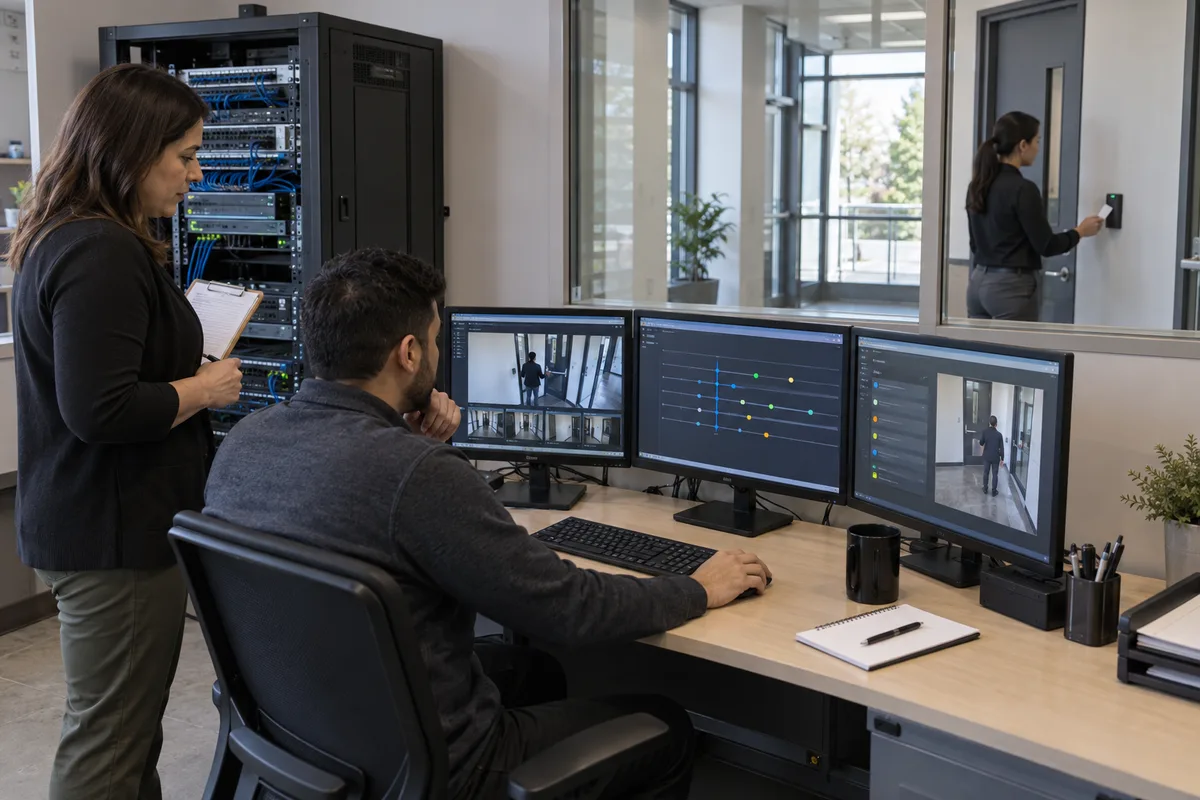
Could you still find out what happened if a recording disappeared or someone changed who could enter your building? The Canadian Centre for Cyber Security’s security operations guidance, updated September 16, 2026, explains how teams use audit, user and system records to investigate incidents. For people responsible for connected cameras, doors and alarms, that raises a practical question: are the records you would need actually being kept?
Start by checking whether your existing system can show relevant events, preserve them long enough for a problem to come to light, and give an authorized person a usable copy. Assign someone to review important warnings. Buying more storage is only useful once those basics work.
The Canadian guidance concerns cybersecurity. It does not establish a rise in GTA building incidents or require every property to operate a security operations centre.
Why can a working system still leave you without answers?
A live picture tells you what a camera sees now. It does not necessarily explain why recording stopped yesterday. Similarly, a door opening successfully tells you little about who recently changed its schedule.
Think of logs as the system’s written history. Different records answer different questions: an event record describes something the system detected; an audit record describes an action taken within the software. The names and coverage vary by product.
Consider an illustrative situation, rather than an actual customer incident: equipment is found missing after an inventory check. The door still works, but its older transactions are gone. The team may have to reconstruct access from incomplete information, spend longer interviewing people, and leave important questions unresolved. A retained record could help narrow the inquiry. It would not, on its own, prove theft or identify the person responsible.
That distinction matters when reviewing staff activity. An account name identifies the account involved. A credential record identifies the credential used. Shared accounts, borrowed credentials and people following through an open door can complicate interpretation. Ask what each field actually means before treating a report as a conclusion about someone.
Which questions should your records be able to answer?
Begin with situations your organization genuinely needs to investigate. The following is a suggested discussion aid, to adapt with your system provider, rather than a claim that every product records every event.
| Your question | History to ask the provider to demonstrate | What still needs checking |
|---|---|---|
| Why did this credential work after access should have ended? | Credential changes and relevant access transactions | Whether changes reached the actual controller |
| Who changed this door’s opening hours? | Administrator action, affected door and change time | Whether the previous and new settings are recorded |
| Why is there no recording for that period? | Recording, storage and device fault events | Whether the fault was noticed and acted on |
| Was video viewed or exported without approval? | Relevant user activity and export records, where supported | Whether all viewing routes are covered |
| Why did nobody respond to the warning? | Alarm, acknowledgement and escalation history | Whether acknowledgement led to any action |
The AXIS Camera Station Pro manual illustrates these distinctions. It describes separate alarm, event and audit logs, searchable history, text exports and configurable log retention. Audit examples include video streaming and cardholder creation. This is evidence of that product’s documented capabilities, rather than a promise about your installed version or another manufacturer’s system.
Have the supplier show the answer on your system. A feature list cannot establish that the required logging is enabled, the right people can retrieve it, or older records remain available.
If several platforms must contribute to the answer, the enterprise security integration roadmap explains the broader coordination. Here, the priority is the history each connection actually preserves.
How far back should you be able to look?
Work backwards from when a problem could reasonably be discovered and the obligations that apply to your organization. An immediately reported door fault and a discrepancy found during a later review may require different investigation windows.
There is no responsible universal day count to apply to every record in every GTA business. Canada’s privacy commissioner explains in its retention and disposal guidance that retention depends on the identified purpose and applicable requirements. Keeping personal information indefinitely can increase exposure if it is compromised. Have the appropriate privacy or legal adviser resolve sector-specific and employment-related obligations.
For each important record, write down its purpose, routine deletion point and who can authorize preservation for an actual matter. Explain how an approved preservation instruction reaches the people or services controlling deletion. Keep that exception bounded and review it when the matter ends.
Also distinguish readily searchable history from archived history. Ask how long retrieval takes, who can request it and whether it incurs a charge. A statement that records are “retained” leaves those practical questions open.
Video and logs need separate checks. Keeping a clip does not automatically preserve the record of who exported it. The site’s video retention guide addresses recordings; this article addresses the event and action history around the system.
What if the history exists but nobody notices the warning?
Stored records help a later investigation. Reviewed warnings can help someone respond earlier. Decide which events deserve prompt attention and which belong in a scheduled review.
For example, your team might prioritize an unexpected administrative change or a stopped recording service. Routine successful door transactions may simply remain searchable for authorized investigations. These are suggested priorities, not universal alarm rules: a site’s operating hours, staffing and consequences should shape the choice.
The Cyber Centre’s network logging and monitoring guidance, dated December 2022, recommends defining important events, retention and monitoring responsibilities. It also tells cloud customers to ask what records they can access and how providers retain and destroy them. Its recommendations concern network security; applying them to connected physical-security platforms requires checking each platform’s capabilities.
Give each actionable warning a recipient, a backup and a clear response. Ask what happens outside working hours. A notification going to an unattended inbox can leave the underlying problem unresolved.
Keep review proportionate. If every ordinary event demands attention, the arrangement may become impractical. During a trial, ask reviewers which alerts led to useful action and which need better context. Check that quiet sources are still sending records, so silence does not create false reassurance.
Who should be allowed to see or change the history?
Limit access to people with a legitimate responsibility for the matter. Security records can reveal movements, account activity and operational details. Avoid distributing a full building history when a carefully scoped export will answer the authorized question.
An organization should also consider how it would investigate the activity of someone who administers the system. Ask the provider which safeguards protect records from alteration or deletion, whether a separate protected copy is possible, and who can review administrative activity independently. Have IT verify the implementation rather than accepting an unqualified “tamper-proof” claim.
NIST’s Guide to Computer Security Log Management, published in September 2006, treats logging as an organization-wide practice involving both infrastructure and processes. It is a foundational US technical reference, rather than Canadian law or current product documentation. The useful management lesson is to assign ownership across the whole record lifecycle.
For your site, make the handoff explicit: the system owner identifies necessary questions, IT and the provider confirm collection and protection, authorized reviewers examine concerns, and privacy or legal personnel guide sensitive use and preservation. Small teams can combine responsibilities while arranging an independent review of privileged activity where feasible.
What should you check before paying for an upgrade?
Try retrieving a harmless, approved test event with the equipment you already have. Ask a trained administrator to make a reversible test change, then have an authorized reviewer find and export the associated record. Do not disable protection, disrupt occupants or interfere with emergency exit arrangements.
Use this short test:
- Can the reviewer find the right event and explain its time, account, affected item and result?
- Can they retrieve an older record within your intended retention window?
- Does the exported copy remain understandable outside the live application?
- Can the team demonstrate who receives a relevant warning and what happens next?
- Can the provider explain what would happen if collection stopped or the service contract ended?
Record gaps separately. Missing detail may call for a configuration change. Inaccessible history may require different permissions or a supported export arrangement. A fragmented multi-site environment may justify central collection. Keep a sufficient existing system when it passes the tests.
Request separate quote items for setup, integrations, storage, search access, retrieval and ongoing review. These are cost questions to resolve with suppliers, not published price estimates. Include the work of maintaining the connection after software updates and retaining usable exports when changing providers.
For commercial access control, a useful next step is to review one important door and its related administrative history. Securitron Canada can help assess which records your existing arrangement can supply and which gaps merit attention. The aim is a clear, defensible answer when something needs explaining, with only the changes that answer requires.
Frequently Asked Questions
It may show which credential was accepted at a reader and when. That alone does not establish who held the credential or whether someone followed through the door. Check the event meaning and any other lawfully available evidence before drawing conclusions.
Choose a documented period for each purpose, taking account of discovery delays, applicable obligations and privacy. Verify how much history is actually retrievable. A product default or another business's audit requirement is not a universal Canadian rule.
Do not assume so. Video recordings, door transactions and records of administrator actions can have separate storage and retention settings. Ask your provider to demonstrate retrieval for each relevant record type.
Only if the existing arrangement cannot meet the agreed need. Start by testing available reports, permissions, exports and alerts. Central monitoring may help across multiple systems, but it brings integration, storage and review responsibilities.