Security System Lifecycle Planning for Ontario Facilities
Budget beyond installation with an asset register, support horizon, preventive maintenance, cybersecurity work, capacity forecasts, and renewal triggers.
Security systems age in several ways. Hardware wears, software loses support, certificates expire, storage fills, networks become constrained, administrator knowledge leaves, and the organization’s risk changes.
A lifecycle plan converts those changes into visible operating and capital decisions before a critical failure forces an emergency purchase.
Create a Service and Asset Register
Organize the register in two levels.
At the service level, record what the business depends on: video recording, controlled entry, intrusion response, visitor communication, monitoring, mobile access, or evidence export.
At the asset level, record the components that deliver it:
- site, system, asset ID, location, and function;
- manufacturer, model, serial number, firmware, and configuration baseline;
- install, warranty, end-of-sale, and end-of-support dates;
- licence, subscription, certificate, and connectivity dependencies;
- power, UPS, network, server, storage, and integration relationships;
- maintenance interval, spare strategy, and support owner;
- condition, faults, repairs, and replacement priority.
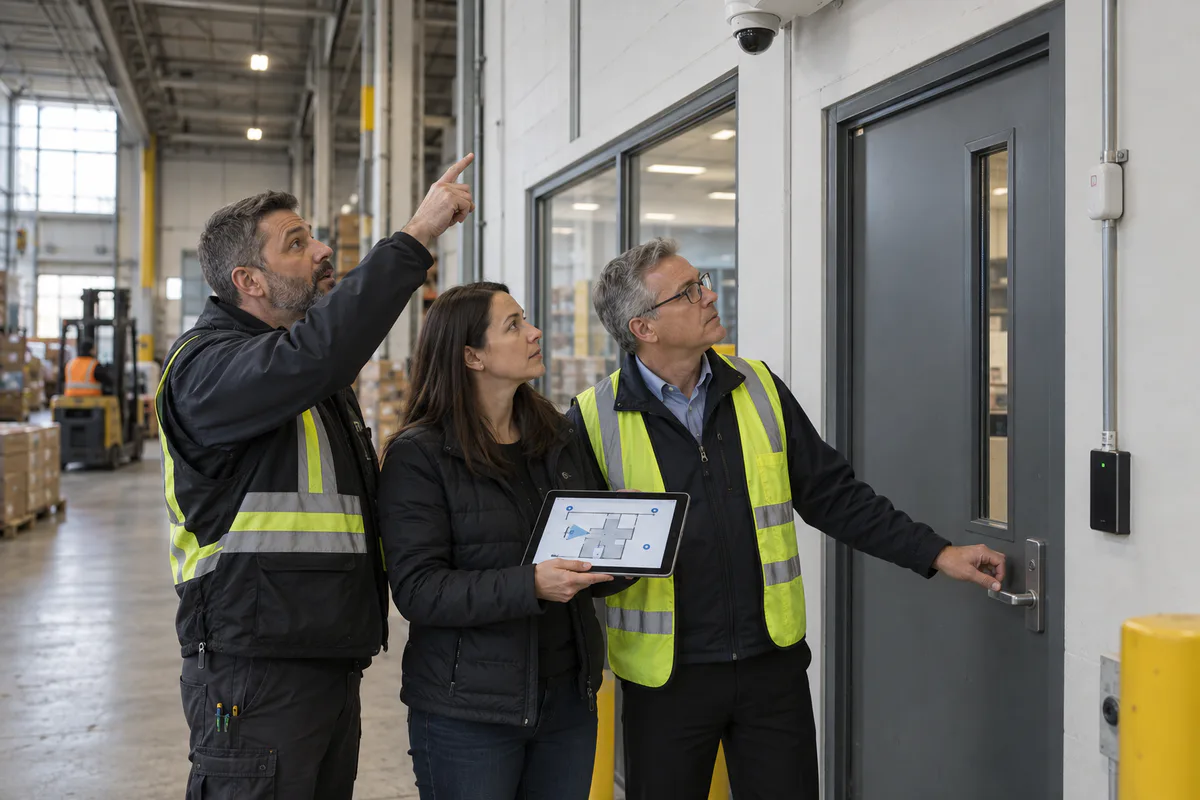
Link assets to drawings and photographs. A list that cannot locate the device is not an operational register.
Distinguish Failure, Obsolescence, and Capacity
An asset may still power on while becoming unsuitable.
- Physical condition: damaged housing, contaminated lens, worn drive, failing battery, corroded connection.
- Supportability: unavailable parts, unsupported operating system, discontinued firmware, expired cloud compatibility.
- Cybersecurity: unpatched vulnerability, weak authentication, obsolete encryption, unmanaged remote access.
- Capacity: insufficient PoE, bandwidth, storage, processing, licences, or operator seats.
- Operational fit: no longer provides the required detail, workflow, accessibility, integration, or response.
Score these dimensions separately. Replacement priority should reflect consequence and supportability, not age alone.
Build the Full Cost Model
Use annual operating, periodic renewal, and project-change categories.
| Cost group | Examples |
|---|---|
| Recurring service | Monitoring, cellular, cloud, software assurance, support |
| Preventive maintenance | Inspection, cleaning, testing, batteries, firmware |
| Consumable or wear | Storage drives, UPS batteries, gate hardware, intercom components |
| Cybersecurity | Hardening review, certificates, vulnerability response, controlled updates |
| Capacity | Storage, switch ports, PoE, server resources, licences |
| People | Administrator and operator training, documentation updates |
| Renewal | Planned component and platform replacement |
| Change | Renovations, new tenants, process or regulatory change |
Record assumptions such as device growth, retention, inflation, service level, and support horizon. Show what is excluded.
Forecast Capacity With Real Workloads
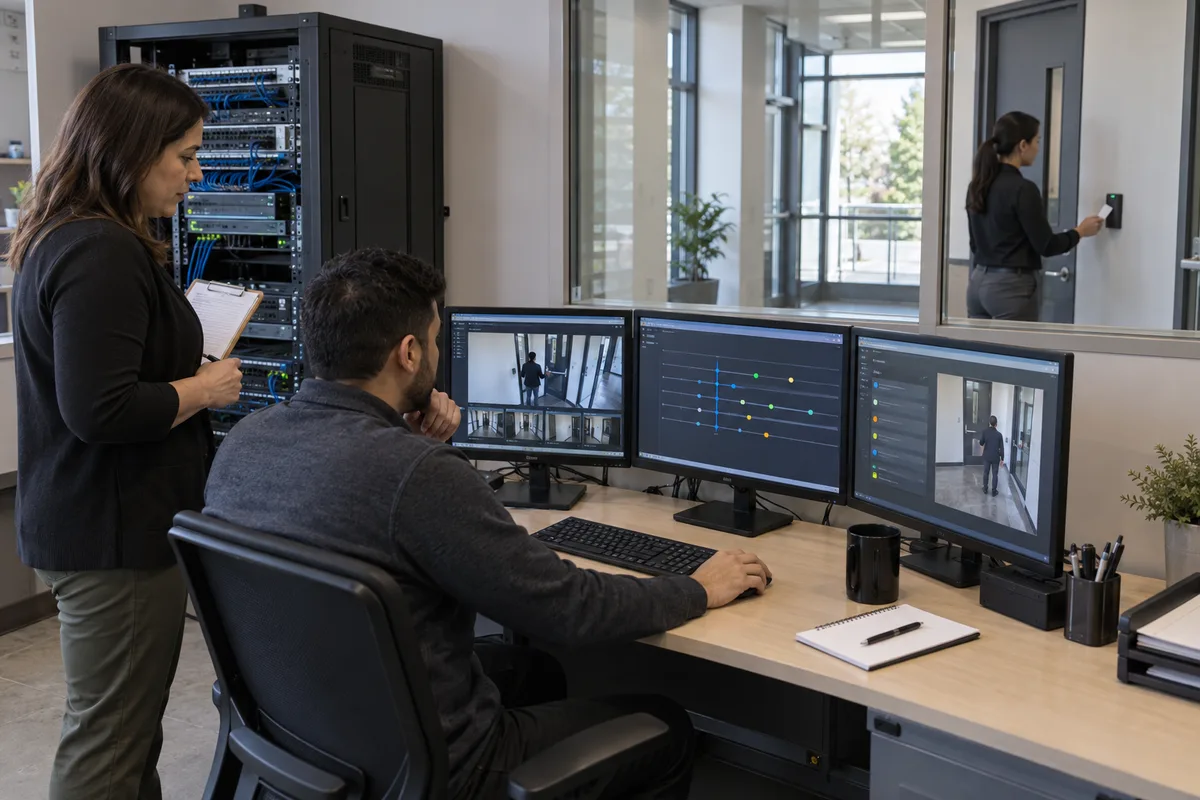
Review video storage and bandwidth, access-control door and credential counts, event volume, cloud usage, cellular data, database growth, licence limits, and UPS load.
Trigger action before the hard limit. For example, investigate when storage has sustained low free capacity, PoE headroom falls below the approved design reserve, or licence utilization approaches the next purchasing tier.
Capacity forecasts should include planned construction, acquisitions, tenant changes, analytics, higher-resolution replacements, and retention changes.
Schedule Preventive Work by Failure Mode
Maintenance should address how the service can degrade:
- verify camera focus, obstruction, cleanliness, time, recording, and night image;
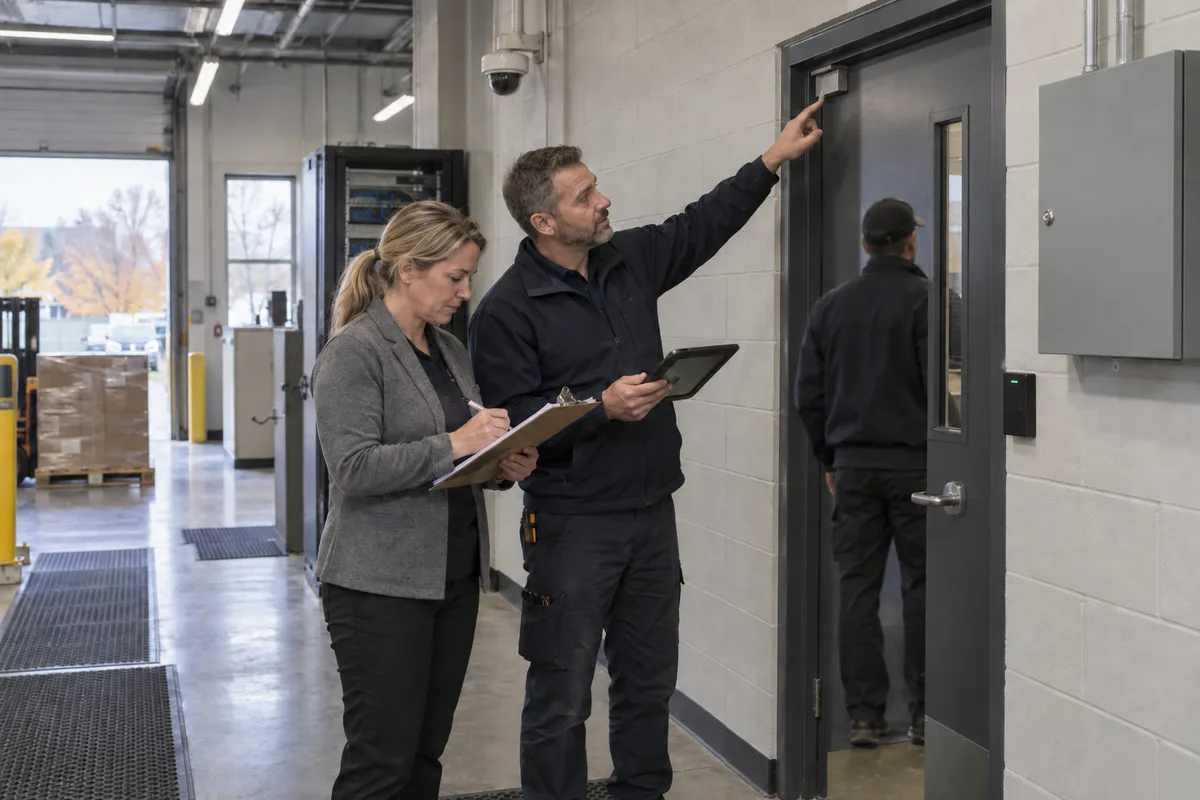
- test door position, request-to-exit, locking, closer, reader, alarm, and emergency interface;
- activate intrusion zones and confirm the complete monitoring path;
- test intercom intelligibility, call routing, release, and fallback;
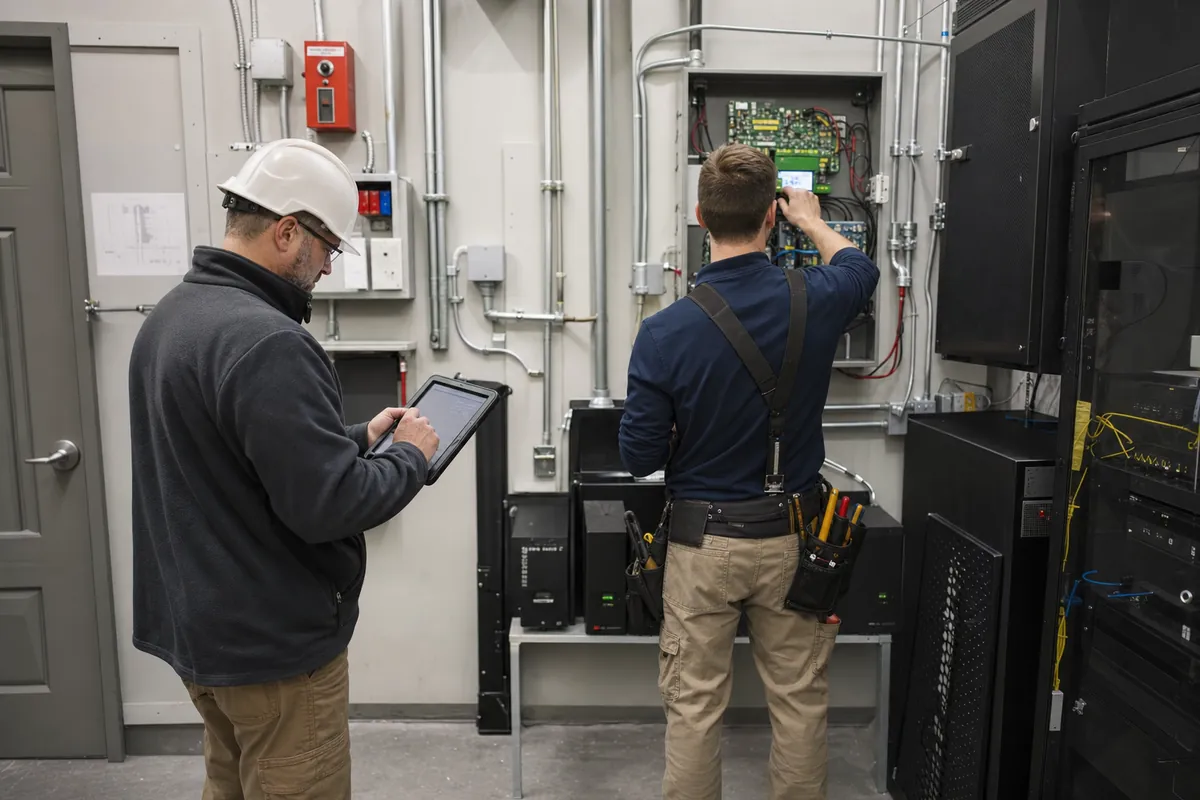
- inspect equipment rooms, ventilation, UPS, drive health, switch errors, and backups;
- review user roles, inactive accounts, remote access, certificates, and firmware.
Record measured results, deficiency severity, owner, and closure evidence. Repeated faults should feed the renewal plan.
Maintain Cybersecurity Ownership
Networked physical-security devices need an update and vulnerability process after the installation project ends. Assign who receives vendor notices, assesses applicability, tests changes, approves downtime, updates, verifies, and rolls back.
Segmentation reduces exposure but does not remove the need for device management. The Canadian Centre for Cyber Security describes using security zones to reduce attack surface and unauthorized access risk. Maintain current network diagrams, permitted flows, administrator paths, and exceptions.
Use Renewal Triggers
Define triggers that move an asset or platform into funded planning:
- vendor support or security updates end within the planning horizon;
- critical spares are unavailable;
- fault rate or service calls exceed threshold;
- recovery tests fail;
- capacity reserve is consumed;
- required integrations or operating systems are no longer supported;
- the system cannot meet the approved business or privacy requirement;
- renovation creates a more efficient replacement window.
Bundle replacements where shared labour, lifts, cabling, server migration, or training create genuine savings, but avoid replacing healthy field assets solely for visual uniformity.
Review the Plan Annually and After Change
Bring security, facilities, IT, finance, procurement, privacy, and operations together. Review service criticality, incidents, faults, vendor roadmaps, capacity, cybersecurity, projects, and budget assumptions.
Produce a rolling multi-year roadmap with funded, planned, monitored, and accepted-risk categories. For every deferred item, document consequence, compensating control, owner, and next review.
Lifecycle planning makes the system more predictable. It gives leaders time to choose an architecture, schedule disruption, compete procurement, and preserve evidence and access continuity—rather than buying under the pressure of an avoidable failure.
Frequently Asked Questions
There is no single lifespan. Field environment, duty cycle, vendor support, firmware, storage wear, network capacity, licence terms, and changing business needs determine useful life. Track condition and supportability at component level.
Include licences, monitoring, connectivity, preventive maintenance, batteries and storage drives, firmware work, cybersecurity reviews, training, spare parts, support escalation, capacity growth, and staged renewal—not only device replacement.
Planned replacement is justified when support ends, failure consequence is high, faults trend upward, parts are unavailable, security updates stop, capacity is exhausted, or the system can no longer meet a required workflow.