Loading-Dock Security Design for Distribution Facilities
Design loading-dock security around real receiving and shipping workflows, with coordinated video, access, alarm, privacy and acceptance controls.

A busy loading dock concentrates vehicles, workers, visitors, high-value goods and changing custody in a small area. The difficult security questions usually appear between steps. Was the correct trailer at the assigned bay? Who opened the personnel door? Was a seal discrepancy recorded before unloading? Did an alarm reach someone who could act? Can an investigator align the access event, dock activity and recorded video afterward?
Warehouse and logistics operators need a design that makes those events observable. A useful loading-dock security plan connects video, access control and alarms to the receiving and shipping workflow. It defines what each system must prove, who responds, how records are correlated and which conditions must pass before acceptance.
This guide provides a practical design method for distribution facilities. It also identifies important boundaries involving worker safety, privacy and cross-border programs. The result should be a decision-ready scope that qualified vendors can price, test and support.
Executive summary: the five design decisions
An effective dock-security design resolves five decisions before product selection:
- Which workflow states matter? Define the expected sequence from appointment through departure, including custody and seal checks where applicable.
- Which exceptions require action? Examples include an unassigned trailer, an after-hours door opening, a forced personnel door, a held dock door or a seal discrepancy.
- Which system provides each record? Assign visual context to video, authorization decisions to access control, exception detection to alarms and business context to warehouse or yard systems.
- Who owns the response? Name the role, notification route, escalation time and fallback for each priority event.
- How will the owner prove performance? Write acceptance tests using realistic vehicles, lighting, door positions, credentials, failures and recorded exports.
These decisions create a system that supports operations and investigations. They also expose gaps that a camera count or device schedule can hide.
1. Map the dock as a sequence of observable states
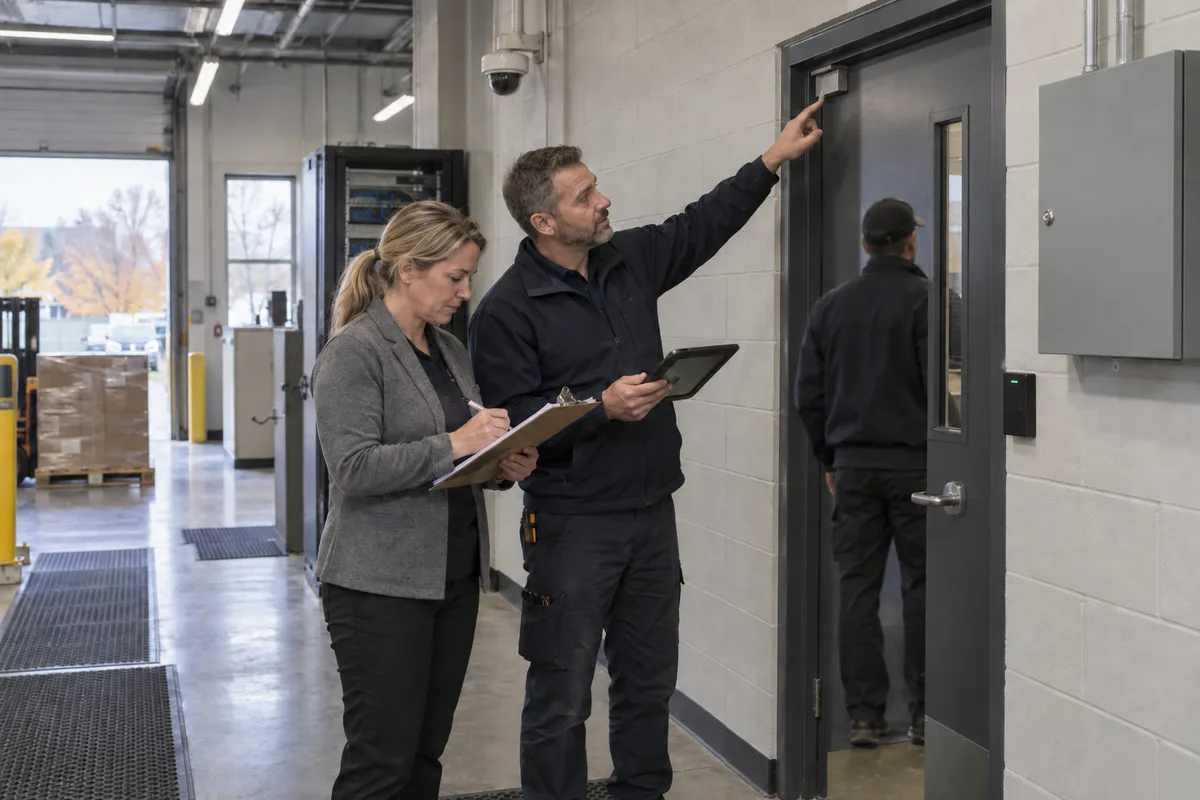
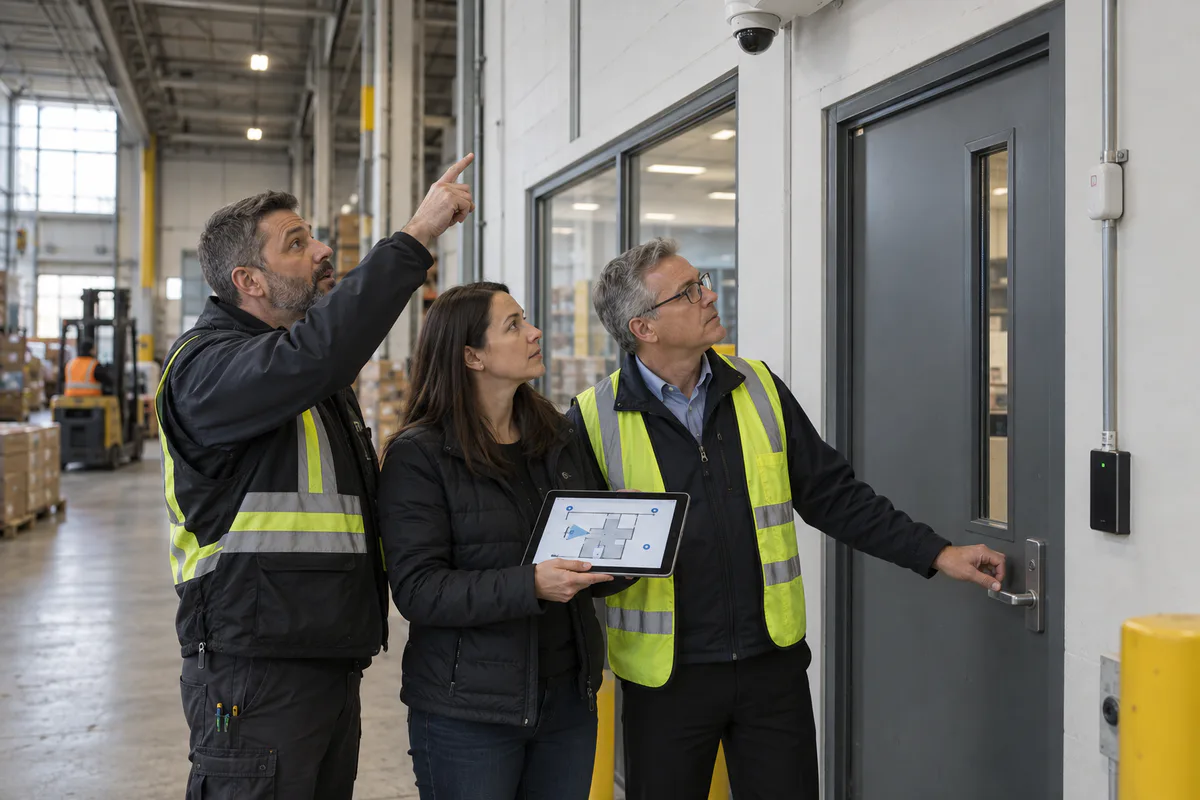
Start with a workshop involving receiving, shipping, facilities, loss prevention, health and safety, IT, privacy and after-hours response. Walk one inbound and one outbound movement from beginning to end. Record the normal state, the available data and the person accountable at every transition.
A typical inbound sequence may include:
- appointment or delivery reference confirmed;
- vehicle directed to an assigned bay;
- driver or visitor identity handled under the facility’s approved procedure;
- personnel and dock-door access authorized;
- trailer and seal information checked where the process requires it;
- goods transferred and custody acknowledged;
- discrepancies isolated and escalated; and
- doors secured before the trailer departs.
For cross-border supply chains, the Canada Border Services Agency’s current Partners in Protection memorandum is a useful benchmark. Its minimum-security framework addresses cargo handling, physical access, seals, storage and conveyance integrity. It also calls for importers and warehouse operators to inspect seals before removal, compare them with cargo documentation and report indicators of illicit activity. PIP requirements apply to eligible program participants, so each facility should confirm whether and how they apply to its operations.
Turn the workflow into a state and event matrix. This becomes the shared design language for operators and vendors:
| Workflow state or exception | Evidence needed | Primary record | Expected response |
|---|---|---|---|
| Trailer at assigned bay | Vehicle, bay and time in context | Video plus yard or appointment record | Receiving confirms assignment |
| Personnel door access | Credential decision and person in context | Access event plus associated video | Permit, deny or investigate |
| Dock door open | Door state, time and authorized work window | Door contact or controller event | Notify when outside the approved condition |
| Seal or load discrepancy | Documented exception and surrounding activity | Operating record plus preserved video | Isolate, escalate and preserve evidence |
| Door forced or held | Exception type, duration and visual context | Access or alarm event plus video | Route to the named responder |
| Communications or camera failure | Device, time and health state | System health alert | Technical escalation within a defined time |
Keep the matrix specific. “Monitor the dock” cannot be accepted or rejected. “Display recorded video from the assigned bay within a defined retrieval time after a forced-door event” can be tested.
2. Give video, access and alarms distinct responsibilities
Each system should contribute the record it produces reliably.
Video should show the activity, sequence and surrounding context. Critical views may include the trailer approach, the face or person at a controlled entrance, the dock threshold and the transfer zone. A wide overview can reconstruct movement, while a tighter view at a natural choke point may capture the detail required by the operating purpose. Normal trailers, open doors, pallet stacks and workers must be included in the field-of-view test because they create predictable obstructions.
Access control should record credential status, reader, door and time. Where an owner needs portable access-control integrations, ONVIF Profile A defines functions involving credentials, access rules, schedules and standardized access events. At the reader interface, the Security Industry Association describes OSDP as a bidirectional and supervised protocol with Secure Channel support. Both references help procurement teams ask precise interoperability questions. They do not validate every feature of a completed system.
Alarms and monitoring should identify exceptions that need attention. Useful events may include a forced or held personnel door, a dock door open outside its allowed state, camera tampering, recorder trouble or lost communications. Alarm language must be clear enough for the responder to understand the location, priority and first action.
Operational platforms such as a yard-management or warehouse-management system can add appointment, carrier, bay, shipment or custody context. Define which platform owns each field and how corrections are audited. Business software should not silently control a life-safety function or bypass an access rule.
The integration specification should state the event source, timestamp source, associated camera, displayed message, recipient, acknowledgement method, escalation and retention requirement. This level of detail prevents vague “systems integration” allowances from becoming expensive change orders.
3. Protect the safety boundary around dock operations
Security controls share space with vehicle restraint, dock levellers, overhead doors, pedestrian routes and fall hazards. Their functions must be coordinated without assigning unsafe authority to security software.
Ontario’s Industrial Establishments regulation includes requirements concerning fall protection and loading docks. Section 13 addresses situations where guardrails are impracticable and requires other protective measures and procedures in specified circumstances. A security design should therefore document interfaces with existing dock-safety procedures and refer control decisions to the appropriate safety, engineering and legal specialists.
Apply several practical boundaries:
- keep emergency egress and required release functions under their approved code and life-safety design;
- prevent a video analytic or ordinary access event from directly moving a dock leveller, restraint or overhead door unless a qualified industrial-control design explicitly authorizes that function;
- locate readers, intercoms and request devices where workers can use them without stepping into vehicle paths or fall zones;
- confirm that camera poles, housings and conduits do not obstruct mirrors, signs, door travel or maintenance access;
- route security notifications separately from machinery safety interlocks; and
- test degraded modes so a network or server failure has a documented and safe outcome.
Ontario’s workplace-violence guidance also directs employers to assess risks arising from the nature, type and conditions of work and to maintain procedures for controls, reporting, summoning assistance and investigation. The province’s workplace violence and harassment guide identifies layout, barriers, lighting and emergency procedures as possible controls. Use that assessment to inform dock design, especially for lone work, after-hours drivers, cash or high-value movements and public-facing shipping counters.
4. Design useful video without collecting excess information
Purpose and viewing boundaries belong in the design documents. The federal Office of the Privacy Commissioner’s guidance for overt private-sector video surveillance recommends considering less intrusive alternatives, limiting the viewing range, providing notice, protecting access and storage, destroying recordings when no longer needed and periodically evaluating the program.
That federal guidance specifically excludes employee surveillance and covert surveillance. Loading docks commonly capture workers, so organizations need a separate assessment of applicable workplace, labour, privacy and policy requirements. The project team should document that review and keep each source within its stated scope.
For every proposed camera, record:
- the approved operational purpose;
- the scene and subject required to meet it;
- adjacent property, roadways, workstations or private areas to exclude or mask;
- whether audio and analytics are disabled or separately approved;
- roles allowed to view, export, administer and disclose recordings;
- retention and preservation rules tied to real investigation timelines;
- notice and enquiry procedures; and
- a periodic review owner.
Privacy can improve camera design. A narrowly defined evidentiary view often captures more useful detail and less irrelevant activity than a broad scene installed without a clear purpose.
5. Specify interoperability as testable functions
Standards claims should lead to a list of required functions. ONVIF Profile T covers standardized IP-video capabilities such as H.264 and H.265 streaming, imaging settings, motion and tampering events, metadata and conditional input or relay functions. Conditional features and vendor-specific analytics still require confirmation with the exact device, firmware, recorder and client.
Build a conformance and integration schedule that answers:
- Can the recorder receive the required camera stream, resolution, frame rate and codec?
- Does a tamper, input or health event arrive with the correct source and timestamp?
- Can the client display the associated camera when the access or alarm event occurs?
- Are credential decisions, door states and schedules available through the intended interface?
- Is reader communication supervised, and is the required secure channel configured?
- What remains available when the WAN, server, controller or recorder is offline?
- Can an authorized operator export the event and video in a usable format with an audit record?
Require bidders to identify dependencies, licences, optional profiles and unsupported functions. A standards logo should never substitute for an end-to-end acceptance test.
6. Write the response plan before configuring alarms
An alarm has operational value when it reaches a capable person with enough context to act. Start with an event-response table before choosing priorities or notification channels.
For each event, define:
- Trigger: the exact state, duration, schedule and exception logic.
- Context: facility zone, bay or door, associated live and recorded views, and relevant operating record.
- Recipient: the role on duty, plus an alternate when that role is unavailable.
- First action: acknowledge, verify, call, dispatch, preserve evidence or create a service ticket.
- Escalation: the elapsed time and next recipient.
- Closure: required notes, classification and audit trail.
Tune nuisance conditions using operating evidence. A dock door held open during an approved unloading window may be normal. The same duration after hours may require immediate verification. Use schedules and workflow states carefully, retain an audit trail for overrides and review recurring alarms with operations.
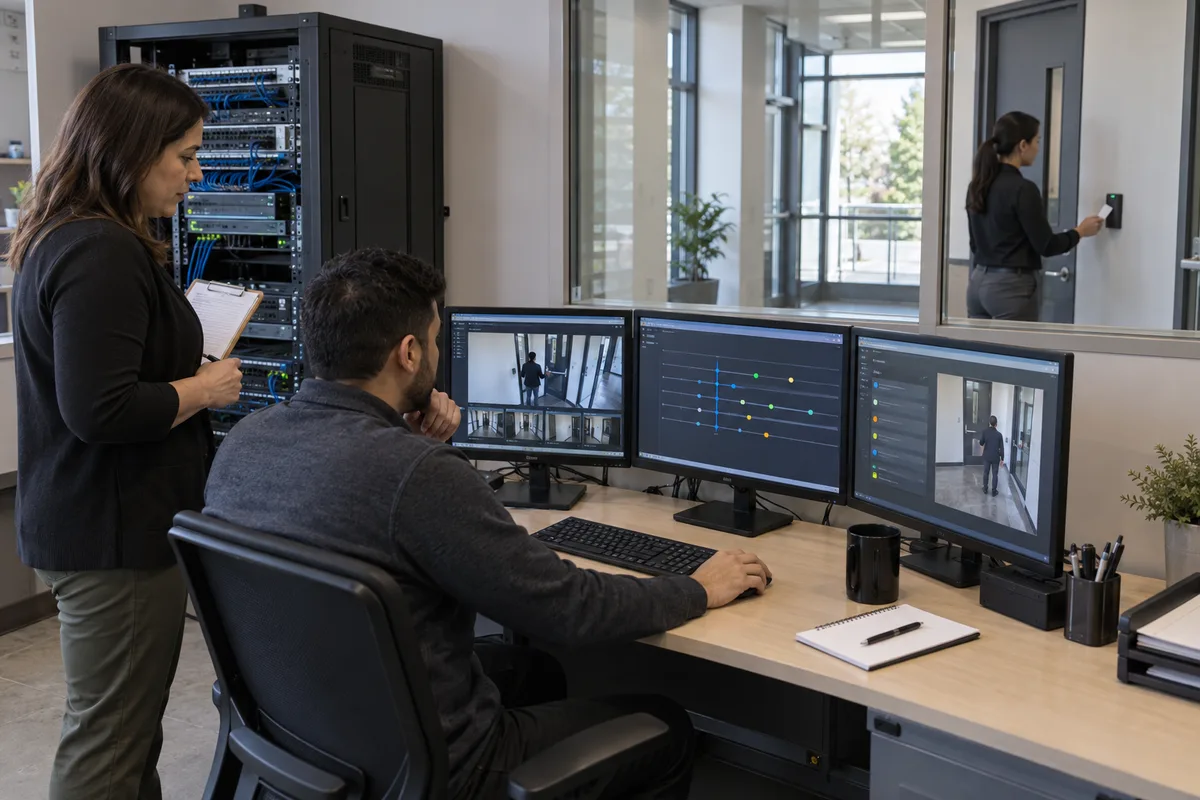
Time synchronization is essential. Cameras, access controllers, alarm platforms and operational systems should use an approved time source and expose synchronization trouble. During commissioning, compare timestamps across records and measure the offset. Investigators should not have to guess whether two events occurred before or after each other.
7. Commission the complete workflow under realistic conditions
Device tests confirm installation. Workflow tests prove the system supports the intended decision. Build acceptance criteria before issuing the purchase order and assign each test an owner, expected result and evidence record.
At minimum, test:
- an assigned vehicle arriving and occupying its normal position;
- daylight, darkness, rain or reflective pavement where practical;
- an open dock door creating backlight between interior and exterior;
- pallets, trailers and workers in their normal obstructing positions;
- valid, invalid and revoked credentials;
- forced and held personnel doors;
- dock-door state outside an approved schedule;
- camera obstruction or tampering, recorder trouble and lost communications;
- correct alarm text, recipient, acknowledgement and escalation;
- timestamp alignment among video, access and alarm records;
- retrieval and export of recorded evidence by an authorized operator;
- privacy masks, user permissions and audit logs; and
- safe behaviour during network, server and power failures.
Record the firmware, configuration, test time, lighting, vehicle position and result. Retest after a material software update or workflow change. Keep unresolved assumptions visible in the deficiency list and require written resolution.
Procurement checklist and vendor questions
Use the following questions to compare proposals for a warehouse and logistics facility:
- Which dock events and operating decisions does each proposed device support?
- Show the state and event matrix included in your scope.
- Which views provide context, and which provide detail at the decisive point?
- How were trailers, open doors, backlight and pallet obstructions included in the design?
- Which access, video and alarm functions use a published standard, and which are proprietary?
- Which licences, subscriptions and integrations are required on day one and at renewal?
- What happens locally when the network, controller, server, recorder or monitoring path fails?
- How are timestamps synchronized and synchronization failures reported?
- How will employee-facing privacy questions, notice, permissions, retention and exports be handled?
- Which industrial-control, egress and safety interfaces remain outside the security platform?
- What acceptance script will demonstrate every critical event before sign-off?
- Who owns updates, backups, health monitoring, user reviews and annual workflow retesting?
The final scope should contain the workflow map, event-response matrix, camera view schedule, door and alarm points, integration schedule, privacy requirements, failure modes, acceptance tests, training and maintenance responsibilities. Those documents allow multiple vendors to price the same outcome and give the owner a defensible basis for acceptance.
A coordinated commercial security system can make dock activity easier to verify and investigate when its design begins with real workflows. The next step is a site assessment involving operations, safety, IT, privacy and security stakeholders, followed by a testable design that reflects the facility’s actual vehicles, doors, schedules and response resources.
Frequently Asked Questions
Begin with the dock workflow and the decisions operators must make. Map appointment, arrival, authorization, door opening, seal check, transfer, departure and exception states before choosing devices.
Each system answers a different question. Video provides visual context, access control records authorization decisions, and alarms identify exceptions or device conditions. Coordinated records produce stronger operational evidence.
Test representative day and night conditions, open-door backlight, normal trailer obstructions, valid and invalid credentials, forced and held doors, alarm delivery, timestamps, video export, communications failure and privacy controls.
No. These standards define particular capabilities or interfaces. The owner should identify the exact required functions and test the proposed controllers, readers, cameras, recorders, software and firmware together.