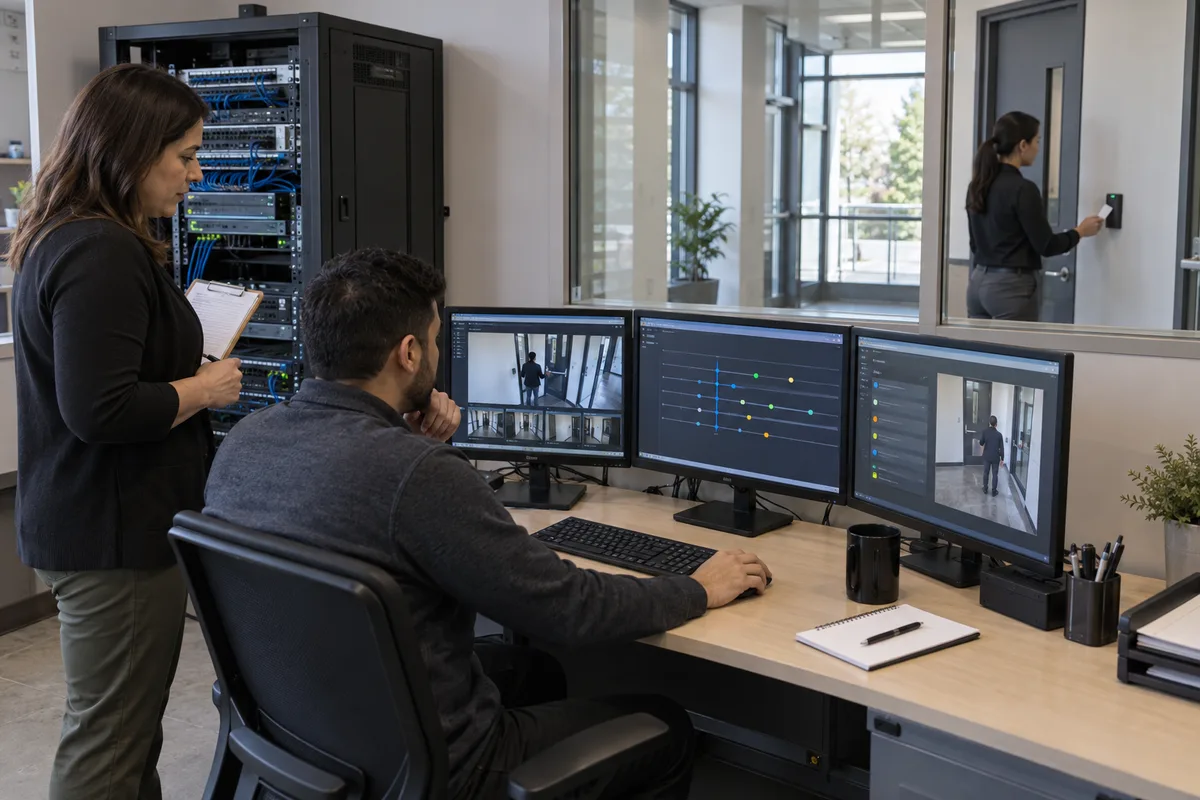
Firmware Management for Commercial Security Devices
Build a controlled firmware program for commercial cameras, recorders, access control, alarms and related security infrastructure.
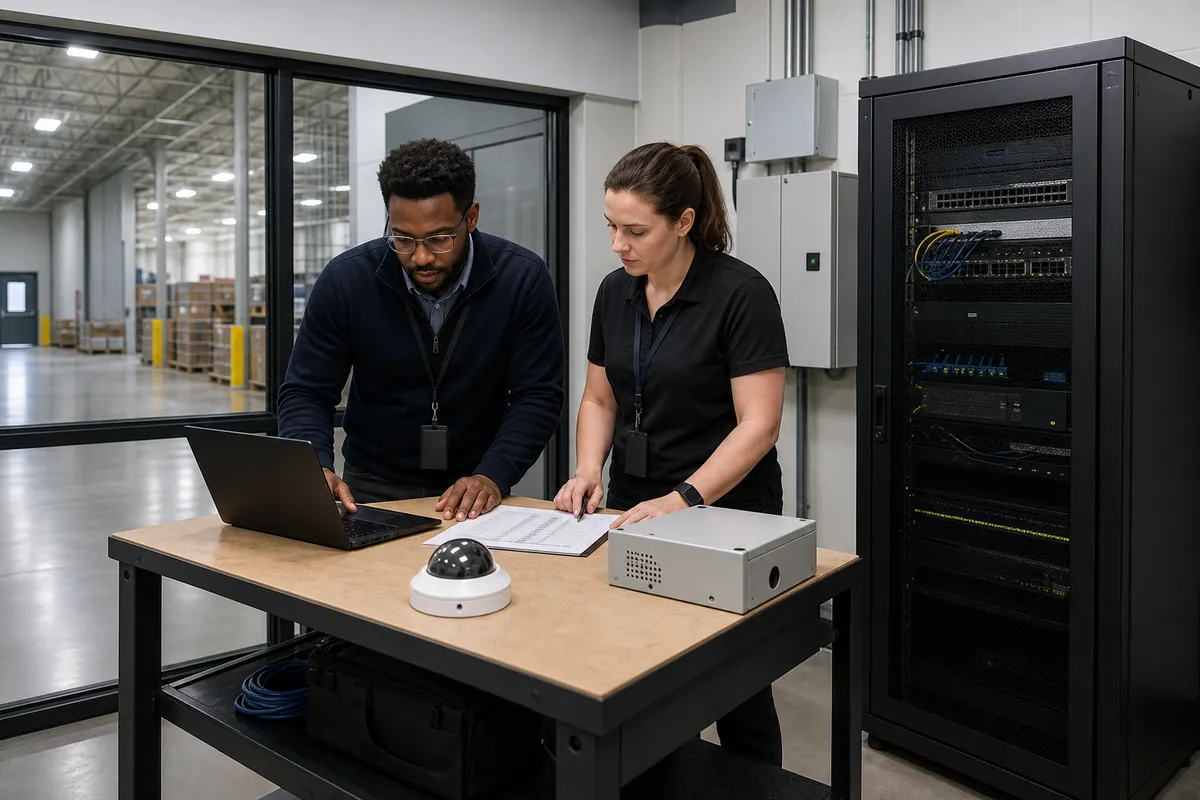
Commercial security devices depend on firmware for network communication, authentication, recording, door decisions, alarm processing, analytics and health reporting. Updates can correct vulnerabilities and defects. They can also restart devices, change defaults or break an integration that operations rely on.
IT and security administrators need one controlled process that connects cybersecurity urgency with physical-security availability. The practical answer is a verified asset inventory, a risk-based update decision, representative testing, staged deployment, a product-specific recovery plan and functional proof after every change. Apply that process across the connected devices in a commercial security system and make firmware a governed operating responsibility.
1. Define firmware management as preventive maintenance
Firmware management includes more than loading the newest file. A complete lifecycle covers:
- discovering devices and their installed versions;
- receiving vendor release and security notices;
- determining which assets are affected;
- assessing cybersecurity and operational urgency;
- acquiring the authentic update and instructions;
- testing the exact upgrade path and integrations;
- approving the change, outage and recovery plan;
- deploying in controlled groups;
- verifying the installed version and security result;
- proving that physical-security functions still work; and
- closing exceptions or replacing unsupported assets.
NIST Special Publication 800-40 Revision 4 defines enterprise patch management as identifying, prioritizing, acquiring, installing and verifying patches, updates and upgrades. Its enterprise patch management guidance frames patching as preventive maintenance required to support the organization’s mission. The publication covers general computing technology and is not a physical-security product standard, yet its operating model applies well to connected security devices.
Assign an accountable program owner. IT may own network exposure, vulnerability intelligence and change governance. Security may own device function, response continuity and acceptance tests. The integrator may perform product-specific work. The organization still needs one named decision maker and one auditable record.
2. Build an inventory that can answer an advisory
An inventory should let the team answer, within the required response time, which installed assets are affected by a vendor notice. A list containing only camera counts or panel names cannot support that decision.
Record these fields for every in-scope component:
- asset identifier, manufacturer, model and hardware revision;
- serial number and physical location;
- IP address, MAC address and security network zone where applicable;
- device role and critical doors, views, alarm partitions or integrations served;
- installed firmware, bootloader and installed application or analytic versions;
- recorder, server, controller or cloud platform dependencies;
- configuration baseline and last verified backup;
- support track, entitlement, warranty and end-of-support date;
- management method and authorized administrator;
- current exposure, including internet, vendor cloud and remote support paths;
- last update, last functional test and outstanding exception; and
- business owner, technical owner and service provider.
Include controllers, readers with upgradeable software, cameras, intercoms, recorders, encoders, alarm communicators, network switches, UPS network cards, management appliances and supporting applications. Include spare devices because an unpatched spare can reintroduce an old version during emergency replacement.
Reconcile the register against management-platform discovery, switch tables, network monitoring, configuration records and a physical sample. Discovery output requires review because a tool may miss isolated devices, identify a product family incorrectly or lack permission to read the firmware version.
The Canadian Centre for Cyber Security’s 2025 cybersecurity hygiene guidance recommends an IT asset inventory, secure baseline configurations, configuration-management records and updates for firmware, hardware, software and operating systems. It addresses organizational technology broadly. Security teams should extend those practices with the physical function and service dependencies needed for safe maintenance.
3. Create authoritative advisory and release channels
Subscribe to each manufacturer’s security advisories, release notices and lifecycle announcements. Record the subscription owner, backup recipient and review frequency. Include the integrator and monitoring provider where their products or services can constrain a supported version.
For each notice, preserve:
- the vendor URL, publication time and revision date;
- affected models, hardware revisions and versions;
- vulnerability identifier and vendor severity where applicable;
- required upgrade path and prerequisites;
- fixed version or supported workaround;
- known issues, breaking changes and expected restart;
- signature, checksum or trusted acquisition method;
- compatibility statements for management platforms and applications; and
- vendor support case number for any ambiguity.
Use official vendor files and verify authenticity through the method the manufacturer provides. Avoid update packages forwarded through email or downloaded from an unknown archive. Record the package identity used in the lab and production so that the approved artifact can be traced later.
The Cyber Centre’s update and patch guidance distinguishes security, bug-fix and feature patches. It recommends identifying, testing, installing and verifying updates, tracking temporary workarounds, backing up before implementation and replacing devices that no longer receive vendor support. These steps provide a useful baseline for firmware governance.
4. Prioritize using exposure, exploitation and operational consequence
A severity score cannot make the complete decision. Prioritize each affected asset using several evidence fields:
| Decision factor | Questions to document |
|---|---|
| Exploitation evidence | Is exploitation observed or reported by an authoritative source? Is the vulnerability in CISA’s KEV catalog? |
| Reachability | Is the affected service internet-accessible, reachable from user networks, limited to a management zone or disabled? |
| Required access | Does exploitation require authentication, local access or a particular feature? |
| Device function | Could failure affect recording, door control, alarm reporting, investigations or emergency operations? |
| Fleet scale | How many sites and devices share the vulnerable version and configuration? |
| Compensating controls | Can the service be disabled, isolated or restricted while maintaining required protection? |
| Update impact | What restart, outage, configuration change or integration risk does the release create? |
| Recovery readiness | Is a tested rollback or replacement device available at the affected site? |
CISA maintains the Known Exploited Vulnerabilities Catalog as an authoritative list of vulnerabilities known to be exploited in the wild and recommends using it as an input to prioritization. Its binding deadlines apply to United States federal civilian executive agencies, not Canadian commercial sites. Evidence of active exploitation remains useful to a Canadian organization’s risk analysis.
Define response classes before an urgent advisory arrives. For example, an emergency class may require immediate assessment, a temporary restriction, vendor escalation and an approved accelerated change. Normal security updates may follow the next tested maintenance ring. Feature releases may remain deferred until a business need and compatibility case exist. Set target times through the organization’s risk process instead of copying generic deadlines that ignore the device function.
5. Design a representative firmware test bench
Keep representative devices for the combinations that matter. A useful bench may include common camera families, an access controller, a test reader, recorder or VMS client, alarm communicator, network services and the same authentication or certificate method used in production.
The test plan should reproduce:
- current production firmware and the supported upgrade path;
- representative configuration, accounts and certificates;
- integrations with recorder, access, alarm, directory and monitoring systems;
- production-like VLAN, firewall, DNS and time services;
- edge applications, analytics and storage media;
- power interruption and communication-loss conditions; and
- the documented recovery procedure.
Protect test data. A production configuration backup can contain network addresses, accounts, certificates and sensitive settings. Sanitize it where possible, restrict access and store it under the organization’s configuration-management rules.
Test the update source and package, installation sequence, restart, version report, log entries and security fix. Then test the physical-security outcome. A device that reports the new version can still fail to record, publish an event or follow an access schedule.
6. Use deployment rings that preserve service
Deploy through rings matched to the system architecture:
- Lab: representative hardware and integrations outside production.
- Low-consequence pilot: a small production group with local recovery access and limited business impact.
- Representative site: the common production design, including failover and operator workflow.
- Controlled expansion: batches by model, controller, building or service group.
- Completion: remaining compatible assets followed by reconciliation.
Avoid taking every camera, recorder, controller or communication path offline together. Sequence redundant components so required coverage remains available. For doors, confirm how controllers and readers behave during each restart. For video, account for recording gaps, edge storage and backfill load. For monitored alarms, coordinate test mode, communications and monitoring-centre instructions.
Axis Device Manager’s current device software upgrade documentation illustrates why deployment order matters. It supports parallel or sequential upgrades and can stop remaining sequential work after a failure. This is manufacturer-specific documentation. Other platforms require their own procedure, and the organization must decide which grouping preserves its service.
Every change ticket should identify the asset set, approved package, prerequisites, maintenance window, expected outage, responsible installer, observer, communications, stop conditions, rollback criteria and functional test owner.
7. Treat rollback as a product-specific recovery decision
The word rollback can describe several different outcomes:
- returning to the prior firmware while keeping the configuration;
- returning firmware and configuration to the previous state;
- downgrading with a factory default and then restoring configuration;
- restoring a backup onto the updated version;
- replacing the device with a tested spare; or
- keeping the new version and disabling a failed optional feature.
Confirm which outcome the exact product supports. Signed firmware, anti-rollback controls, bootloader updates, changed database schemas and application compatibility can restrict downgrade options. A configuration backup may also be incompatible with an older release.
Axis’s official firmware management API documentation provides one concrete example. Supported Axis products can return firmware and configuration to the state before an upgrade, and rollback can occur after a startup fault, an external request, a timer expiry or a power cycle before commit. The API applies to compatible Axis firmware and does not establish a universal recovery method.
Test recovery on representative hardware. Record the maximum time to restore service, the configuration and certificates preserved, the settings lost and the point at which on-site replacement becomes faster or safer. Keep the required firmware file, configuration backup, credentials, tools and spare within the approved secure process.
8. Verify security and physical functions after deployment
Use a model-specific acceptance checklist. Every updated device should pass basic checks:
- expected firmware version and successful boot;
- correct date, time and time source;
- preserved network, certificate and authentication configuration;
- health supervision and logs reaching the approved platform;
- disabled services remain disabled;
- administrative and operator roles behave correctly; and
- configuration backup after the change is captured where required.
Then verify the device’s operational function.
For cameras and recorders, test live view, continuous and event recording, playback, export, analytics, motion or tamper events, edge storage, audio where approved and recorder failover. For access control, test credential grant and denial, schedules, door contact, request to exit, lock command, alarms, offline decisions and recovery synchronization. For intrusion systems, test representative zones, arming, communications, trouble reporting, monitoring-centre text and approved verification workflows.
Run negative tests for high-consequence changes. Confirm that old or unauthorized firmware cannot be installed where signing controls should prevent it. Confirm that unapproved management paths remain blocked. Verify that a failed device or integration creates a visible alert.
Record evidence by asset or controlled batch. The evidence should include installed version, test date, tester, expected result, observed result, logs or screenshots where appropriate, exception and final approval.
9. Govern automatic updates and cloud-managed devices
Automatic discovery of new releases can improve visibility. Automatic installation transfers change timing to the vendor or platform and may reduce the organization’s opportunity to test integrations. Decide separately whether the platform may discover, download and install updates.
Before enabling installation, ask:
- Can the organization select security-only, long-term-support or feature tracks?
- Can updates be delayed, scheduled and assigned to rings?
- Does the platform publish release notes before deployment?
- Can it exclude high-consequence devices or redundant pairs?
- What happens if internet access fails midway?
- How does the device validate the package?
- Does the organization receive an immutable change and result record?
- Can a failed update roll back automatically without hiding the failure?
- Who can change the policy, and is multifactor authentication supported?
The Cyber Centre’s guidance recognizes the value of timely updates and the operational risk of automatic software and firmware changes. Use a staggered approach when mission or availability concerns require configuration control. A cloud-managed platform still needs inventory reconciliation, approval rules, exception tracking and functional verification.
10. Manage exceptions, workarounds and unsupported devices
An exception needs an owner and an expiry date. Record the affected asset, reason for delay, vulnerability, business consequence, compensating controls, approval, review date and replacement or update plan.
Possible temporary controls include disabling the affected service, restricting management access, removing internet reachability, narrowing firewall rules, blocking vendor remote access, increasing monitoring or replacing the device with a supported spare. Confirm that each workaround preserves the required security function. Track the workaround until the fixed version is installed, then remove controls that are no longer needed.
Unsupported equipment creates an enduring exposure because future security fixes may never arrive. Start replacement planning before end of support. Budget for hardware, licences, labour, cabling or power changes, configuration migration, training, disposal and operational testing. Where immediate replacement is impossible, isolate the device, minimize services, restrict administration and document the residual risk at the appropriate management level.
11. Measure the program and test its readiness
Useful measures describe coverage and execution:
- percentage of devices with model, hardware revision and firmware known;
- percentage on an approved supported baseline;
- time from advisory publication to affected-asset identification;
- time from approval to pilot and completed deployment;
- deployment success, failure and rollback rates;
- percentage with current tested configuration backups;
- overdue exceptions and temporary workarounds;
- unsupported devices by site and critical function; and
- percentage of updates with completed functional evidence.
Run a tabletop exercise using a realistic urgent advisory. Ask the team to identify affected devices, determine exposure, contact the vendor, prepare the lab, select a pilot, coordinate operations, execute recovery and produce completion evidence. The exercise should expose missing inventory, expired support access, unavailable spares and unclear authority before a live vulnerability forces the decision.
Questions to ask vendors and integrators
- How are security advisories, firmware releases and end-of-support dates delivered?
- Which models, hardware revisions, applications and management versions are supported together?
- How is update-package authenticity verified?
- Which changes require intermediate versions, factory defaults or application upgrades?
- What services restart, and what security functions become unavailable during the change?
- Can deployment be staged and stopped automatically after a failure?
- What does rollback restore, and which versions prohibit downgrade?
- Which configuration, certificate or application data can be lost during update or recovery?
- What functional tests will demonstrate recording, access decisions, alarm reporting and integrations?
- Who owns the advisory review, update labour, emergency response and completion evidence under the service agreement?
A strong firmware program makes connected physical-security infrastructure easier to support and defend. Securitron Canada can help teams align device inventory, secure networking and data-wiring infrastructure, maintenance windows and functional testing into one controlled operating plan.
Frequently Asked Questions
Use automatic deployment only where the organization has assessed the operational impact, vendor controls and recovery path. Cameras, recorders, access controllers and alarm infrastructure can have availability and integration dependencies. Many environments benefit from automatic advisory discovery followed by tested, approved and staged installation.
Set risk-based service targets using evidence such as active exploitation, device exposure, affected function, compensating controls, business consequence and vendor guidance. An internet-reachable critical vulnerability may require emergency action. A low-impact update on an isolated supported device may follow the normal maintenance cycle.
Verify startup, time synchronization, recording, live view, playback, events, analytics, audio where approved, edge storage, certificates, user roles, health alerts, network rules and video-management compatibility. Use the actual production profile and representative lighting or load conditions.
No. Rollback support, permitted downgrade paths and configuration effects vary by product and version. Signed firmware, bootloader changes, schema changes and factory-default requirements can restrict recovery. Confirm and test the exact vendor-supported procedure before production deployment.