Security Workflows for Staff Safety in Community Healthcare
Coordinate duress alerts, access control, video and trained response so community healthcare staff can summon appropriate help discreetly.
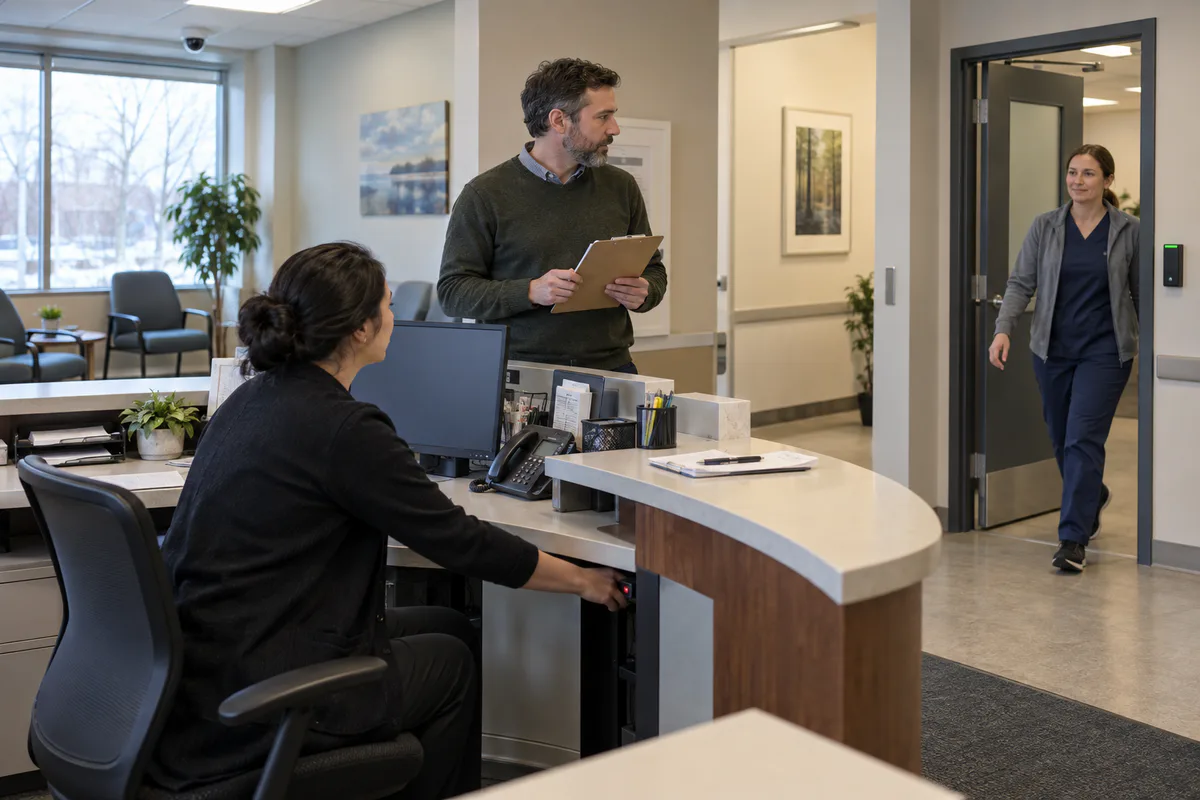
When a clinic employee feels an interaction changing, the useful question is simple: can they ask for help discreetly, and will the right person know what to do? A panic button alone cannot answer that. The customer needs a complete workflow that connects an accessible trigger, an exact location, a trained response, safe door actions, privacy-conscious video and a documented recovery process.
Start with three choices: which situations justify activation, who can provide immediate assistance during every operating period, and which security actions support that response without escalating ordinary care. Keep existing equipment when it can deliver and prove that outcome. Add technology only where the risk assessment or a failed test reveals a real gap.
What are clinic leaders actually deciding?
The decision is how to summon and coordinate assistance while preserving a calm, accessible care environment. It begins with the workplace violence risk assessment and the facility’s real staffing, hours, layout and services.
Ontario’s current healthcare workplace-violence guide explains that a personal safety response system can combine devices and procedures. It also warns that a device may be ineffective when nobody is aware, able, trained and permitted to respond promptly. This is especially important for a small clinic without on-site security or for a worker who moves between rooms.
The underlying legal requirement is broader than a product. Section 32.0.2 of Ontario’s Occupational Health and Safety Act requires a workplace violence program with measures and procedures to control assessed risks, summon immediate assistance, report incidents, and explain how the employer will investigate and deal with them. The Act does not prescribe a specific alarm, camera or locking sequence.
The potential consequence deserves proportionate attention. Ontario’s health care sector trends report 1,654 allowed lost-time injury claims attributed to workplace violence in the province’s Schedule 1 health care sector in 2024. The source is a June 2025 snapshot of Workplace Safety and Insurance Board administrative data. That count does not measure every violent event, the probability at an individual clinic, incident severity or community-clinic experience specifically. It establishes a documented occupational harm category and supports assessing the local workflow rather than assuming either safety or danger.
Which situations need a discreet alert?
Define the situation before choosing the button. A single label such as “panic” leaves responders guessing and can cause staff to hesitate.
Build a short scenario map with workers who perform the actual tasks:
| Recognizable situation | Staff result needed | Information the response needs | Possible first control |
|---|---|---|---|
| Reception interaction is escalating | Quietly request nearby or external help while maintaining distance | Reception zone, type of request and available safe route | Fixed or wearable duress trigger plus trained response |
| Worker is alone with a client | Reach assistance away from a desk | Worker identity or current zone and check-in status | Wearable device, phone procedure or lone-worker service |
| Person enters a staff-only area | Protect staff and care spaces while preserving safe exit | Door event, last known direction and affected zone | Access alert, staff notification and approved door response |
| Threat is reported before arrival | Prepare staff without alarming the waiting room | Person-specific risk information handled under approved policy | Supervisor-led plan, controlled arrival and communication procedure |
| Medical emergency occurs during an interaction | Summon clinical or emergency assistance without misclassifying the event | Medical-assistance request and exact room | Clinical call path or clearly differentiated assistance signal |
Keep medical assistance, staff duress, fire and intrusion signals distinguishable. Each can require different responders, information and actions. Ask staff what they could realistically reach while seated, standing, moving away from a counter or working behind a closed door.
What should happen after a worker activates an alert?
The response should be short enough to execute under pressure and specific enough to remove improvisation. Write it as a sequence with named roles rather than a general promise that “security is notified.”
- Activation: the worker uses the approved discreet method.
- Receipt: a staffed destination receives the event and the correct clinic and zone.
- Acknowledgement: the system or procedure gives the worker appropriate confirmation without exposing the alert.
- Assessment: a trained responder uses available information and avoids an unsafe approach.
- Escalation: the approved person contacts 911, police, medical help, a guard service or management according to the scenario.
- Protective action: staff follow the approved movement, room, door and communication instructions.
- Recovery: the organization supports affected people, preserves relevant records, reports and investigates, restores devices and updates the risk controls.
The International Association for Healthcare Security and Safety’s 2019 duress and panic alarm guideline treats alarms as an additional layer of protection. It calls for a defined purpose, risk-based placement, response protocols, training, preventive maintenance, activation records and interim procedures during downtime. It is voluntary industry guidance rather than Ontario law, and its hospital-oriented scope must be adapted to a community facility.
For device-specific selection and monitoring questions, the broader workplace duress alarm program guide covers fixed, wearable and keypad options. This article’s job is to coordinate those options with the care workflow around them.
How should access control support the response?
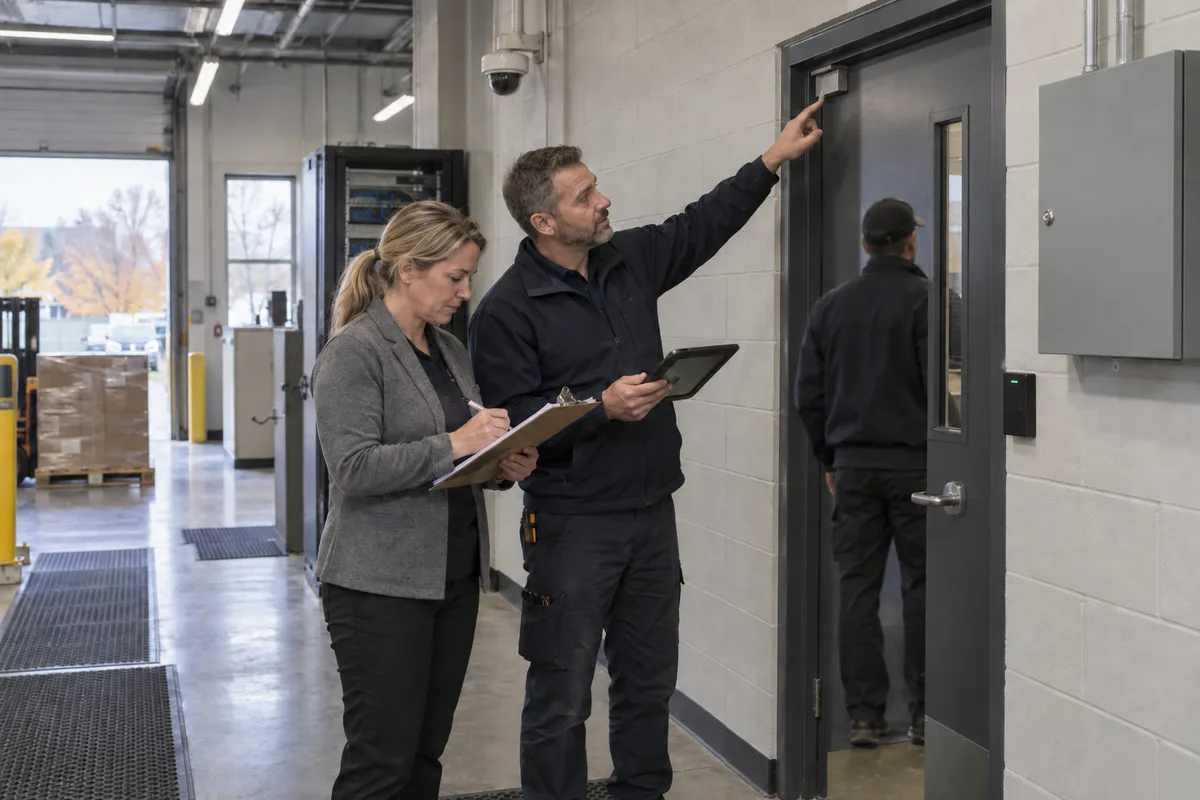
Access control should help responders manage movement without creating a new hazard. Start with the desired door state for each scenario and have qualified fire, building, accessibility and door-hardware professionals verify the applicable requirements.
Useful actions may include alerting on entry to a staff-only zone, limiting access to records or medication areas, allowing a trained responder through a controlled door, or placing a selected entrance under supervised control. A facility-wide lock command can be disproportionate for an event confined to one room. It can also affect patients, visitors, service providers and arriving emergency responders.
For every proposed automated or manual door action, ask:
- Which exact doors change state, and who authorizes the action?
- Can occupants still leave through the required routes?
- How do power operators and accessibility features behave?
- What happens during fire alarm, power loss, network failure and controller failure?
- Can responders enter without asking the worker at risk to open a door?
- How is normal operation restored and verified?
Existing access control may already support the required workflow through clearer permissions, alarms and procedures. Replacement hardware is justified only when the present system cannot provide the necessary action, reliability or evidence.
Where can video help without undermining privacy?
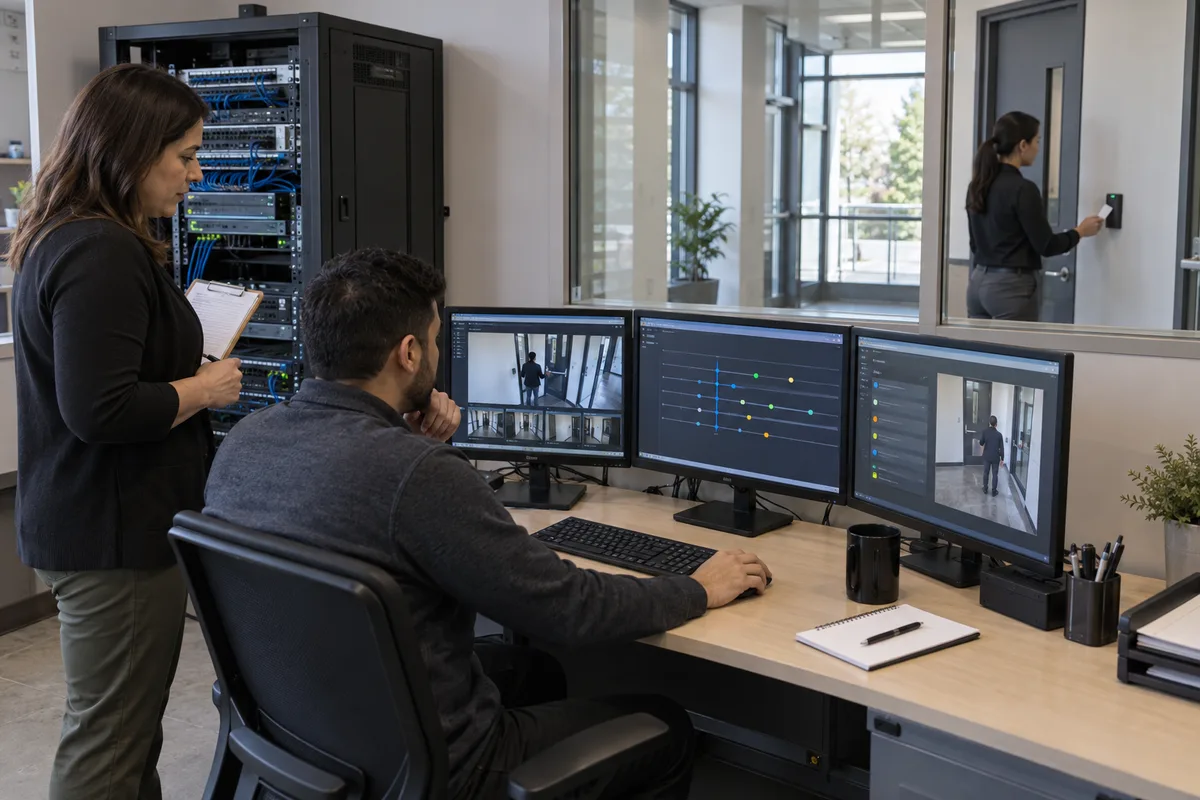
Video can give an authorized responder context when it covers an appropriate public transition, such as reception, a waiting-area approach or a controlled corridor. It may help confirm the event location, select a safer approach and preserve a record for an approved investigation. A camera does not summon help, make a response decision or replace a trained person.
Patient privacy sharply limits where and how video belongs. In Ontario PHIPA Decision 98, the Information and Privacy Commissioner found the blanket use of cameras for non-health-care purposes in pre-operative, operating and examination rooms unacceptable. The decision concerned one clinic and its specific facts, yet it gives community healthcare leaders a clear warning about placing security cameras where patients are vulnerable and have a high expectation of privacy.
Ask the privacy lead to approve the purpose, view, operating schedule, notice, retention, access, export and disclosure process for each camera. During a duress test, verify that the event presents only the intended view to authorized roles. Avoid audio collection unless the organization separately establishes its necessity, authority and controls.
Which response model fits the facility?
Choose according to who can actually respond throughout the clinic’s operating hours. A small practice and a multi-site community organization may need different models.
| Response model | Suitable conditions | Customer responsibilities | Main limitation to test |
|---|---|---|---|
| Nearby trained staff | Several workers are consistently present and can respond safely | Coverage schedule, role training, internal communication and fallback | Breaks, late hours, closed doors and unsafe self-dispatch |
| Internal response lead or security | A trained role is staffed and can reach the correct zone | Dispatch procedure, authority, communications and coordination with clinical leaders | Availability, travel time and incomplete location information |
| Monitored external pathway | The site needs a staffed off-site recipient or escalation service | Current account data, signal map, contact rules, service testing and fees | Operator instructions, communications failure and uncertainty about emergency dispatch |
| Hybrid workflow | Different hours, sites or scenarios need different recipients | Clear handoff rules and one source of current instructions | Conflicting actions or gaps during schedule changes |
University Health Network’s current workplace violence prevention strategy illustrates a coordinated large-hospital approach involving Code White governance, safety services, security operations, emergency preparedness, training, incident reporting and personal panic alarms. A community clinic cannot assume it has those resources. The useful lesson is organizational: the activation device sits inside a wider operating system with defined people, escalation and review.
If the facility has no person or service able to provide the intended immediate assistance, buying a button can create false confidence. Address the response gap first. The broader healthcare and community facility security guide can help place staff safety within arrival, zoning, privacy and continuity planning, while the GTA healthcare security planning article covers the wider facility context.
What should a quote include?
Compare proposals by the complete result and operating effort. Device count alone hides the work that determines whether the system remains usable.
Require each supplier to state:
- which approved scenarios, rooms, worker positions and operating hours are covered;
- fixed, wearable, phone or software activation options and why each fits the workflow;
- exact location information delivered to every recipient;
- acknowledgement, accidental-activation and cancellation behaviour;
- radio, network, cellular, power and monitoring dependencies;
- integration with access control, video and staff communication;
- battery, charging, cleaning, assignment and lost-device procedures;
- monitoring, licensing, cellular, inspection and maintenance charges;
- ownership of configuration, event data, drawings and administrative access;
- available exports and transition support if the customer changes providers;
- training for staff, managers and responders; and
- acceptance tests, fault correction and retesting included before sign-off.
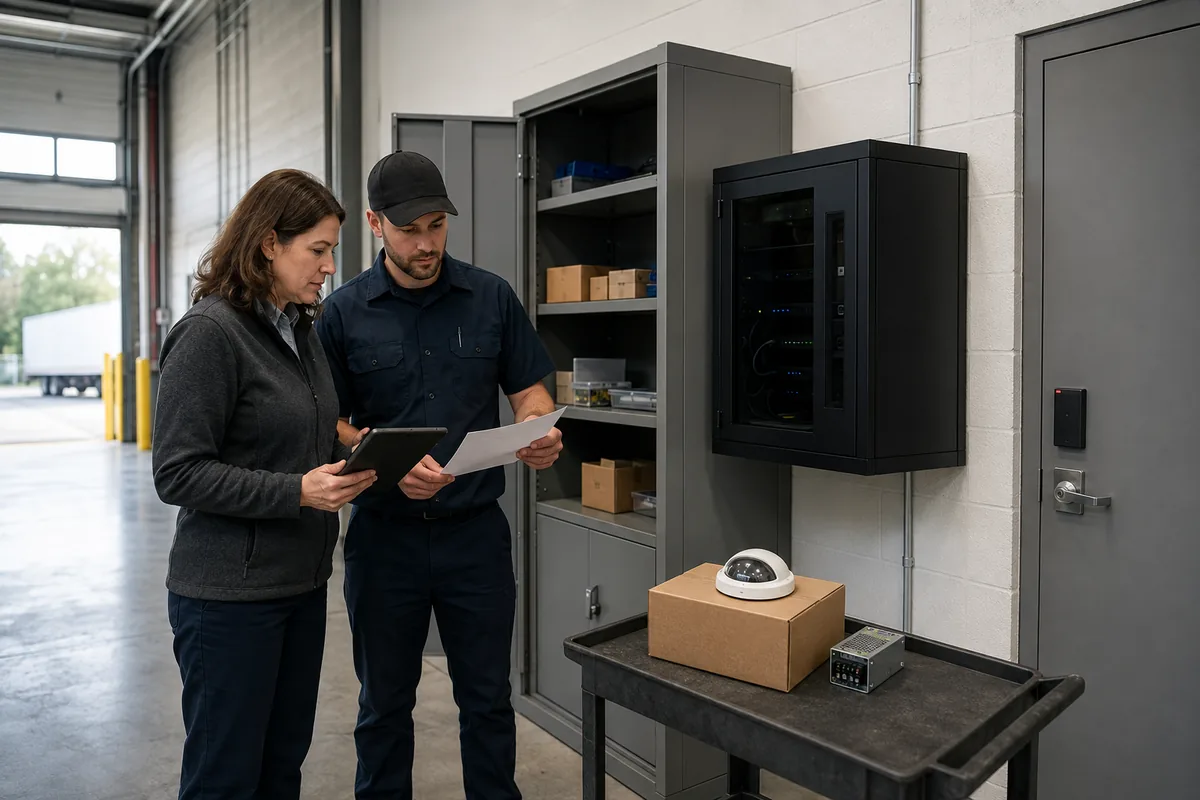
Cost is driven by coverage area, number and type of activation points, location precision, communications paths, monitoring, integrations, existing infrastructure, after-hours response and ongoing support. A nearby-staff procedure may be adequate for a small, consistently staffed reception area if the assessment and tests support it. Wearable location systems or complex integrations add responsibilities and should solve a demonstrated problem.
How should the complete workflow be tested?
Test the result staff depend on. Coordinate the exercise with all recipients and place monitored services in the correct test mode so a drill does not create an unintended emergency response.
Use a representative scenario and verify:
- the intended worker can activate discreetly from realistic positions;
- the recipient sees the correct facility, event type and zone;
- acknowledgement behaves as staff were taught;
- the primary responder follows the approved approach and the fallback works when that person is unavailable;
- selected doors perform only the authorized actions and preserve safe circulation;
- the correct privacy-approved video view is available to the correct role;
- communications, power or network loss produces the expected fault and interim procedure;
- staff can distinguish a real activation, drill, accidental activation and system fault;
- the event record supports reporting, investigation and corrective action; and
- normal service is restored and confirmed.
Record the expected result, observed result, times, recipients, failures, corrective action and retest. A passed device check is insufficient when the responder goes to the wrong room or staff cannot explain what help is coming.
Securitron Canada can help community healthcare leaders translate an assessed staff-safety need into a proportionate workflow, coordinate the security systems that support it and test the full path before staff rely on it.
Frequently Asked Questions
Ontario law requires an employer's workplace violence program to include measures and procedures for summoning immediate assistance when violence occurs or is likely to occur. It does not prescribe one device for every clinic. The workplace risk assessment should determine whether fixed buttons, wearable devices, phones, nearby staff or another method can provide an effective response.
Fixed devices suit stable work positions and can identify a precise room or desk. Wearables follow mobile or lone workers, while adding assignment, charging, coverage and loss-management duties. A clinic may need a carefully tested mix based on actual staff movement and response capability.
Automatic door actions require a scenario-specific safety and code review. A broad lock command can affect patients, visitors, responders, accessible circulation and emergency egress. Define each approved door action, who authorizes it, what remains available for exit and how the sequence is tested with qualified professionals.
Compatible systems may present a relevant public-area camera to an authorized responder, which can help locate the event and choose a safer approach. The clinic must still justify each camera, protect patient privacy, limit access and test that the correct view appears. Cameras in examination or other highly private spaces create serious privacy concerns.
Use an announced test window and a realistic scenario. Verify discreet activation, the transmitted location, acknowledgement, staff and external escalation, approved door behaviour, relevant video access, communications failure, event documentation and restoration. Record failures, correct them and repeat the complete affected test before staff rely on the workflow.