Enterprise Video Surveillance Design for GTA Warehouses
Plan warehouse video surveillance around operational risks, image detail, retention, resilience, privacy, and measurable acceptance tests.
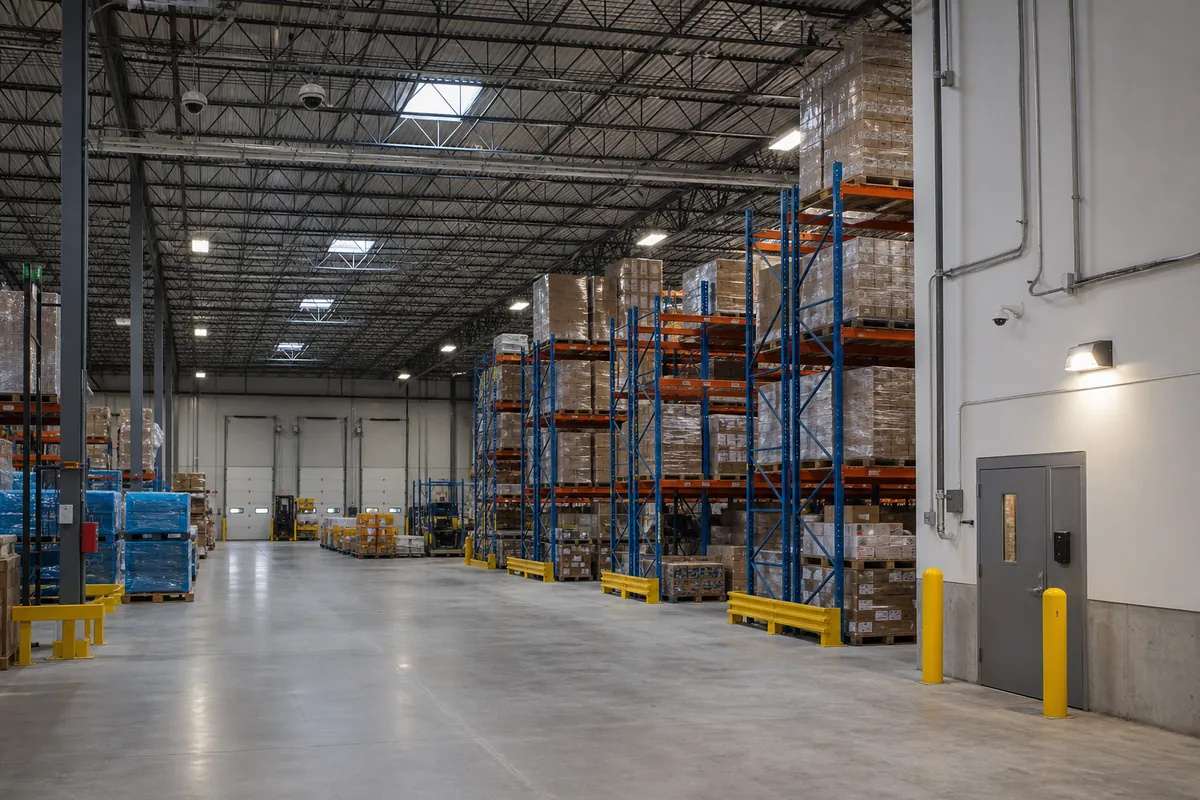
An enterprise warehouse camera system is not a collection of cameras. It is an evidence and response system built around the way goods, people, vehicles, and exceptions move through a facility.
That distinction matters in large GTA distribution properties. A technically sharp image can still be operationally useless if a trailer blocks the subject, an open dock door floods the scene with backlight, the recorder is unavailable during a network failure, or nobody can retrieve the correct clip before it is overwritten.
Start With Events, Not Camera Locations
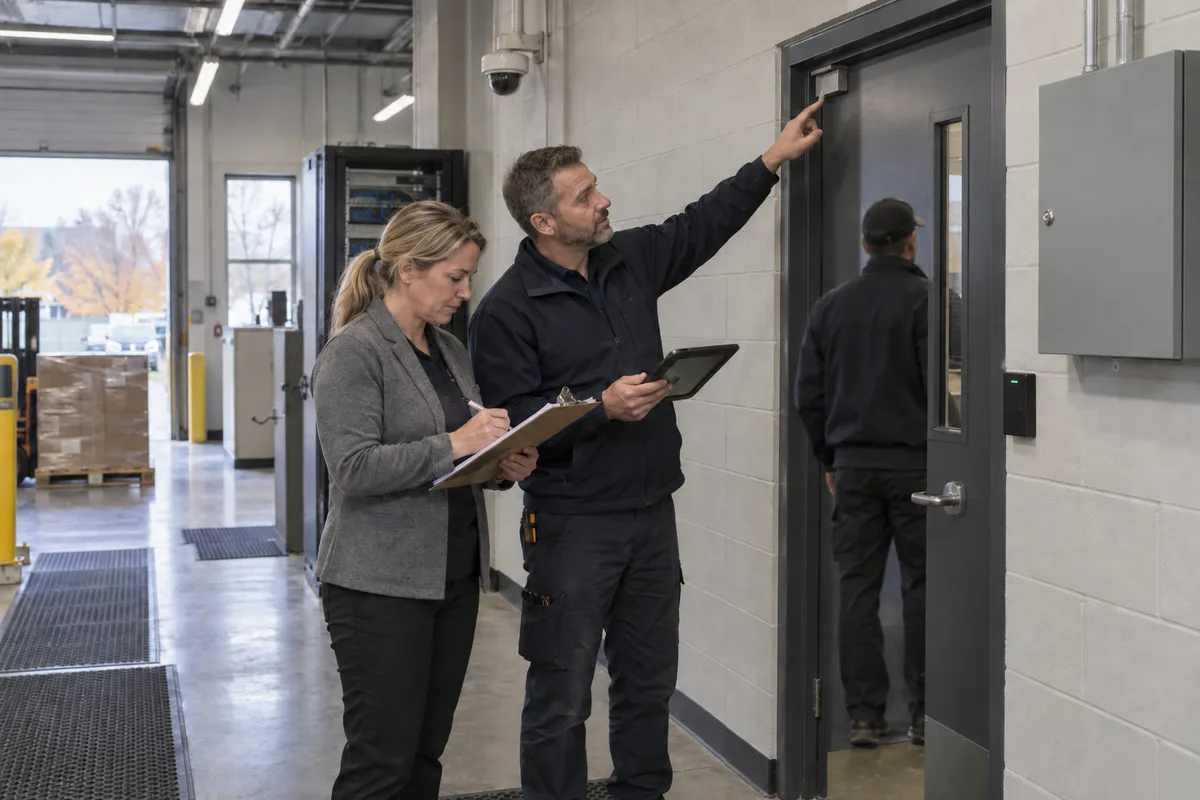
Before selecting equipment, write the events the organization must be able to detect, understand, or investigate. Useful event statements are specific:
- a vehicle presents at a controlled gate outside its appointment window;
- a person enters a cage without the expected access event;
- a pallet changes custody between receiving and storage;
- a dock door opens while its bay is not assigned;
- an emergency exit is used outside an approved condition;
- an investigator needs to reconstruct a route across multiple zones.
For each event, assign an owner, required response time, evidence requirement, and retention need. This produces a view schedule instead of a shopping list.
Define What Each View Must Prove
Use plain operational language for every planned view:
| View type | Question it should answer | Typical application |
|---|---|---|
| Detection | Did a person or vehicle enter the zone? | Fence line, quiet yard boundary |
| Observation | What is happening? | Warehouse floor, staging area |
| Recognition | Is this the same known person or vehicle? | Internal transition, controlled gate |
| Identification | Who or what is this? | Credentialed entrance, transaction point |
| Process evidence | Did the required step occur? | Receiving, high-value handling, dispatch |
Do not ask one very wide camera to provide both overview and identification across a deep scene. A better pattern is an overview view that explains the event and a tighter view at the natural choke point that captures useful detail.
Design Around Warehouse Reality
Warehouses are difficult imaging environments. High racks change sightlines. Shrink wrap reflects infrared light. Forklifts and trailers create temporary walls. Open dock doors create severe contrast. Dust, vibration, heaters, and seasonal temperature changes affect hardware.
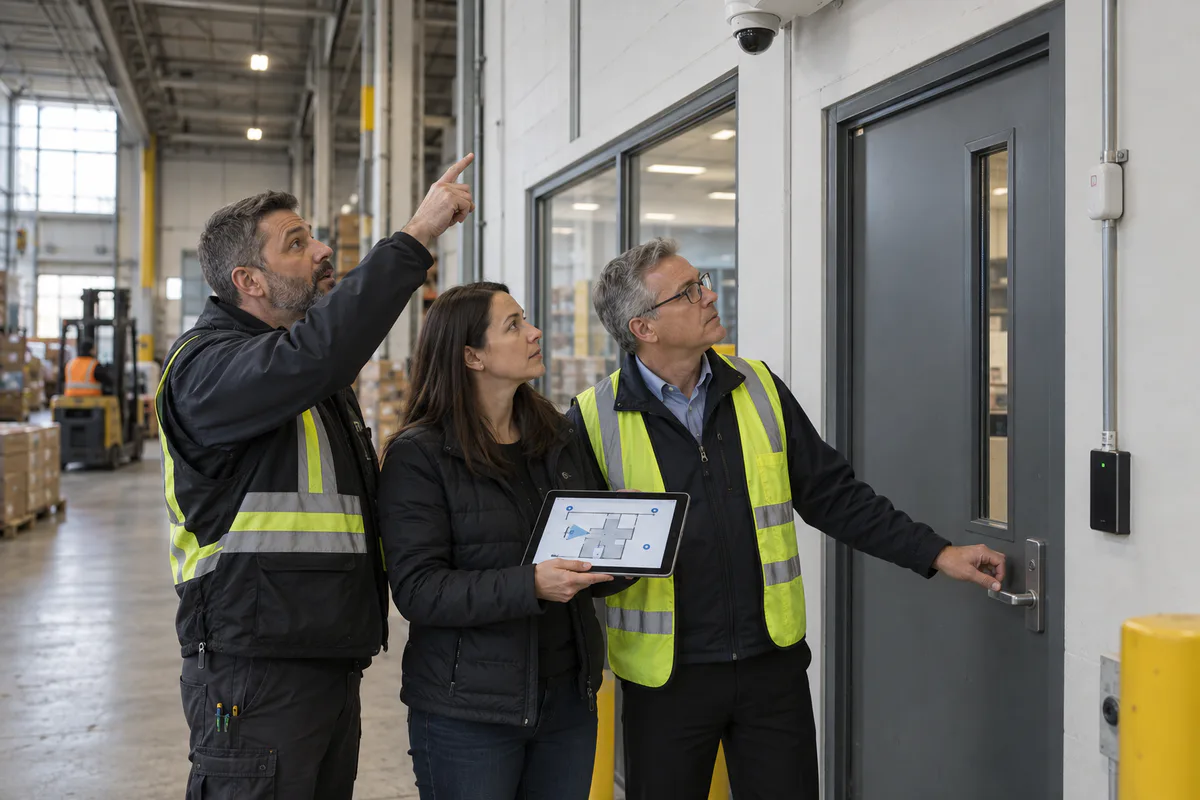
A credible survey should therefore record:
- the maximum rack and stored-product height;
- normal and peak trailer positions;
- day and night lighting conditions;
- doors that remain open during operations;
- likely subject direction and speed;
- maintenance access to every device;
- where future racking or mezzanines may appear.
Test critical views with representative obstructions in place. An empty-building demonstration is not an acceptance test for an operating facility.
Calculate the Video Network and Storage
Storage is a workload calculation. For each stream, document resolution, frame rate, compression, average and peak bit rate, recording mode, and required days. Then account for recorder overhead, event bursts, degraded-drive operation, and the space needed for protected clips.
Do the same for the network:
- size PoE budgets using maximum device draw, not nominal draw;
- reserve switch capacity for future views and replacement models;
- separate the physical-security network from general user traffic;
- define which systems may initiate connections to cameras and recorders;
- monitor link, storage, clock, and camera-health failures;
- document UPS runtime and graceful recovery behaviour.
Interoperability should be verified feature by feature. ONVIF Profile T covers capabilities including H.264/H.265 streaming, imaging settings, motion and tamper events, metadata, and HTTPS streaming, but conformance does not guarantee that every desired analytic or vendor-specific function works across every combination. Build a test matrix for the exact camera, recorder, client, firmware, and feature set.
Make Privacy Part of the Drawing Set
Camera fields of view should be limited to the business purpose. The federal private-sector guidance recommends establishing the reason for surveillance, limiting viewing range, providing notice, restricting access, protecting recordings, and destroying images when they are no longer required. See the Office of the Privacy Commissioner of Canada’s overt video-surveillance guidelines.
For a warehouse, translate that into drawing and operating decisions:
- mask adjacent properties or public areas that are not needed;
- avoid spaces with heightened privacy expectations;
- disable audio unless a documented, lawful need has been reviewed;
- use role-based access and export logs;
- assign a retention schedule and deletion owner;
- publish a request and disclosure procedure.
Integrate Video With Operations
The highest-value integrations connect related events without creating alert noise. Examples include:
- access-granted event opens the corresponding camera view;
- forced-door alarm bookmarks the relevant video window;
- gate transaction associates vehicle, credential, lane, and time;
- intrusion alarm presents live and pre-event video to a trained operator;
- warehouse management exception provides a timestamp for rapid search.
Integration should never silently weaken a control. Document the authoritative system, time synchronization, failure mode, and what operators see when one integration endpoint is unavailable.
Use a Commissioning Scorecard
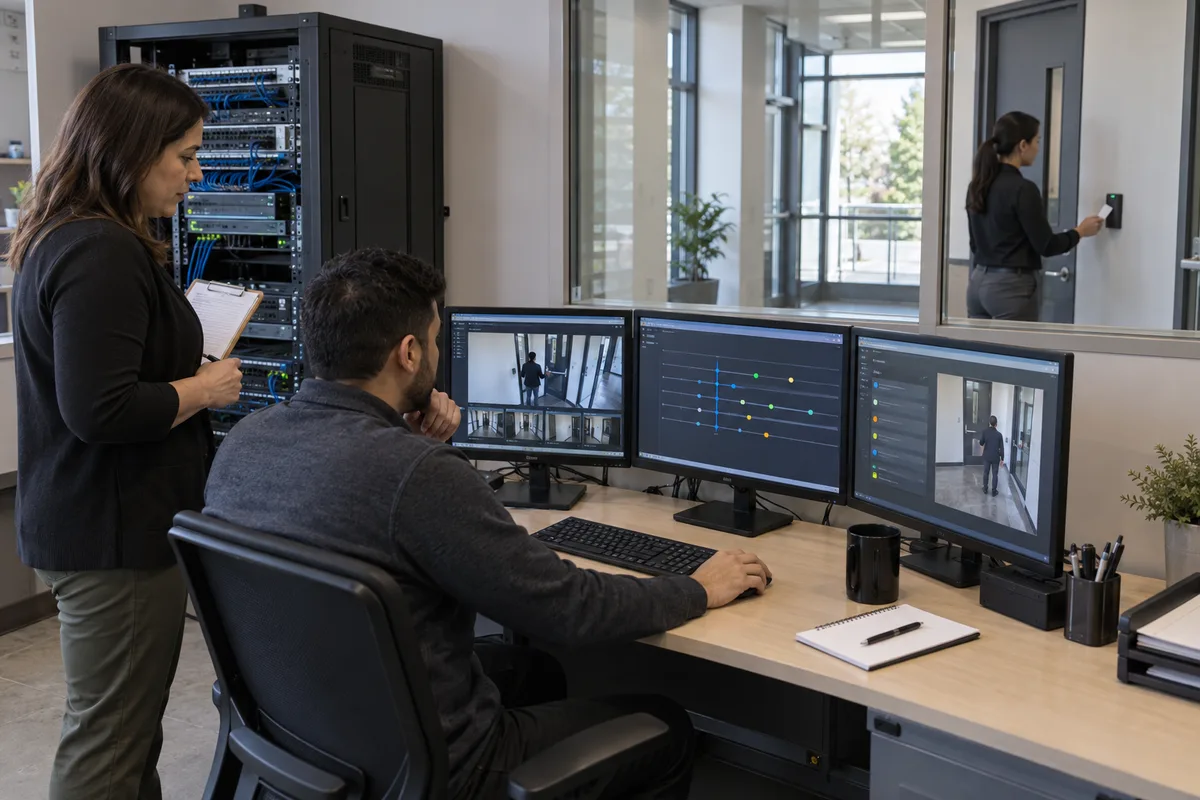
Before handover, test each critical view during the condition it was designed for. A practical scorecard records:
- required scene and actual scene;
- day, night, backlight, weather, and dock-open results;
- subject detail at the designated point;
- analytic detection and nuisance-alarm rate;
- accurate time across all systems;
- live-view and recorded-view permissions;
- export playback on a clean workstation;
- recorder, switch, and UPS failure recovery;
- retrieval time for a realistic incident scenario.
Finish with as-built drawings, an asset list, configuration backup, administrator ownership, support contacts, and a maintenance schedule. That package—not the camera count—is what turns installed hardware into an enterprise security capability.
Frequently Asked Questions
There is no reliable camera-per-square-foot rule. Count required views by risk event: every gate, door, dock position, transfer point, restricted zone, aisle intersection, and investigation route should have a defined observation or identification objective.
Start with how long incidents typically take to be discovered, then add investigation and legal-hold workflow. Calculate storage with the actual camera count, resolution, frame rate, scene activity, codec, and redundancy policy rather than a generic days-of-storage promise.
Test representative day, night, backlight, dock-open, and weather conditions; confirm subject detail, timestamps, exports, permissions, alert delivery, failover, and retrieval time. Record the result for every critical view.