When Video Verification Adds Value to Commercial Alarms
Evaluate commercial alarm video verification using event coverage, operator workflow, privacy, local response rules and measurable pilot results.
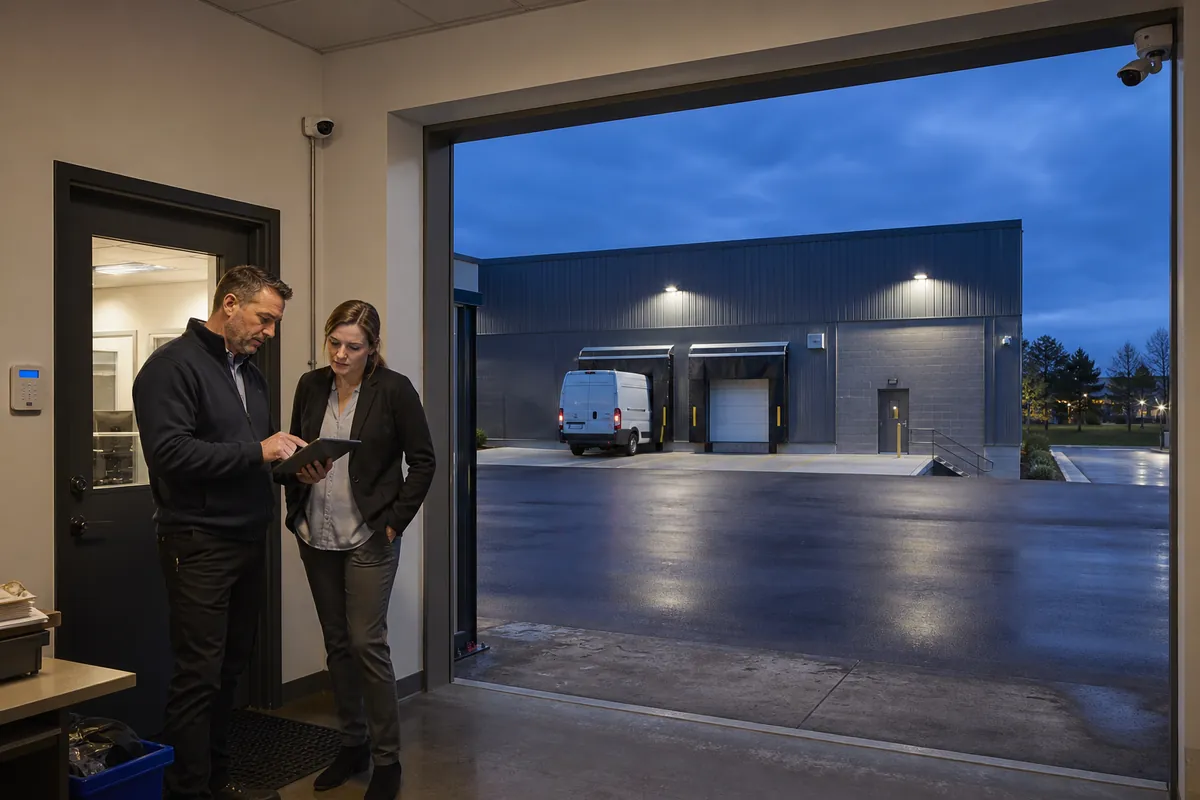
Video verification adds value when a monitoring operator can use event-linked images to make a better response decision within the available time. The strongest applications have a clear alarm source, a camera view that explains what happened, a defined operator action and a local response policy that accepts the resulting information.
Build the business case around decisions and evidence. Identify which alarm events currently cause uncertainty, measure their operating cost, test whether video resolves that uncertainty and document what the operator will do with each result. This framework helps business owners and operations leaders decide where to integrate video with a commercial alarm system and where another control provides better value.
1. Define the decision that video must improve
Event-linked verification usually begins when an intrusion sensor, camera analytic or other approved device creates an alarm. The monitoring workflow then presents a related video clip or view to an operator. The operator classifies the event and follows the site’s instructions.
Write the required decision in plain language for each alarm type:
- Probable intrusion: visible unauthorized entry, forced door activity or movement through a protected route supports escalation.
- Authorized activity: a known closing employee, cleaner or scheduled delivery follows an expected pattern, so the operator follows the approved contact or cancellation procedure.
- Environmental or animal trigger: the clip explains the activation and supports a maintenance ticket or cancellation.
- Inconclusive event: glare, occlusion, darkness, lost video or insufficient context prevents a reliable classification, so the operator uses the fallback procedure.
- Safety concern: a person appears injured or another defined condition is visible, so the operator follows the separate safety escalation instructions.
Avoid asking operators to infer identity, intent or criminality from ambiguous behaviour. Give them observable criteria and a response table. Video supports a decision when it reduces uncertainty that matters to the response.
2. Separate verification from continuous remote guarding
Video verification and remote guarding create different service expectations. Verification is generally event-led: a signal arrives, relevant video is reviewed and an established response procedure follows. Remote guarding may involve scheduled camera patrols, analytic detection, live intervention and wider operator access.
Define the purchased service precisely:
| Question | Event-linked verification | Broader remote guarding consideration |
|---|---|---|
| What starts operator work? | A specified alarm or analytic event | Event, schedule, virtual patrol or customer request |
| What can the operator view? | Defined event clip and permitted related views | Potentially more cameras and live context |
| What action follows? | Classify, notify, cancel or escalate under site instructions | May include talk-down, patrol or other contracted intervention |
| What must be measured? | Clip availability, decision quality and processing time | Detection, intervention, patrol completion and escalation outcomes |
| What is the privacy boundary? | Event-specific access and retention | Wider viewing authority requires additional governance |
This article focuses on event-linked alarm verification. Broader services need their own scope, staffing, privacy assessment, network design and acceptance tests.
3. Select zones where visual context can change the outcome
A camera creates business value when it can see the cause of a consequential alarm. Start with a map of alarm zones, current response decisions and camera coverage.
Good candidates often include:
- perimeter doors where a door contact or glass detection event can be seen;
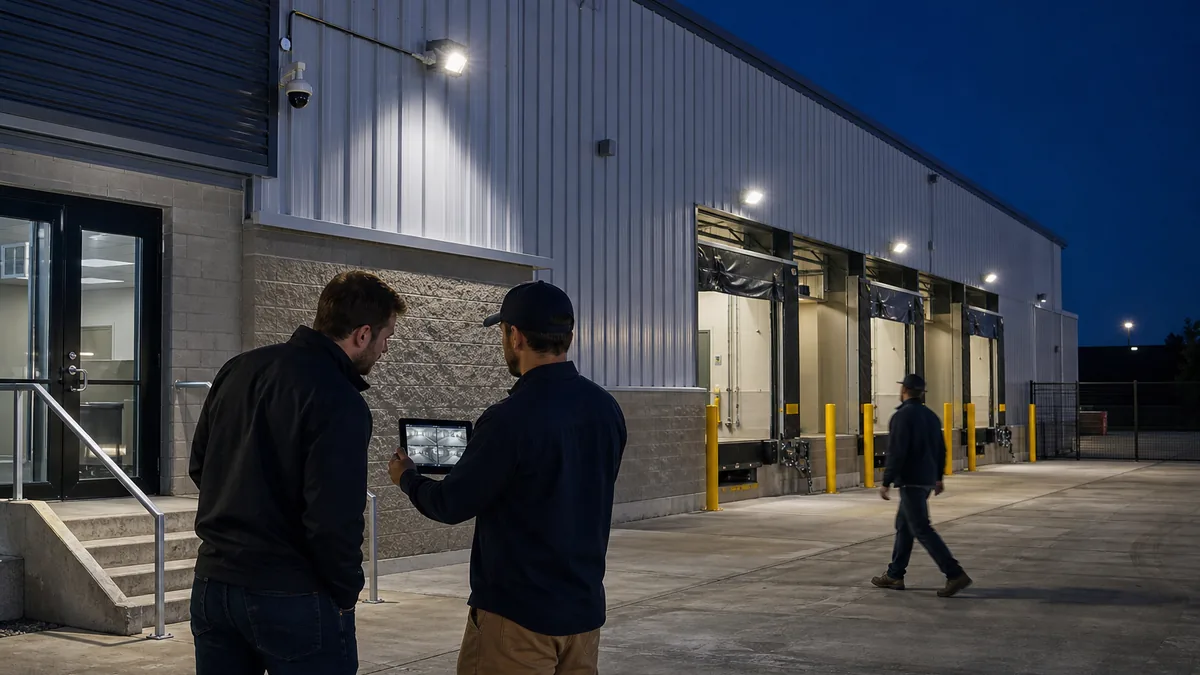
- loading docks and shipping offices after scheduled operations end;
- fenced yards, vehicle gates and outdoor storage areas with controlled detection zones;
- high-consequence interior routes where sequential movement matters;
- rooftop or service access points where maintenance activity causes uncertainty; and
- temporary project areas where site conditions and schedules change frequently.
Weak candidates include cameras facing away from the sensor, views blocked by inventory, scenes dominated by public traffic, reflective glass at night, areas with insufficient lighting and locations with heightened privacy expectations. A wide general view can miss the detail required to connect a person or action to the alarm source. A narrow view can lose the sequence that gives the event meaning.
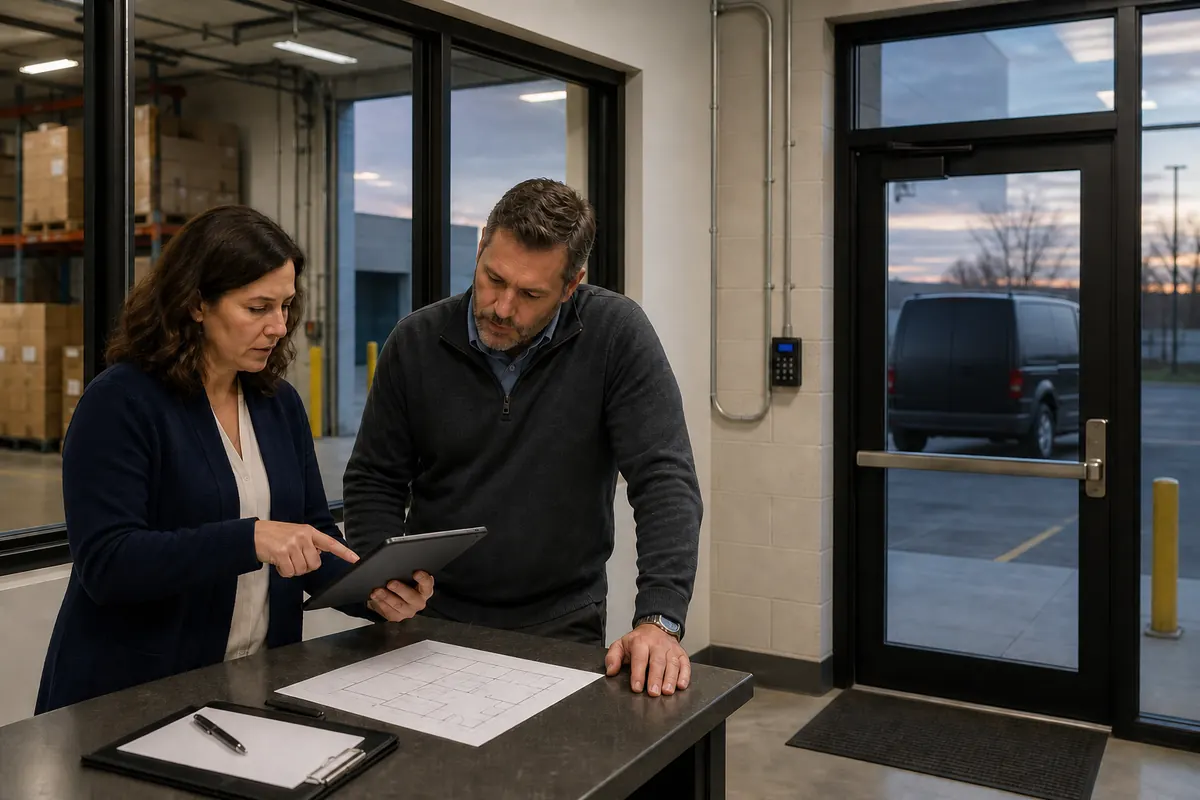
Create a zone-to-camera matrix containing the alarm point, associated camera, expected pre-event context, required post-event context, lighting condition, obstructions, privacy boundary and fallback. Each association needs a live acceptance test.
4. Use local response policy as an input, not a promise
Municipal police policies vary and can change. Hamilton Police Service’s current Verified Alarm Response Program accepts audio, video, an on-scene witness or at least two distinct sensor activations that indicate suspected criminal activity. Its published policy says ordinary alarm signals require verification before police dispatch, while panic, hold-up and duress alarms are treated separately.
That Hamilton policy demonstrates a clear use for video evidence. It does not establish the rule for every Ontario municipality, guarantee dispatch or determine call priority. For each protected property, record:
- the current police service and published alarm policy;
- accepted verification methods and information the caller must provide;
- treatment of panic, duress and other special signals;
- false-alarm fees, suspension rules or registration requirements;
- guard, keyholder and police response options; and
- the date and source of the last policy confirmation.
Ask the monitoring provider to show how the current municipal rule appears in the operator instructions. Review that field at least annually and whenever a police service announces a policy change.
5. Confirm the monitoring service and equipment boundary
Video verification crosses several systems: sensor, alarm panel, recorder or camera, network, monitoring platform, signal receiving centre and operator interface. A reliable design assigns ownership and supervision to every link.
UL Solutions Canada’s current fire and security alarm certificate program overview states that managed video signal receiving centre services are addressed by CAN/ULC-S301:2018. The page also identifies CAN/ULC-S301:2018 and CAN/ULC-S302-14 for intrusion monitoring, installation, inspection and testing. It emphasizes that a provider’s ULC listing does not automatically make every customer system a certificated system; an active certificate issued and maintained for the individual system is required.
Ask the provider to identify:
- the monitoring centre, service category and certificate status that apply to the site;
- which device creates the primary alarm and which system attaches the video;
- whether pre-event video is buffered locally;
- the supported camera, recorder, communicator and software versions;
- supervision for camera health, storage, network path and time synchronization;
- encryption and authentication across remote connections;
- operator permissions for clips and live views;
- retention and export rules for alarm media and operator actions; and
- ownership of maintenance when alarm and video vendors differ.
Manufacturer workflows differ. Johnson Controls’ Canadian visual alarm verification description gives one current example: its service sends a pre-event and post-event clip to the monitoring centre, can send the event to designated customer contacts and applies agreed operating procedures if the customer does not respond within the stated workflow. Treat these details as an example of one commercial service. Require the bidder to document the exact workflow being proposed.
Compatibility also depends on exact software and hardware versions. Digital Monitoring Products’ current camera driver specification shows different capabilities across three integration paths, including differences in local panel communication, cloud dependence, live view, event clips and monitoring-centre verification. Its Axis driver compatibility is restricted to listed system-on-chip and firmware ranges. This product example reinforces the need for a version-specific integration schedule and bench test.
6. Build the business case from avoidable operating work
Use twelve months of site records where available. Keep observed facts separate from assumptions. Build one line per alarm event and capture:
- zone, time, arming state and event sequence;
- cause, if confirmed;
- operator handling and keyholder calls;
- manager or guard attendance time;
- police dispatch, cancellation and any fee;
- technician visit and corrective work;
- operational interruption; and
- whether an existing camera view could have produced a reliable decision.
Calculate the current annual burden using the organization’s actual costs:
Current burden = after-hours manager time + guard callouts + avoidable site travel + false-alarm charges + investigation labour + repeat maintenance caused by poor diagnosis.
Then model verification conservatively:
Expected annual value = avoidable burden addressed by usable video + value of improved incident information − monitoring fees − connectivity and storage − equipment and installation − maintenance − privacy and governance work.
Do not count every alarm as a saving. Apply three filters: the event must occur in a covered zone, the video must be available and usable, and the operator must be authorized to change the response based on it. Exclude speculative insurance discounts unless the insurer confirms them in writing for the proposed service.
7. Measure whether clips are operationally useful
Image resolution alone cannot establish verification quality. Test the complete scene in its worst realistic conditions.
For every pilot zone, stage representative events:
- an authorized person enters during an allowed period;
- an unauthorized test person approaches and crosses the protected boundary;
- a person moves in the opposite direction from the expected route;
- a vehicle, animal, moving material or weather condition creates nuisance activity;
- the subject is partly occluded by stock, a door or a parked vehicle;
- lighting changes from daytime to darkness and exterior lights activate;
- the alarm arrives while video bandwidth is constrained; and
- the camera, recorder or network path becomes unavailable.
Have trained operators classify the clips without being told the expected answer. Record clip arrival, pre-event context, post-event context, image usability, decision, confidence, processing time and action. An inconclusive classification is a valid result and should trigger the documented fallback.
Useful pilot measures include:
- percentage of eligible alarms with the correct associated clip;
- percentage of clips available within the service target;
- percentage operators classify correctly against the test script;
- percentage of events marked inconclusive;
- false escalations and missed escalations;
- median and high-percentile operator processing time;
- camera or communication faults detected by supervision; and
- time to reconcile alarms, clips and operator records.
Set acceptance thresholds before the pilot. A vendor demonstration with ideal lighting provides limited evidence about the live site.
8. Plan the operator decision tree and fallback
Write a response matrix for each alarm class. It should specify the video the operator may view, observable classification criteria, contacts, maximum wait, escalation route and fallback.
Test these failure modes:
- alarm signal arrives without video;
- video arrives without the matching alarm or with the wrong zone label;
- clip begins after the relevant action;
- camera time and panel time disagree;
- customer contact is unreachable;
- multiple sites report events at once;
- the person remains outside the camera view;
- the clip shows an employee violating a procedure;
- live view fails after a useful event clip arrives; and
- the event is visible but does not fit any approved classification.
The fallback may use sequential sensors, audio where lawfully and appropriately deployed, a guard, an on-site witness or the existing keyholder procedure. The choice depends on local policy, risk and contract. Preserve the original intrusion alarm workflow until the verification pilot proves that the new process performs reliably.
9. Define privacy boundaries before remote viewing
Video transmitted to a monitoring provider can contain identifiable employees, customers, neighbours, drivers and visitors. The Office of the Privacy Commissioner of Canada’s overt video surveillance guidelines recommend a defined business purpose, limited camera range, notice, restricted access, secure storage, limited retention, operator training and periodic evaluation. The guidance applies to overt surveillance of the public by private-sector organizations and excludes employee surveillance from its stated scope, so organizations must assess their own circumstances and governing law.
Before enabling verification, document:
- the specific event types and hours for remote access;
- which cameras and related views an operator may open;
- whether audio is collected and why it is necessary;
- notice and contact information for people entering monitored areas;
- operator and customer roles that can view, export or disclose clips;
- retention for ordinary events, incidents and audit logs;
- processing location, subcontractors and cross-border transfers;
- access-request, breach and secure deletion procedures; and
- a review date for continued necessity and effectiveness.
Mask areas outside the security purpose where the platform supports it. Keep verification cameras away from washrooms, change areas and other locations with heightened privacy expectations. Use event-specific access to reduce unnecessary live viewing.
10. Use a controlled pilot and a go-forward decision
Select a contained group of consequential, visually verifiable zones. Run the pilot long enough to include normal closing, deliveries, weather, darkness and realistic nuisance conditions. Maintain the existing response path as the approved fallback.
At the end, compare results with the pre-approved decision criteria:
- Did usable video arrive for the required alarm events?
- Did operators reach consistent decisions within the target time?
- Which events remained inconclusive, and why?
- Did the workflow reduce avoidable callouts or improve incident information?
- Were camera, network and time-sync failures detected promptly?
- Did privacy controls and retention operate as documented?
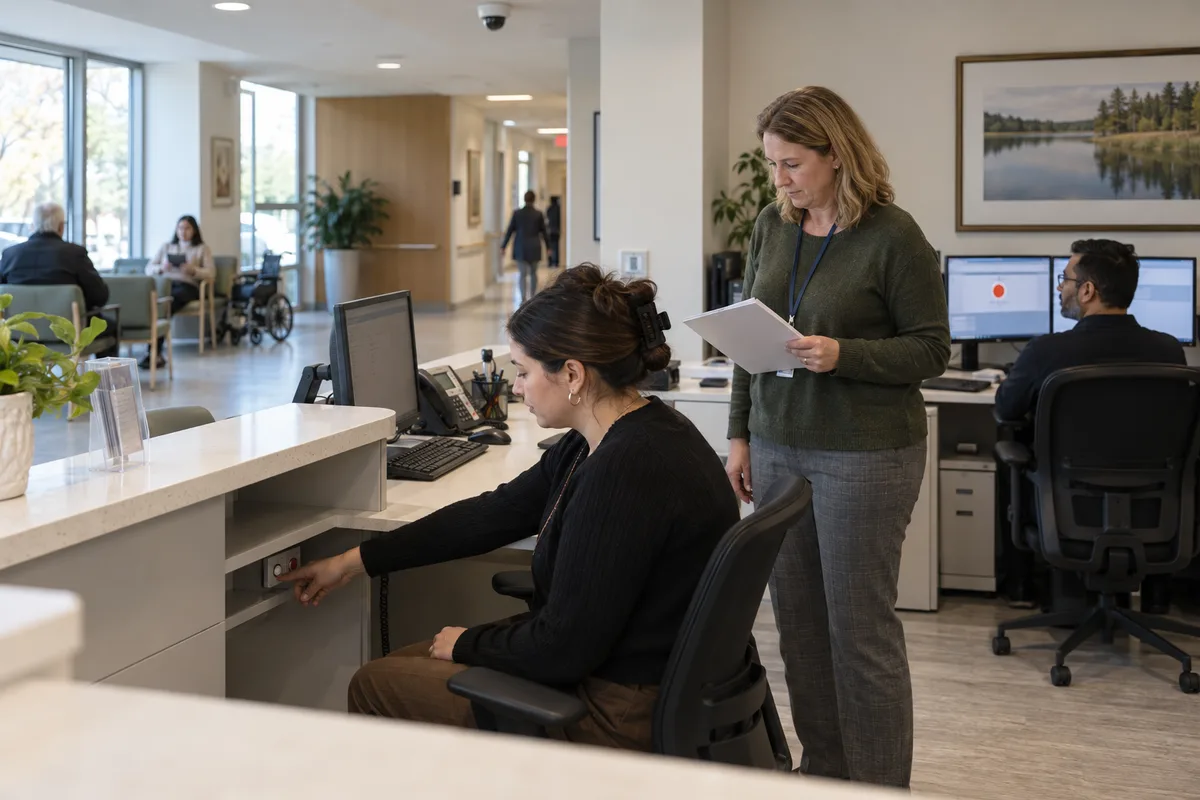
- Can reception, operations, security, IT and the monitoring provider explain their responsibilities?
- Does measured annual value support the full operating cost?
Expand only the zone types that passed. Correct or remove weak associations. A smaller verified footprint with reliable views can provide more decision value than broad coverage that sends ambiguous clips.
Questions to ask vendors
- Which exact alarm event creates each video request, and how is the zone association maintained?
- How much pre-event and post-event context reaches the operator under the proposed configuration?
- What happens when the camera, recorder, network or customer contact is unavailable?
- Which monitoring centre and ULC service or certificate status apply to this individual site?
- How are camera health, storage, time synchronization and communication paths supervised?
- Which local police alarm policy is encoded in the site instructions, and when was it last confirmed?
- What operator classifications are permitted, and what evidence supports each action?
- Who can view live video, export clips or change retention?
- How will the pilot measure correct classifications, inconclusive events and processing time?
- What configurations, records and media can the customer retrieve when the contract ends?
A defensible verification project connects a usable camera view to a defined alarm decision and a tested response. Businesses planning or upgrading commercial security cameras can use this framework to prioritize the zones where video evidence will change real operating outcomes. Securitron Canada can help map alarm events, camera coverage, monitoring responsibilities and pilot acceptance criteria into a practical scope.
Frequently Asked Questions
No. Police policy, call priority, available resources, the quality of the verification and the reported circumstances all affect response. Video can give a monitoring operator better information, while the relevant police service retains control of dispatch and priority.
No. Start with zones where a usable event clip can change a response decision, such as perimeter doors, loading areas, yards and high-consequence interior routes. Privacy-sensitive areas, low-risk rooms and locations with poor visual conditions may require another verification method.
The operator needs enough pre-event and post-event context to understand the triggering condition, direction of travel and relevant activity. The exact clip length depends on the site, equipment and workflow. Test whether a trained operator can reach the required decision consistently within the service target.
Sometimes. Compatibility alone does not establish suitability. Confirm event association, pre-event recording, image quality, night performance, camera health supervision, secure transmission, operator access and the monitoring platform's supported integration.