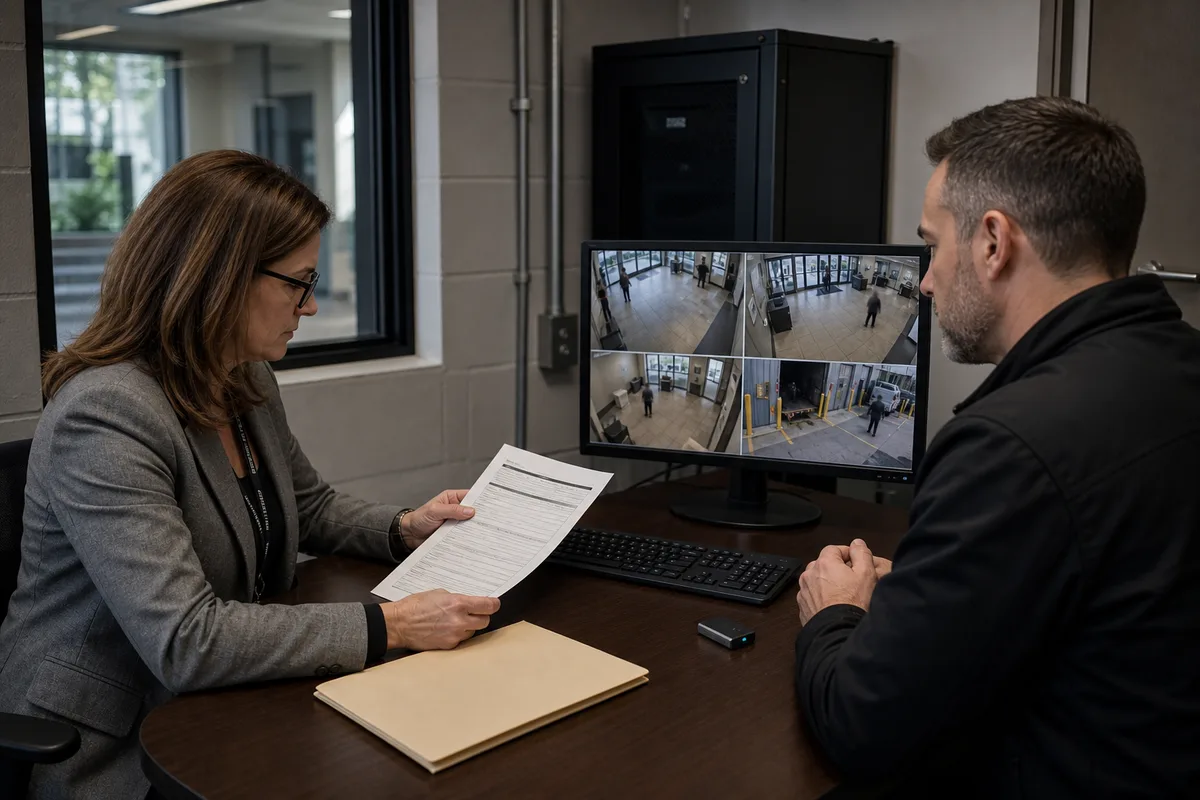
Privacy Questions Before Recording Audio with Security Systems
Decide whether security-system audio is necessary and governable using a privacy test, configuration controls, vendor questions and acceptance checks.
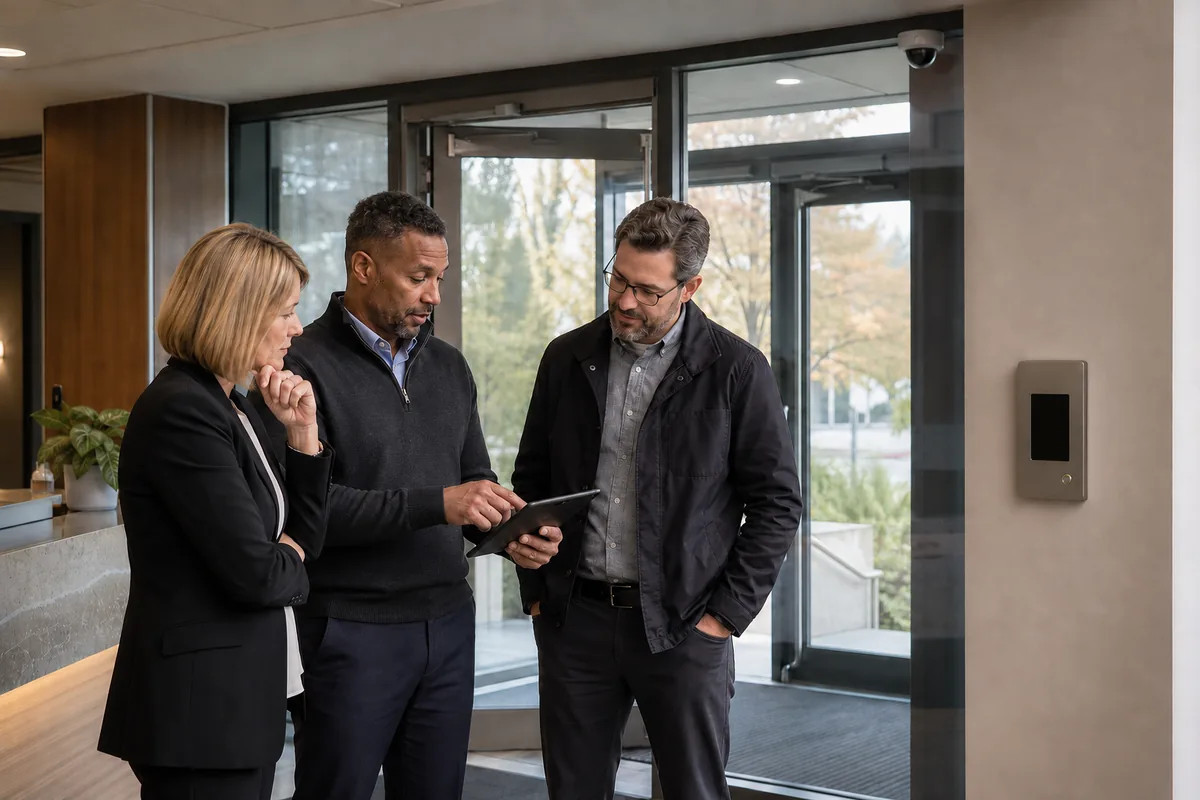
Customers usually want a security system that helps resolve an incident without creating a second problem. Audio can appear useful because a camera or intercom already contains a microphone. The practical starting point is to leave audio disabled until the organization can show exactly what sound is needed, why a less intrusive source will not answer the question, which legal basis applies, who may listen, how people will be informed and when the recording will be deleted.
That decision protects the result the customer actually wants: usable security evidence, trusted operations and a system the organization can explain. It also avoids collecting employee, visitor or customer conversations that have no connection to the security purpose. This guide provides a go, limit or stop framework for Canadian commercial settings. It is operational guidance, not legal advice. Privacy, employment, labour, residential, health, public-sector and other rules can change the answer.
Start with the incident question, not the microphone
Approve audio only when it answers a defined incident question that video, access events, alarm inputs or a live intercom cannot answer with comparable effectiveness.
Write the need as a short testable statement. For example, a facility may want an authorized receptionist to speak with an after-hours visitor at a locked entrance. That purpose points toward visitor-initiated, two-way communication. It does not automatically justify continuous listening or storing every conversation near the door.
Use this first decision record:
| Decision field | What the customer should document |
|---|---|
| Operational event | The specific event or workflow that needs sound |
| Question to answer | What audio would establish that another source cannot |
| People affected | Employees, visitors, tenants, contractors, customers and bystanders |
| Audio mode | Live conversation, live listening, sound detection, event clip or continuous recording |
| Alternative evidence | Video, access logs, alarm events, duress input, call records or staff procedure |
| Expected benefit | The decision or response that improves when sound is available |
| Privacy consequence | Conversations and contextual information that may also be captured |
| Approval test | The evidence required before audio can be enabled |
The Office of the Privacy Commissioner of Canada says in its private-sector overt video-surveillance guidelines that sound should not be recorded without a specific need. The same guidance recommends less intrusive alternatives, limited collection, clear purpose, restricted access, secure destruction and periodic review. It applies to overt surveillance of the public in publicly accessible private-sector areas and expressly excludes employee surveillance, so workplace decisions require additional analysis.
Separate the audio modes before assessing risk
Treat listening, talking, detecting and recording as separate features. Product descriptions often group them under labels such as “audio,” “built-in microphone” or “two-way audio,” even though the information flow and customer consequence differ.
| Audio mode | Customer use | Questions that must be answered |
|---|---|---|
| Visitor-initiated intercom | Speak with a person requesting entry | Does the session start visibly? Is either side stored? Can the operator listen outside an active call? |
| Live listening | Hear a location remotely | Who can activate it, when, for which event and with what visible notice or audit trail? |
| Sound detection | Trigger an alert from level or classified sound | Does the device process voices, send clips, retain samples or expose audio to a cloud service? |
| Event-triggered recording | Store sound around a defined alarm or event | What starts and stops the clip? What unrelated conversation enters the pre-event buffer? |
| Continuous recording | Store an ongoing audio track | What evidence proves this broad collection is necessary and proportionate? Who can search or export it? |
Ask the supplier to draw the complete path from microphone to deletion. Include on-device processing, recorder streams, cloud relays, mobile applications, notification clips, exports, backups and vendor support access. A microphone disabled in one interface may remain enabled in another stream or device profile.
The customer also needs a precise answer about retention. “Audio is only used for alerts” is incomplete if the cloud service stores a clip, a mobile phone caches playback or an exported video contains an audio track. Request configuration evidence and test the real system rather than relying on a feature brochure.
Apply a go, limit or stop decision
The strongest proposal gives the customer a narrower choice than simply on or off. Use four questions: Is the collection necessary for a legitimate need? Is it likely to be effective? Is there a comparably effective, less privacy-invasive option? Is the privacy loss proportionate to the benefit?
The OPC applied those factors in its 2022 finding about an audio and video system in commercial truck cabs. The regulator accepted important safety and asset-protection purposes, yet found the implementation disproportionately intrusive when audio remained active while drivers were off duty and was available to more users than needed. The resulting changes limited microphone operation and access. That finding concerned a federally regulated employer and a specific vehicle system. It offers a useful design lesson, not a universal ruling for every Ontario workplace.
Record one of three outcomes for each proposed use:
- Go with controls: evidence supports the purpose and the approved mode is limited by location, time, trigger, access and retention.
- Limit and pilot: potential value exists, but effectiveness or impact remains uncertain. Run a defined pilot with synthetic or controlled test audio, a shutdown date and a review owner.
- Stop: the need is vague, the system cannot isolate the intended event, a less intrusive control works, the legal basis is unresolved or the privacy impact exceeds the expected benefit.
Customer consequences belong in this assessment. Leaving a legitimate entry or duress workflow unresolved can delay response or leave an investigation without needed context. Enabling broad audio without discipline can capture sensitive conversations, undermine employee and visitor trust, create complaints, expand breach impact and make an otherwise useful security program harder to defend. The expert role is to show both exposures and design the narrowest effective response.
Do not reduce the legal review to “one-party consent”
The phrase “Canada has one-party consent” does not complete a business surveillance analysis. Section 184 of the Criminal Code addresses knowing interception of a private communication and includes a saving provision where the interceptor has express or implied consent from the originator or intended recipient. Whether a captured exchange is a private communication, who is intercepting it, whether valid consent exists and how other laws apply are context-specific legal questions.
A property owner or remote system user is not automatically a participant in every conversation within microphone range. A sign also cannot answer every element of the analysis. Before approval, counsel should review the proposed location, participants, workflow, operating mode, purpose, notice or consent approach, system access, sector and employment context.
For personal information governed by Canadian private-sector privacy law, consent is another distinct issue. The federal, Alberta and British Columbia privacy regulators’ meaningful-consent guidance says people should understand what information is collected, the purposes, sharing and meaningful consequences. It also explains that the appropriate form of consent depends on sensitivity, reasonable expectations and risk. Organizations must identify the law that actually governs their activity and should not copy a consent approach from another province or sector.
Ontario public institutions have their own statutory framework. The Information and Privacy Commissioner of Ontario’s video-surveillance guidelines address whether surveillance is appropriate and how institutions manage notice, retention, access and disclosure. The IPC states that portions are under review following 2026 amendments to FIPPA and MFIPPA. Private businesses cannot treat this public-sector guidance as their governing rule, though its documented-governance discipline is useful.
Design the system around the approved boundary
Translate the legal and privacy decision into settings that installers and operators can verify. A policy saying “no audio” provides little protection if microphones remain active on camera profiles and every supervisor can listen through a mobile application.
For an approved audio use, define:
- exact device, zone and acoustic reach;
- operating time, start event and stop event;
- whether live listening, recording, pre-event buffering and exports are permitted;
- recorder and cloud stream settings;
- retention and automatic deletion;
- roles for listening, playback, export and administration;
- approved purposes and prohibited secondary uses;
- notice, enquiry and complaint routes;
- incident preservation and disclosure approvals;
- vendor remote access and support procedure; and
- review triggers after complaints, changes or incidents.
Reduce incidental collection physically as well as digitally. Move an intercom away from workstations or waiting areas, use push-to-call operation, limit pickup gain where supported and avoid microphones near meeting rooms, staff break areas, consultation spaces or adjacent tenants. Confirm that acoustic coverage matches the approved conversation, since a camera’s visual field does not define its microphone range.
If audio is rejected, disable it at each layer and remove the permission from ordinary roles. Where feasible, choose hardware without a microphone or use a documented physical disconnection. Record the device model, firmware, configuration version and evidence date so later service work can restore the approved baseline.
Ask procurement questions that expose weak proposals
Customers should require factual answers before a supplier prices or enables audio. These questions distinguish a governed security design from a convenient default:
- Which exact customer problem requires sound, and what decision changes because of it?
- Which alternatives were tested, and why were video, access events, alarm inputs or a live intercom insufficient?
- Is the microphone built in, optional, externally connected or physically removable?
- Which modes are supported: listen, talk, detect, buffer, record, export and cloud processing?
- What is enabled by default at the device, recorder, cloud portal and mobile application?
- Can each audio permission be separated from video permissions and enforced by role?
- What starts and stops collection, and can the boundary be demonstrated?
- Does an export include audio by default, and can that choice be restricted and logged?
- Where is audio processed and stored, including backups, notification clips and support systems?
- How will firmware updates, profile imports and replacement devices preserve the approved setting?
- What audit records show listening, playback, export, configuration changes and deletion?
- What evidence will the supplier provide at acceptance and after service?
Avoid a proposal that treats the presence of a microphone as proof of business value. Ask for an operational scenario, data-flow diagram, legal-review responsibility, configuration schedule and acceptance case. The customer should own the final purpose and access decisions.
Prove the approved state before activation
Acceptance testing must establish what the deployed system does. Use authorized participants and a scripted test phrase with no real customer or employee information.
For an audio-disabled system:
- Inspect device, stream, recorder, cloud and mobile settings.
- Speak the test phrase within the expected pickup area.
- Check live view, playback, alert clips, downloads and exported files for an audio channel.
- Confirm that ordinary users cannot enable listening or recording.
- Review configuration-change and access logs.
- Restart devices and services, then repeat the test.
For an approved visitor intercom or event-triggered use, test the start and stop boundary, notice, intelligibility, operator permissions, recording state, retention, export behaviour and audit trail. Also test outside the authorized event. A visitor call that ends should not leave an operator able to listen indefinitely if the approved design prohibits that.
Capture screenshots or configuration exports, device and firmware identifiers, test steps, results, witnesses, deficiencies and retest evidence. Treat a silent playback result as one observation. It does not prove a microphone cannot be enabled later or that another stream is not collecting sound.
Connect these checks to the organization’s broader Ontario video-surveillance privacy program so purposes, notices, access, retention and complaints stay aligned. For new or upgraded commercial security cameras, include audio status in the camera schedule, system drawings, role matrix and handover package.
Assign operating ownership after handover
The decision continues after installation. Name a business owner for the security purpose, a privacy or legal review owner, a system administrator, an incident approver and a records custodian. Separate routine technical administration from permission to listen to or export audio.
Review audio after a complaint, purpose change, camera move, firmware update, recorder replacement, cloud migration, new mobile application, role change or vendor service. Also set a periodic date to ask whether the original need still exists and whether a less intrusive method now works.
Track effectiveness without expanding surveillance. For a visitor intercom, measure whether authorized calls reach the right operator and support the entry workflow. For an event clip, evaluate whether the approved audio actually answered the incident question. If it adds no reliable value, turn it off and update the record.
The customer should be able to explain the complete decision in plain language: why audio exists, when it operates, who can use it, how long it remains and how the organization proves those limits. Securitron Canada can help map the workflow, specify the technical boundary and build acceptance tests for a privacy-aware security design, with the customer’s legal and privacy advisers deciding the applicable authority.
Frequently Asked Questions
The answer depends on what is captured, the context, applicable privacy and employment rules, consent or other authority, and the Criminal Code provisions on intercepting private communications. A camera owner's absence from a conversation makes a simple one-party-consent slogan unsafe as a business rule. Obtain qualified legal advice for the proposed use before enabling a microphone.
A sign can support transparency, but it does not by itself prove necessity, an appropriate purpose, valid consent, compliance with the Criminal Code or compliance with every applicable sector and workplace rule. The notice should accurately describe audio collection and direct questions to an accountable contact.
Disable audio by default unless the organization has approved a specific use after assessing necessity, effectiveness, alternatives, proportionality, legal authority, notice, access, retention and safeguards. Verify the setting at the camera, recorder, cloud service and mobile application.
No. A visitor-initiated, live conversation can have a narrower purpose and duration than an always-listening microphone or stored audio track. Each mode still needs its own legal, privacy and operational review, including whether audio is stored, who can listen and how participants are informed.
Check the approved device specification and every recording layer, use a test conversation with authorized participants, attempt playback and export, inspect event metadata and logs, verify user permissions, and save dated evidence. Repeat the test after firmware changes, recorder replacement, profile imports or vendor service.