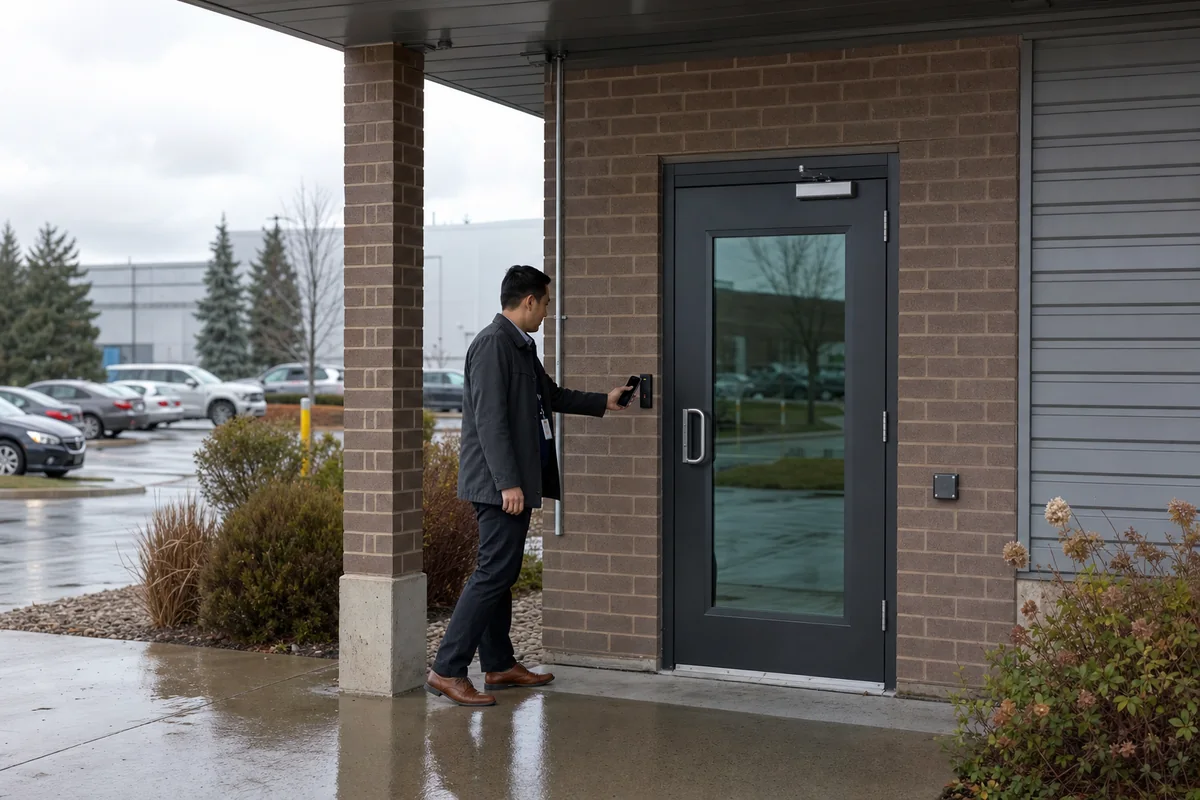
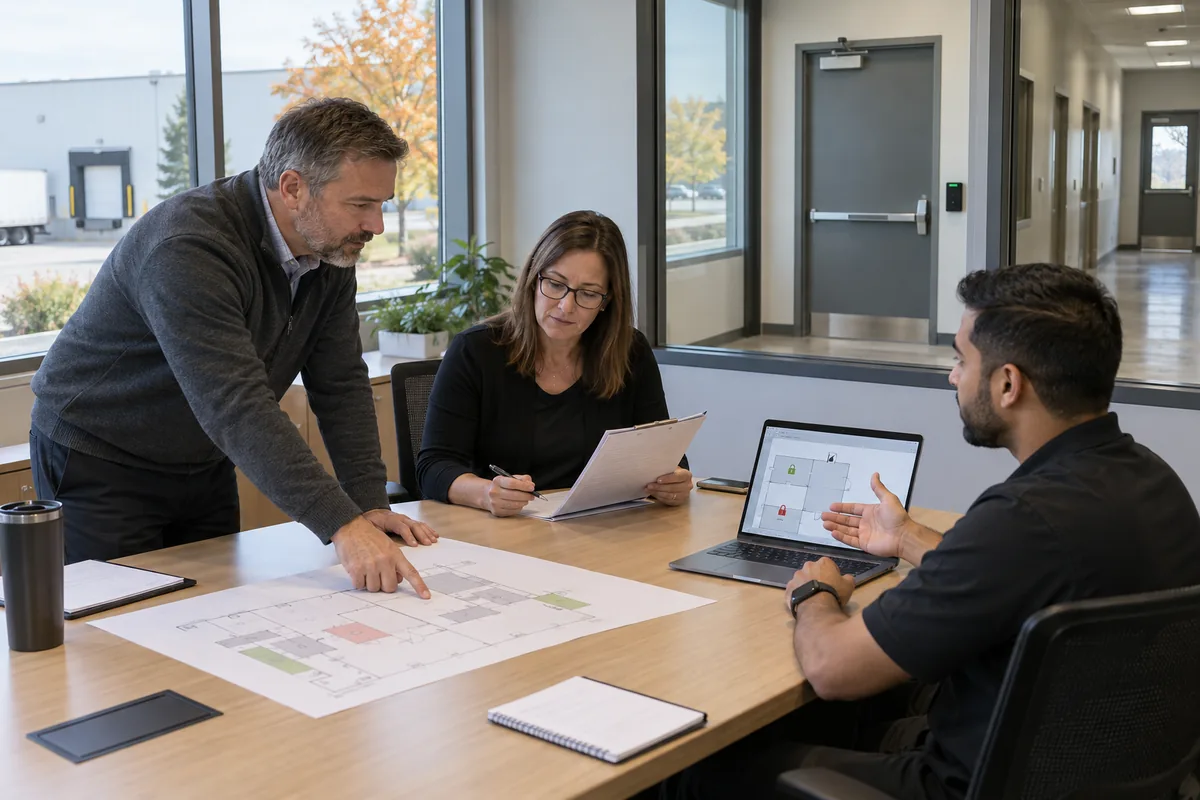
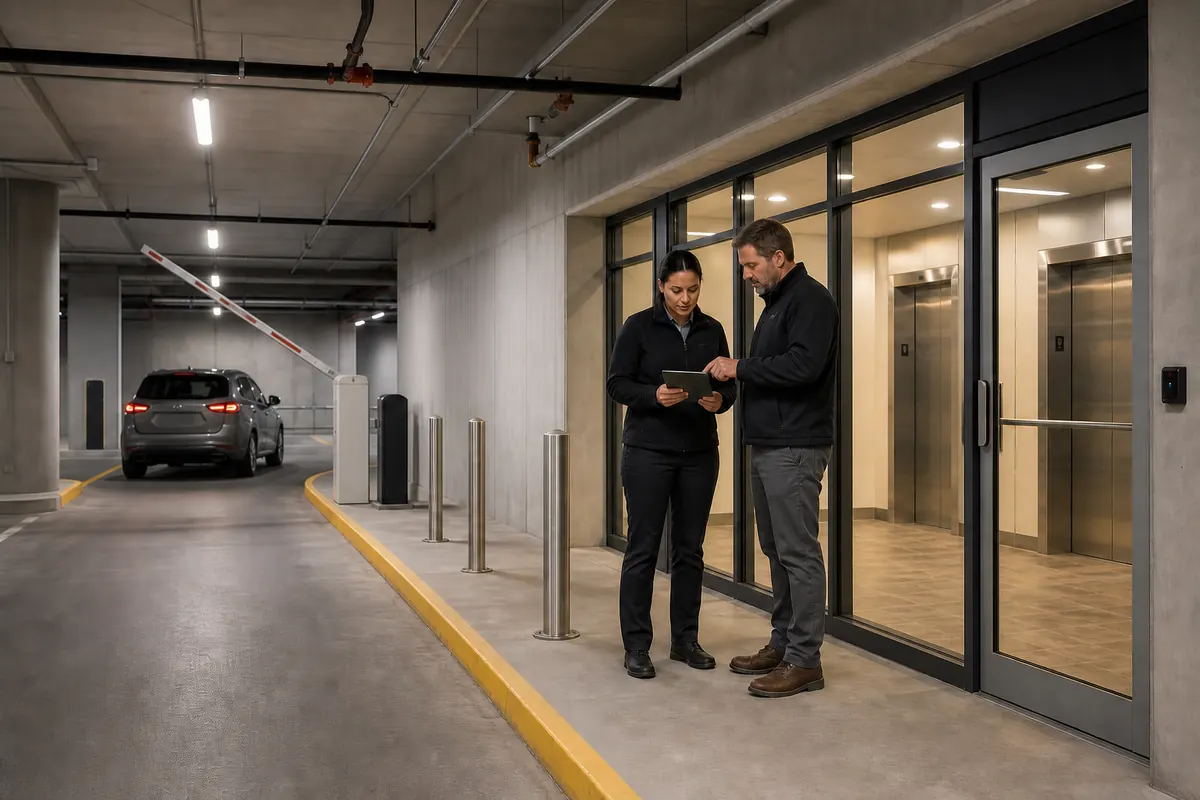
Access Control Systems: A Complete Guide for GTA Business Owners
Everything you need to know about access control systems for Toronto and GTA businesses. Compare keycard, biometric, and mobile access solutions.
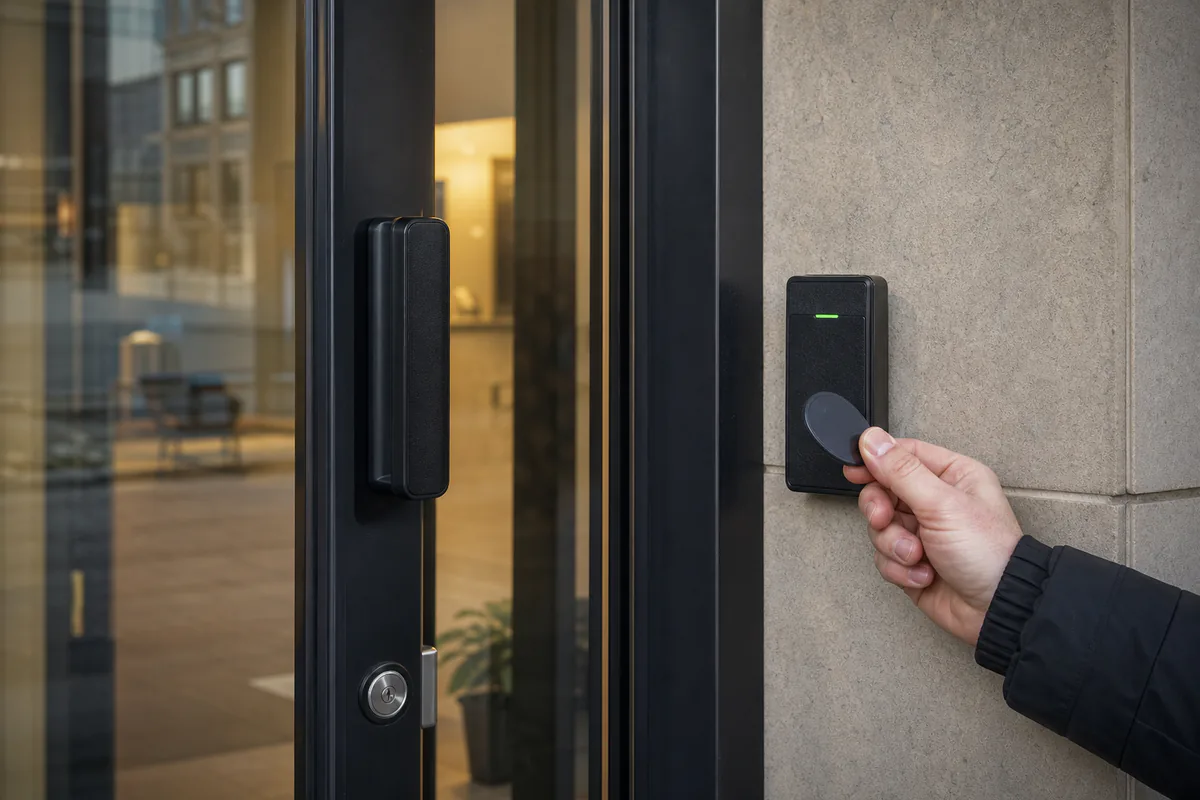
What is Access Control and Why Does Your GTA Business Need It?
Access control systems determine who can enter your business, which areas they can access, and when. For GTA businesses, from downtown Toronto office buildings to Hamilton industrial facilities, access control has become essential for security, compliance, and operational efficiency.
Gone are the days when a simple lock and key provided adequate security. Modern businesses face challenges that traditional locks can’t address: lost keys that require expensive rekeying, no record of who enters or when, inability to revoke access quickly, and no integration with other security systems.
Access control solves these problems while providing valuable insights into how your facility is used.
Types of Access Control Credentials
Keycard and Fob Systems
The most common access control method for GTA businesses:
Proximity Cards (Prox Cards)
- Wave near reader to unlock
- Inexpensive and easy to use
- Low security—can be cloned with cheap equipment
- Best for low-risk applications
Smart Cards
- Encrypted communication with reader
- Cannot be easily cloned
- Higher security for sensitive areas
- Slightly more expensive than prox cards
Key Fobs
- Convenient keychain attachment
- Same technology as cards
- Popular with employees who don’t want another card
Biometric Access Control
Uses unique physical characteristics for identification:
Fingerprint Scanners
- Fast and convenient
- Can’t be lost or forgotten
- Works well for most GTA businesses
- Some resistance from employees
Facial Recognition
- Touchless operation (ideal post-pandemic)
- Works well in good lighting
- Can be fooled by photos (basic systems)
- Premium systems use 3D mapping
Iris/Retina Scanners
- Highest security level
- Expensive to implement
- Used for high-security areas
- Not practical for most applications
Hand Geometry
- Measures hand dimensions
- Works well in dirty environments
- Moderate security level
- Common in industrial settings
Mobile Access Credentials
The future of access control:
Smartphone Access
- Use phone as credential via Bluetooth or NFC
- Can’t be forgotten (who leaves without their phone?)
- Easily managed remotely
- Popular with younger workforce
Benefits of mobile access:
- No cards to produce or replace
- Remote credential management
- Temporary access easy to grant
- Integration with other apps
PIN/Keypad Entry
Simple but limited:
- No credential to carry or lose
- PINs can be shared (security risk)
- No audit trail of individual access
- Best combined with cards/biometrics (two-factor)
Access Control Reader Types
Proximity Readers
- Read distance of 2-6 inches
- Work through wallets and purses
- Standard for most applications
- Affordable and reliable
Long-Range Readers
- Read distance up to 30 feet
- Ideal for parking garages
- Hands-free entry for vehicles
- Higher cost than standard readers
Biometric Readers
- Fingerprint, facial, iris scanning
- No credential to lose
- Higher security
- More expensive hardware
Multi-Technology Readers
- Accept multiple credential types
- Card + PIN for two-factor authentication
- Flexibility during technology transitions
- Recommended for sensitive areas
Access Control System Architecture
Standalone Systems
Best for small GTA businesses with 1-3 doors:
How it works:
- Each door has its own controller
- Programming done at each unit
- No central management
- No network required
Pros:
- Lowest initial cost
- Simple installation
- No ongoing fees
Cons:
- Managing multiple doors is tedious
- Limited reporting capabilities
- No remote management
Networked/Centralized Systems
Ideal for medium to large businesses:
How it works:
- Central server manages all doors
- Controllers at each door connect via network
- Single interface for management
- Comprehensive reporting
Pros:
- Easy management of multiple doors
- Detailed access reports
- Integration with other systems
- Remote management capability
Cons:
- Higher initial cost
- Requires network infrastructure
- Server maintenance needed
Cloud-Based Systems
The modern choice for GTA businesses:
How it works:
- Controllers connect to cloud via internet
- Management through web browser
- No on-site server required
- Mobile app for administration
Pros:
- No server to maintain
- Access management from anywhere
- Automatic updates and backups
- Scalable and flexible
- Lower total cost of ownership
Cons:
- Monthly subscription fees
- Requires reliable internet
- Data stored off-site
For most Toronto and GTA businesses, we recommend cloud-based systems for their flexibility, lower maintenance, and remote management capabilities.
Key Features for Commercial Access Control
Time-Based Access Rules
Control when credentials work:
- Business hours only for employees
- Extended hours for managers
- Contractor access limited to specific dates
- Automatic lockout after hours
Zone Management
Different access levels for different areas:
- All employees: main entrance, break room
- Finance team: accounting office
- Management: executive suite
- IT: server room
Visitor Management
Professional handling of guests:
- Pre-registration for expected visitors
- Temporary credentials
- Sign-in/sign-out tracking
- Photo capture
- Host notification
Anti-Passback
Prevents credential sharing:
- Must exit before entering again
- Eliminates “tailgating” on single credential
- Ensures accurate occupancy counts
- Common in high-security environments
Integration Capabilities
Connect with other systems:
- Security cameras: capture photos at access events
- Alarms: auto-arm when last person exits
- Elevators: floor access control
- HVAC: trigger climate control
- Time and attendance: track hours worked
Access Control for Different GTA Business Types
Office Buildings
Toronto office buildings need:
- Main entrance access control
- Elevator floor restrictions
- Suite-level access for tenants
- Parking garage control
- After-hours scheduling
Retail Stores
GTA retail businesses benefit from:
- Back-of-house access control
- Stockroom protection
- Manager overrides for sensitive areas
- Time-based access for staff
- Integration with POS systems
Industrial and Warehouse
Hamilton and GTA industrial facilities require:
- Vehicle gate access
- Loading dock control
- Hazardous area restrictions
- Contractor management
- Integration with safety systems
Healthcare Facilities
Medical offices need:
- Patient privacy protection
- Medication storage access
- After-hours access for on-call staff
- Visitor tracking
- HIPAA-compliant audit trails
Cannabis Facilities
Ontario cannabis operations require (per AGCO):
- Strictly controlled access points
- Visitor escort requirements
- Detailed access logs
- Integration with video surveillance
- Background check verification
Planning Your Access Control Installation
Security Assessment
Before installation, evaluate:
- Current security vulnerabilities
- High-value areas requiring protection
- Employee access patterns
- Visitor frequency and management
- Future expansion plans
Door Hardware Considerations
Not all doors are created equal:
- Electric strikes: Allow door to open when signaled
- Magnetic locks: Strong holding force, fail-safe or fail-secure
- Electric mortise locks: Integrated lock and access control
- Electrified hardware: Existing locks modified for access control
Door types affect hardware selection:
- Wood doors
- Metal frames
- Glass doors (require special hardware)
- Fire-rated doors (maintain ratings)
- High-traffic entrances
Network Requirements
For networked and cloud systems:
- PoE (Power over Ethernet) switches recommended
- Dedicated VLAN for security
- Reliable internet for cloud systems
- Backup communication methods
Cost of Access Control Systems in the GTA
Per-Door Pricing
Typical installed costs:
| System Type | Per Door Cost | Best For |
|---|---|---|
| Standalone keypad | $800 - $1,500 | Single doors, low security |
| Networked prox card | $1,500 - $2,500 | Multi-door, office buildings |
| Biometric | $2,500 - $5,000 | High security areas |
| Mobile access | $1,500 - $3,000 | Modern offices, tech companies |
Credential Costs
- Proximity cards: $3-5 each
- Smart cards: $8-15 each
- Key fobs: $10-20 each
- Mobile credentials: Often included in subscription
Ongoing Costs
- Cloud subscriptions: $5-20 per door/month
- Maintenance: 10-15% of system cost annually
- Credential replacement: Budget for turnover
Why Choose Securitron Canada for Access Control
Implementing access control requires expertise in security, networking, and door hardware. Securitron Canada offers GTA businesses:
- Comprehensive assessments identifying all access points
- Custom system design based on your specific needs
- Professional installation minimizing business disruption
- Training for administrators and end users
- Integration with cameras, alarms, and other systems
- Ongoing support and maintenance programs
We serve businesses throughout Toronto, Mississauga, Brampton, Hamilton, Oakville, Burlington, and the entire Greater Toronto Area.
Secure Your Business with Modern Access Control
The right access control system protects your assets, improves accountability, and provides valuable insights into facility usage. Whether you need a simple single-door solution or a comprehensive multi-site system, Securitron Canada has the expertise to deliver.
Contact us today for a free security assessment. We’ll evaluate your GTA business, understand your access control challenges, and recommend a solution that meets your security needs and budget.
Frequently Asked Questions
For small Toronto businesses with 1-3 doors, we recommend cloud-based keycard or mobile access systems. These offer excellent security without complex infrastructure, typically costing $1,500-$3,500 installed. They allow easy credential management, activity tracking, and can scale as your business grows.
Access control system costs in the GTA range from $1,500 to $25,000+ depending on the number of doors, credential type, and features. A single-door keycard system starts around $1,500, while a multi-door biometric system with integration can exceed $20,000. Securitron Canada provides free assessments with detailed pricing.
Yes! Modern access control systems integrate seamlessly with security cameras, allowing you to see who's at the door before granting access and automatically recording entry events. Securitron Canada specializes in unified security solutions that combine access control, cameras, and alarms.
Proximity cards use basic RFID technology and can be easily cloned. Smart cards use encrypted communication and are much more secure. For GTA businesses concerned about credential security, we recommend encrypted smart cards or mobile credentials, which are virtually impossible to duplicate.
Yes, AGCO regulations require licensed cannabis facilities in Ontario to have robust access control systems. Specific requirements include restricted area controls, visitor management, and detailed access logs. Securitron Canada specializes in AGCO-compliant access control installations.